Getting Started with Replo
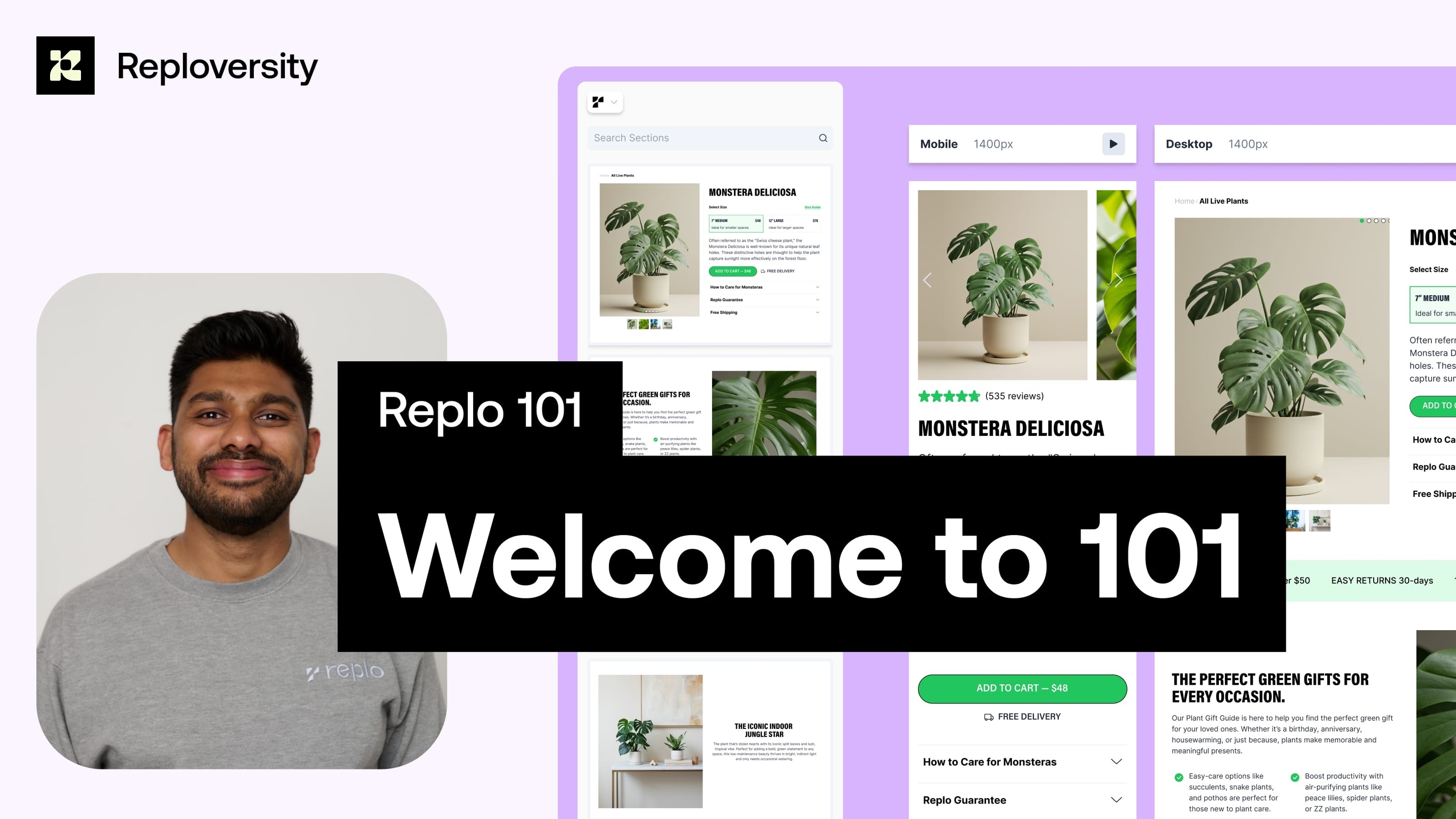
This is Part 1 of the Replo 101 series, where we introduce the Replo editor and show you how to build your first page step by step. Explore the dashboard, navigate the Replo editor, and understand essential tools like the properties panel, components library, and multi-device editing feature. By the end of this video, you’ll know how to create, customize, and publish a professional storefront page in just a few minutes.
Next Lesson
Your full-stack growth engine
From small brands to scaling teams, sell anything on the Internet with Replo.