Loox integration: photo reviews across your site
Show your Loox photo reviews on every page you build.
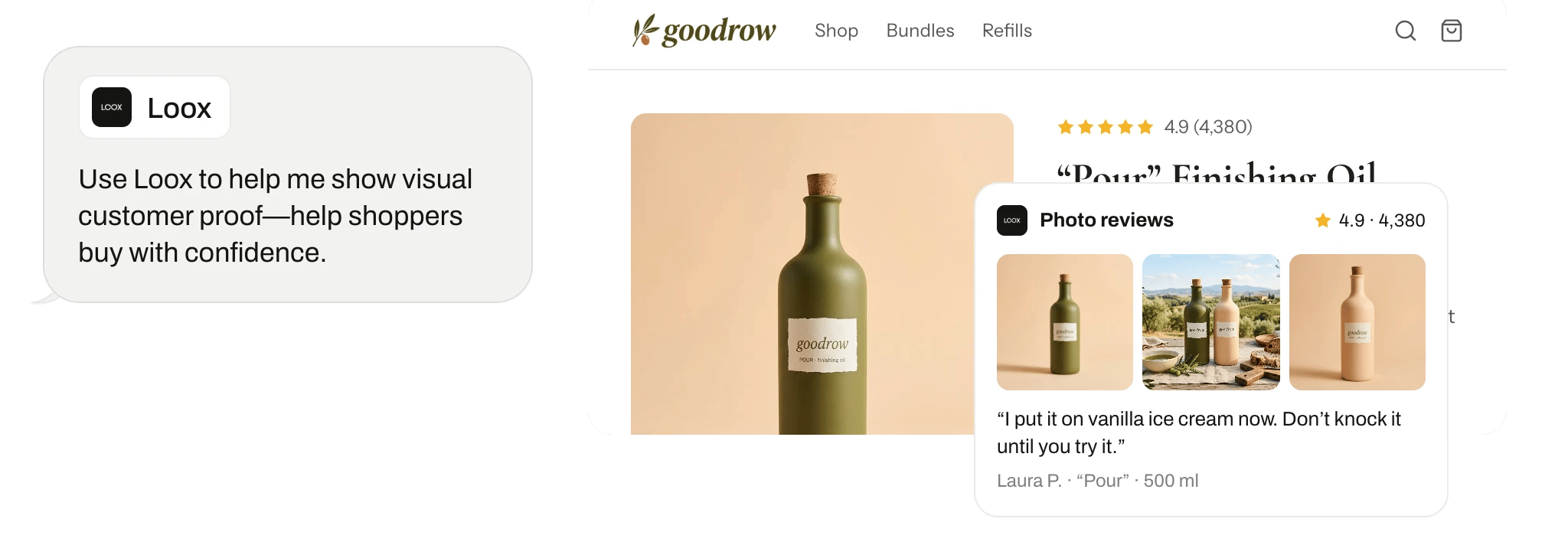
What Replo does with Loox
Replo reads your Loox reviews and customer photos, and shows them across your site, kept in sync.
Where it fits
Replo uses Loox when it builds your site.
Connect it
Open Integrations in your Replo workspace, choose Loox, and sign in to authorize it. Then pick which store or account Replo should use.
The connection is read-only: Replo can't change anything in Loox.
Start A/B tests
Replo splits your traffic between two versions of a page and tells you which one sells more.


Frequently asked questions
- Does Replo work with Loox?
- Yes. Open Integrations in your Replo workspace, choose Loox, and connect it. From then on, Replo reads your Loox reviews and customer photos, and shows them across your site, kept in sync.
- What does Replo read from Loox?
- Replo reads your Loox product and store reviews, including customer photos. It reads them through the Loox account you connect, and you pick which store or account it uses. That data shapes what Replo builds on your site.
- Can Replo change anything in Loox?
- No. The Loox connection is read-only, so Replo can't change anything in Loox. It uses what it reads to build and update your site, and Loox stays exactly as you set it up.
- Can't ChatGPT or Claude do this with Loox?
- Not on their own. A chatbot can summarize Loox data you paste in, but it can't build on it. Replo reads Loox directly, knows your brand and catalog, and turns what it finds into a hosted site with checkout that it measures. You can also use Replo from inside Claude and ChatGPT.