An AI analyst for your store
Ask about sales, traffic and ads in plain English. Replo answers in chat, then emails the report on your schedule.
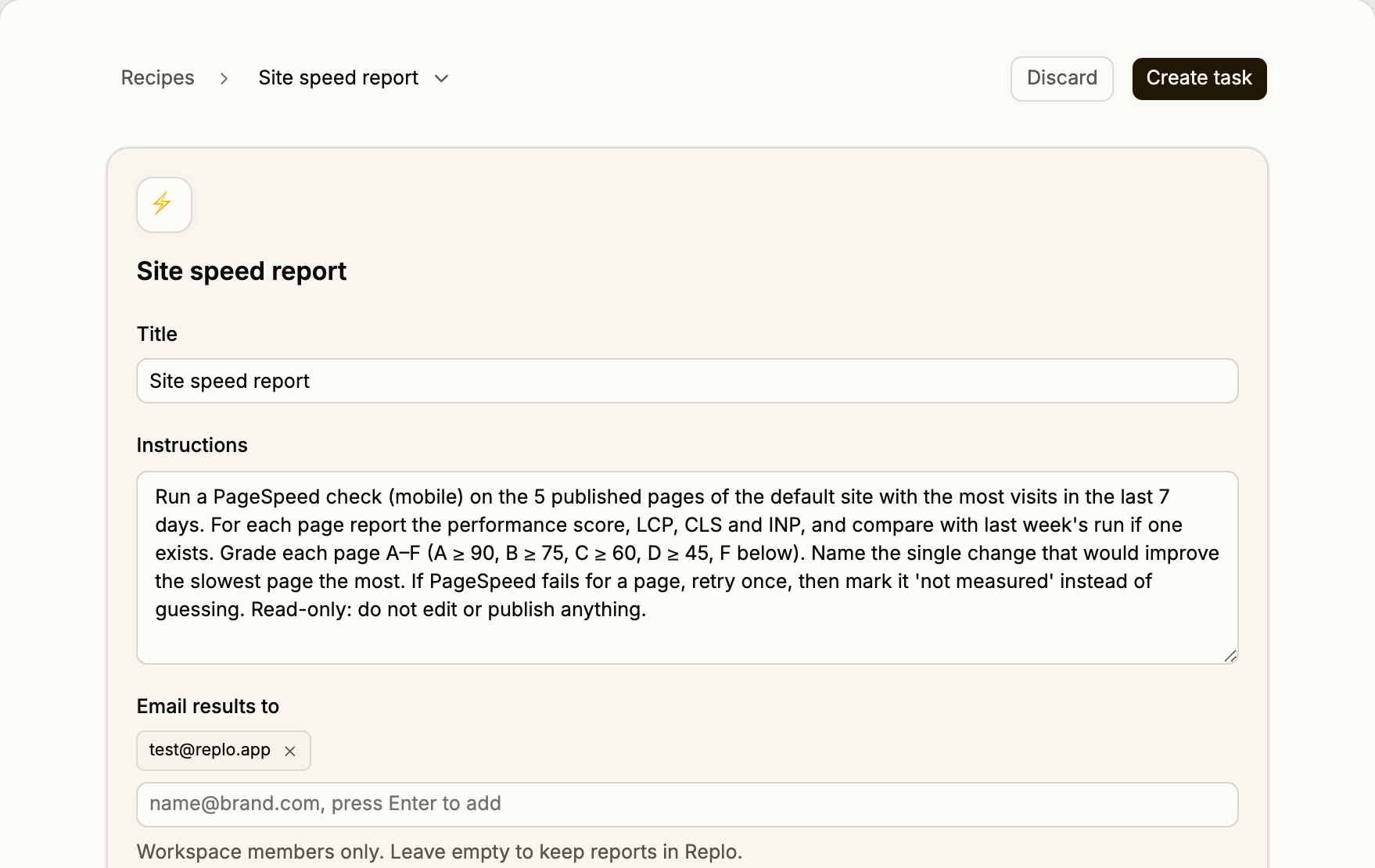
Ask it like you'd ask an analyst
One sentence gets an answer now. Add “every Monday” and it becomes a report.
“Which landing pages drove revenue in the last 30 days, by traffic source?”
“Every Monday at 9am, summarize last week's traffic, revenue and best pages.”
“Which ads spent over $150 this week with zero orders?”
“Which pages rank between 8 and 20 on Google, and what would move each?”
“What did my competitors launch on Meta this week?”
“Grade my site A to F on traffic, conversion, speed, SEO and tracking.”
Two reports, real numbers
Our own search numbers for replo.app and a live ad watch on a coffee brand, laid out the way the email reads.
Our Search Console, last 4 weeks vs the 4 before
Weekly search report: replo.app
- Impressions
- 92,000
- +25%
- Clicks
- 2,600
- −16%
- Non-brand impressions
- 27,000
- 2x
- Non-brand clicks
- About 90
- 3x
Close to page one
- “listicle”: position 6.8, about 1,500 impressions
- The “What is a PDP” post: position 7.6, about 3,400 impressions
- The funnel-stage posts: position 12-14, about 2,100 impressions
Next step: impressions grew while clicks fell, so rewrite the titles on posts sitting between positions 6 and 14.
Live Meta ads from Trade Coffee
Competitor ad watch: coffee
Trade Coffee: “Discover extraordinary coffees from America's best roasters, matched to you.”
A long-running carousel ad
See it in the Meta Ad LibraryTrade Coffee: “The best coffee in America is out there. Ready to taste your way through it? Start the Trade Discovery Trial”
A newer video ad
See it in the Meta Ad Library
Pattern to test: the newest ads open with a trial offer, not the product.
Reports that run themselves
Start from a ready-made report or write your own. Pick daily, weekdays, weekly or monthly.
Daily at 7 AM
Ad spend and ROAS
Yesterday's spend, revenue and ROAS by ad, with ads that spent and sold nothing flagged.
- Reads
- Meta Ads or Triple Whale, plus Replo sales
- Needs
- Meta Ads or Triple Whale
Mondays at 9 AM
Analytics report card
A letter grade for traffic, conversion, revenue, speed, SEO and tracking, with two fixes.
- Reads
- Replo analytics, Search Console if connected
- Needs
- A published site
Tuesdays at 9 AM
Search performance
Clicks, impressions and rankings, with the pages close to page one and one fix each.
- Reads
- Google Search Console
- Needs
- Google Search Console
Mondays at 8 AM
Competitor ad digest
Your competitors' newest Meta ads, with the creative and why each one matters.
- Reads
- Live Meta ads from brands like yours
- Needs
- Nothing
Weekly, any day
Weekly sales summary
Last week's sales against the week before, in your store's timezone.
- Reads
- Shopify total sales
- Needs
- Shopify, with reports access
Mondays at 10 AM
Email campaign recap
Every campaign from the week with opens, clicks and revenue, best and worst subject lines.
- Reads
- Klaviyo
- Needs
- Klaviyo
What your analyst reads
It answers from the data you connect. Here's what that covers today, and what it doesn't yet.
Reads today
- Visits, add-to-carts and sales on your Replo pages
- Shopify total sales for any date range
- Google Analytics 4 and Search Console
- Meta Ads and Google Ads spend and results
- Triple Whale, Klaviyo and review apps
- Competitors' live Meta ads
Doesn't read yet
Shopify order, product and customer detail; use Shopify's reports
Page views on Shopify-hosted pages, unless GA4 is connected
Delivery to Slack; scheduled reports arrive by email
Emails to people outside your workspace
Before you get started
An AI analyst answers questions about your data in plain English and writes up what changed. Replo's reads your store, site, ads and search data, and can repeat any question on a schedule as a report.
Visits and sales on your Replo pages, Shopify total sales, GA4, Search Console, Meta Ads, Google Ads, Triple Whale, Klaviyo, review apps, and your competitors' live Meta ads. Each source reads once it's connected to your project.
By email, to up to 10 people in your workspace, daily, on weekdays, weekly or monthly. Every run is also saved in Replo with the full chat behind it, so you can ask a follow-up question.
No. Shopify's reports go deeper on orders, products and customers. Replo adds your pages, ads, search and competitors to the picture, and sends the report without anyone logging in. For how it compares with Shopify's assistant, see Replo vs Shopify Sidekick.
Only if you paste them in. Replo reads your connected store, ads and search data directly, knows which pages are yours, runs the same question every week, and can act on the answer by building or fixing the page it points to.
Keep reading
Glossary
What is AOV (average order value)?
AOV (average order value) is the average amount a customer spends per order: revenue divided by number of orders.
Glossary
What is LTV (customer lifetime value)?
LTV (customer lifetime value) is the total revenue or profit you expect from one customer over the whole relationship.
Free tools
Customer Lifetime Value Calculator
What a customer is worth over the whole relationship.
Free tools
Customer Acquisition Cost Calculator
What it costs to win one new customer.
Compare
Replo vs Shopify Sidekick
What Sidekick does well, and the reports Replo emails on a schedule.
Compare
Triple Whale alternative
Use Triple Whale with Replo, or start with Replo's free analytics alone.