Store reports that send themselves
Pick a report or describe one. Replo pulls the numbers, writes what changed and emails your team on schedule.
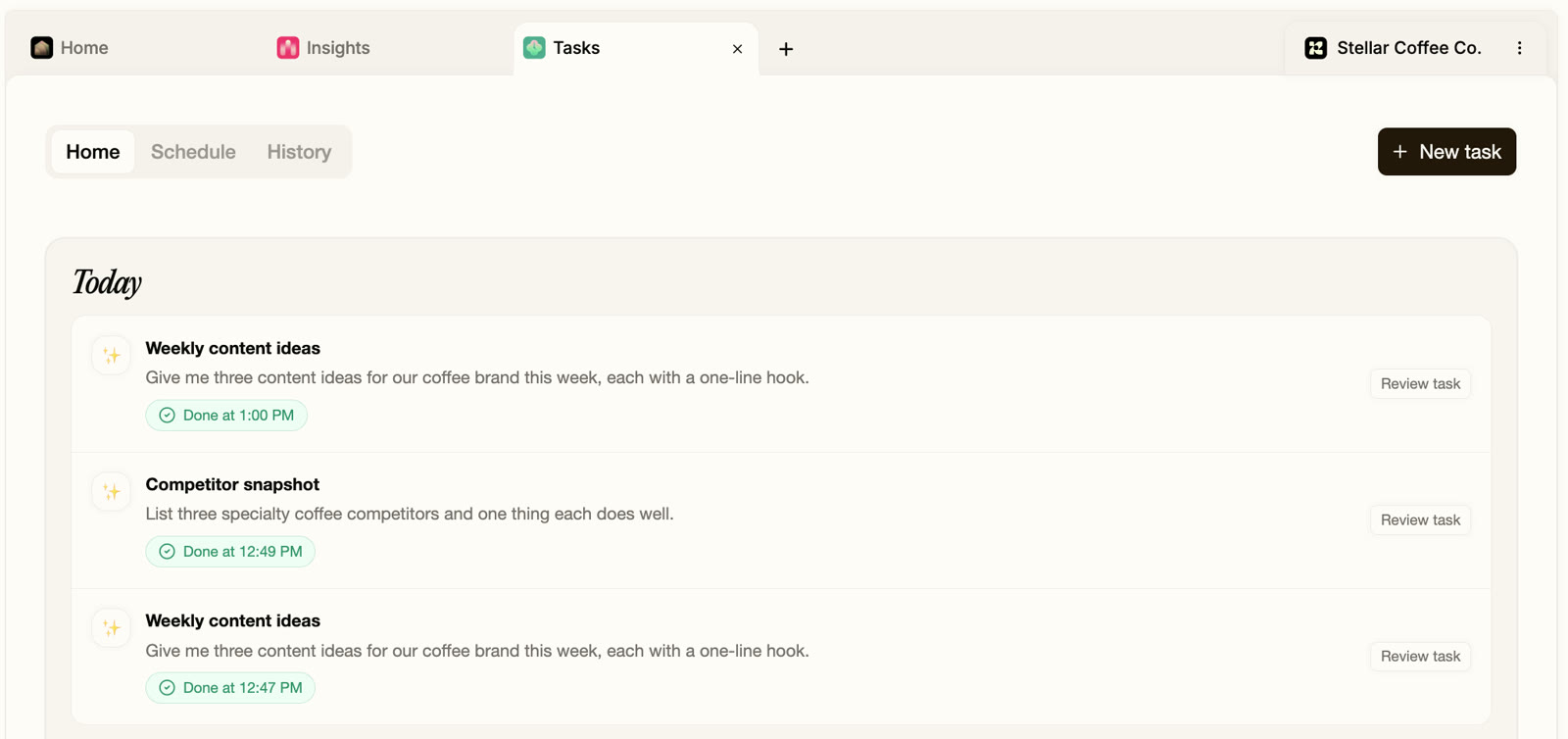
Ready-made reports for your store
Each one runs on its own schedule and lands in your team's inbox. Change the day, the time or the question.
Mondays at 9 AM
Analytics report card
A letter grade for traffic, conversion, revenue, speed, SEO and tracking, with two fixes.
- Reads
- Replo analytics, Search Console if connected
- Needs
- A published site
Daily at 7 AM
Ad spend and ROAS
Yesterday's spend, revenue and ROAS by ad, with ads that spent and sold nothing flagged.
- Reads
- Meta Ads or Triple Whale, plus Replo sales
- Needs
- Meta Ads or Triple Whale
Weekly, any day
Weekly sales summary
Last week's sales against the week before, in your store's timezone.
- Reads
- Shopify total sales
- Needs
- Shopify, with reports access
Mondays at 9 AM
Page visitor insights
Who visited which pages, where they came from, and which pages turned visits into sales.
- Reads
- Replo analytics
- Needs
- A published site
Tuesdays at 9 AM
Search performance
Clicks, impressions and rankings, with the pages close to page one and one fix each.
- Reads
- Google Search Console
- Needs
- Google Search Console
Mondays at 8 AM
Competitor ad digest
Your competitors' newest Meta ads, with the creative and why each one matters.
- Reads
- Live Meta ads from brands like yours
- Needs
- Nothing
Mondays at 10 AM
Email campaign recap
Every campaign from the week with opens, clicks and revenue, best and worst subject lines.
- Reads
- Klaviyo
- Needs
- Klaviyo
Thursdays at 9 AM
Review monitor
The week's new reviews, low ratings flagged, and the best quotes for your pages.
- Reads
- Judge.me, Okendo, Yotpo, Stamped or Loox
- Needs
- One of those review apps
Mondays at 7:30 AM
Site health audit
Broken links, dead buttons, console errors and mobile overflow on every published page.
- Reads
- Your published pages
- Needs
- A published site
Build your own report in one sentence
Write it the way you'd ask a teammate. Replo runs it on the schedule in the sentence.
“Every Monday, summarize last week's sales against the week before.”
“Every morning at 7, show yesterday's ad spend, revenue and ROAS by ad.”
“On the 1st of each month, compare last month's sales with the same month last year.”
“Every Friday, list the week's new reviews and flag anything under 3 stars.”
Selling on Shopify? What its reports leave out
Shopify stays the source of truth for orders. These are the questions it doesn't answer on its own.
You want to know
Shopify Analytics
Replo
Sales, orders and returns
Shopify Analytics: Yes, down to each order and product
Replo: Total sales for any date range; use Shopify for order detail
Which ad paid for itself
Shopify Analytics: Sessions and sales by channel and UTM
Replo: Spend, revenue and ROAS by ad, every morning
How pages off Shopify convert
Shopify Analytics: Only pages Shopify hosts
Replo: Every Replo page: visits, add-to-carts and sales
Where you rank on Google
Shopify Analytics: Not in Shopify's reports
Replo: Clicks, positions and pages near page one
What competitors launched
Shopify Analytics: Not covered
Replo: Their newest Meta ads, every week
The report without logging in
Shopify Analytics: Open the admin or export a CSV
Replo: Emailed daily, weekly or monthly to up to 10 teammates
What it can and can't report
Today
- Sales on your Replo pages, and Shopify sales totals
- Visits, add-to-carts and sources on every Replo page
- Ad spend and ROAS by ad
- Search clicks, rankings and pages near page one
- Reports emailed to up to 10 people in your workspace
Not yet
Order-, product- and customer-level Shopify reports
Profit reports with your cost of goods
Delivery to Slack or Google Sheets
Before you get started
A report that pulls fresh numbers, writes up what changed and sends itself on a schedule, so nobody has to log in, export a CSV or paste anything into a slide.
Open Tasks, pick a ready-made report or write one sentence, choose daily, weekdays, weekly or monthly, and add up to 10 people in your workspace to get the email.
Yes, for sales totals. Connect your store and Replo reports total sales for any period, next to your pages, ads and search. For order and product detail, use Shopify's own reports.
Yes. The daily ads report lists spend, revenue and ROAS by ad and flags ads that spent with no orders, once your Meta Ads or Triple Whale account is connected.
Yes. Replo tracks visits, add-to-carts and sales on every page it publishes, on any domain, with nothing to install. The reports read those numbers directly.
Keep reading
Glossary
What is AOV (average order value)?
AOV (average order value) is the average amount a customer spends per order: revenue divided by number of orders.
Glossary
What is LTV (customer lifetime value)?
LTV (customer lifetime value) is the total revenue or profit you expect from one customer over the whole relationship.
Free tools
Customer Lifetime Value Calculator
What a customer is worth over the whole relationship.
Free tools
Customer Acquisition Cost Calculator
What it costs to win one new customer.
Compare
Replo vs Shopify Sidekick
What Sidekick does well, and the reports Replo emails on a schedule.
Compare
Triple Whale alternative
Use Triple Whale with Replo, or start with Replo's free analytics alone.