Figma integration: turn your designs into a live site
Turn Figma frames into a live site that matches the design.
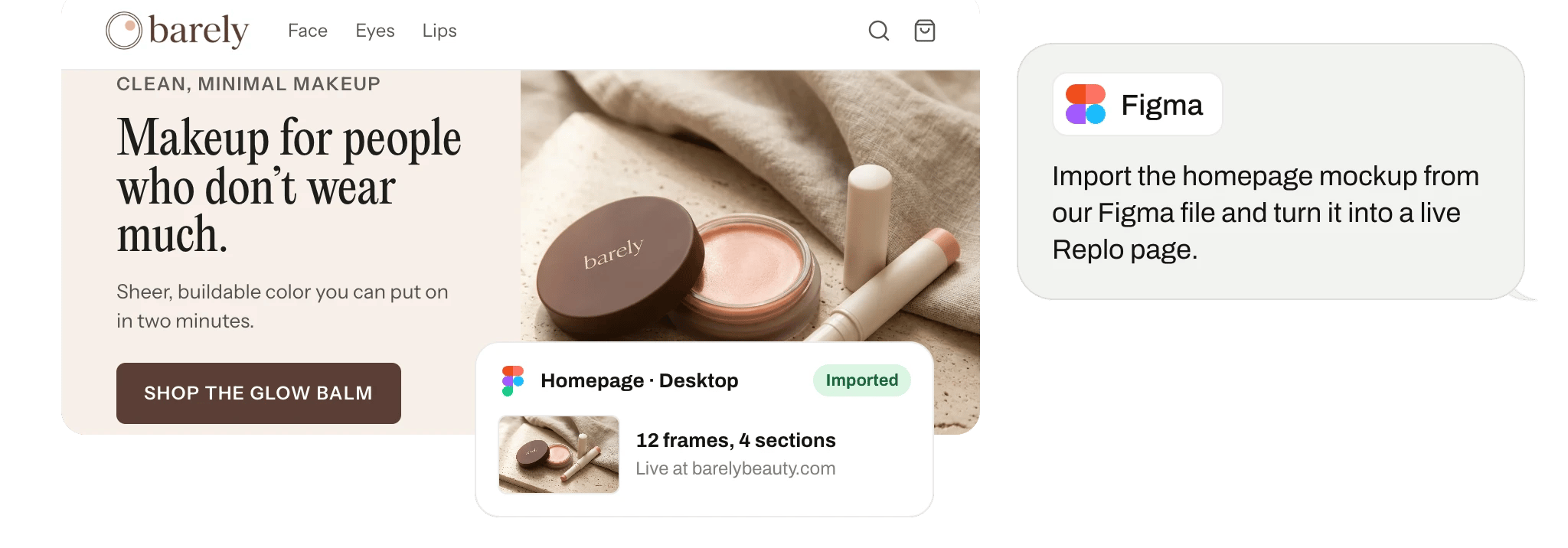
From Figma frame to live site
Replo reads your Figma files: frames, layers, components, styles and images. Pick a frame and it builds the page to match, hosted on your domain, with checkout if you sell.
Try it
Paste a frame link and type "build this as our new landing page". Replo matches the layout, fonts and colors, and makes it work on phones. See landing page from Figma.
Feedback where designers work
Once you approve, Replo can comment on the Figma file, for example to flag a frame it couldn't match.
Connect it in a minute
In Replo, open Integrations, choose Figma, and sign in to approve the connection.
Replo asks before each change it makes in Figma. Set each action to always allow, ask each time, or never.
Import your Figma designs
Upload your frames and Replo builds the page as drawn, with your real products wired in.



Frequently asked questions
- Does Replo work with Figma?
- Yes. Open Integrations in Replo, choose Figma, and sign in. Then paste a frame link and Replo rebuilds the design as a live page on your domain.
- Can Replo turn a Figma design into a website?
- Yes. Replo reads the frames, components and styles and builds a hosted site that matches, works on phones and can sell. See Figma to website.
- Can Replo change my Figma files?
- Only comments, and only if you allow it. Replo can post a comment on a file. It can't edit frames, layers or components.
- Do I need a plugin?
- No. You connect Figma once under Integrations, and Replo reads any file you share with it by link. There's nothing to install inside Figma, and your files stay as they are.
- Can't ChatGPT or Claude do this with Figma?
- Not on their own. A chatbot can summarize Figma data you paste in, but it can't build on it. Replo reads Figma directly, knows your brand and catalog, and turns what it finds into a hosted site with checkout that it measures. You can also use Replo inside Claude and ChatGPT.