Schema markup generator for product pages
Schema markup tells Google what a page sells, so its listing can show the price, stock and stars. Fill in a product or paste a catalog CSV, then copy the JSON-LD.
Schema markup is a few lines of code that tell Google what a page sells: the product, its price, whether it’s in stock and its rating. Google can then show those details right in search results. Fill in one product, or paste your catalog below.
How it can look in search results
yourstore.com
https://yourstore.com › products
Your product name
Your description shows here, and search engines may use it as the snippet under the title.
A preview. Search engines decide whether to show rich results, and test the live page with Google’s Rich Results Test before you rely on it.
Rich results this schema qualifies forRich results are search listings with extras. A product snippet adds price, stock or stars under the title; a merchant listing can show the product in Google’s shopping results.
- Product snippet: needs a name
- Merchant listing: needs an image and a price
- Review stars: needs a rating and review count
Paste this into your product page’s <head>
<script type="application/ld+json">
{
  "@context": "https://schema.org",
  "@type": "Product",
  "name": "Product name"
}
</script>
A whole catalog? Paste or drop your product CSV
What is schema markup?
Schema markup, also called structured data, labels the facts on a page with the schema.org vocabulary that Google, Bing and other search engines share. On a product page it says: this is a Product called Daily Moisturizer, it costs 38.00 USD, it's in stock, and 214 reviews average 4.8 stars. Stores write it as JSON-LD, one script tag that shoppers never see.
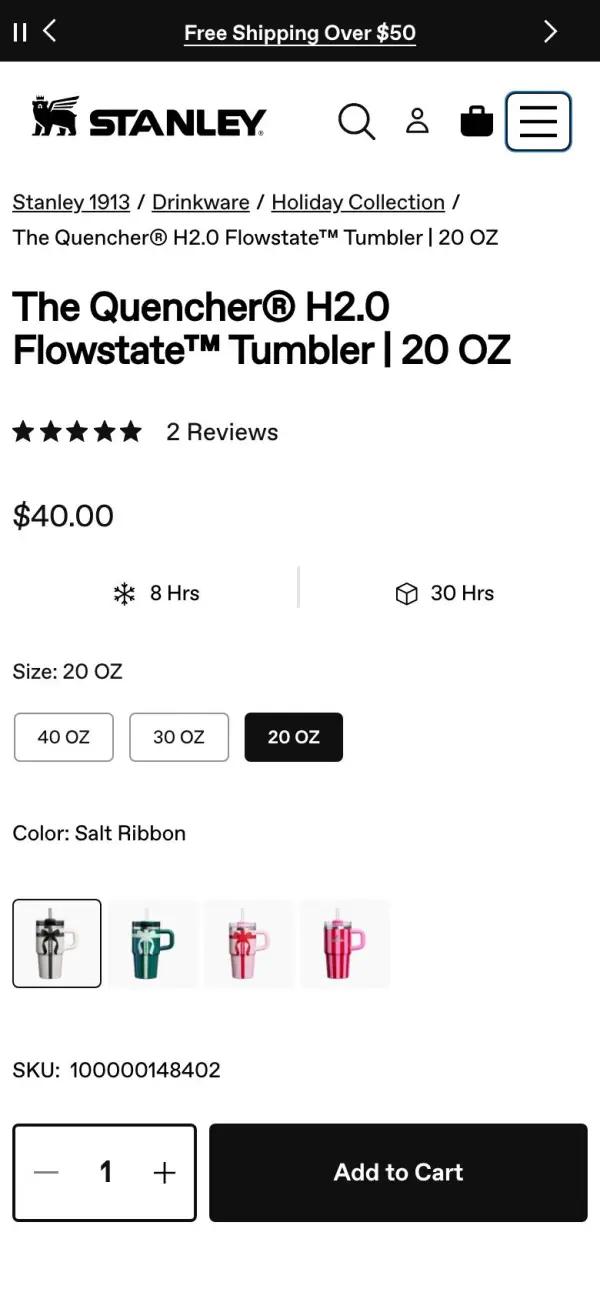
 Stanley 1913
Quencher H2.0 tumbler, 20 oz, $40
Stanley's Quencher sells for $40.00. Its page shows the name, price, rating and stock, the same facts a search engine reads from the page's markup.
See the live pageWhy it matters
Google reads the markup to decide what your listing can show. A product page whose markup has a price, stock and rating can show them under its title, and one with an image and a price can appear in Google Images and popular product results. Without markup, Google has to work those facts out from the page, and may not show them at all.
Your product page
Build the page this markup describes
Tell Replo the product, its price and its reviews. It builds the product page on your brand, with Shopify or Replo checkout.


Formula
Product markup = name + image + offers (price, currency, stock), plus brand, SKU, GTIN and rating
A product snippet needs a name plus offers, a rating or a review. A merchant listing needs a name, an image and an Offer with a price above zero and its currency. The generator checks both as you type.
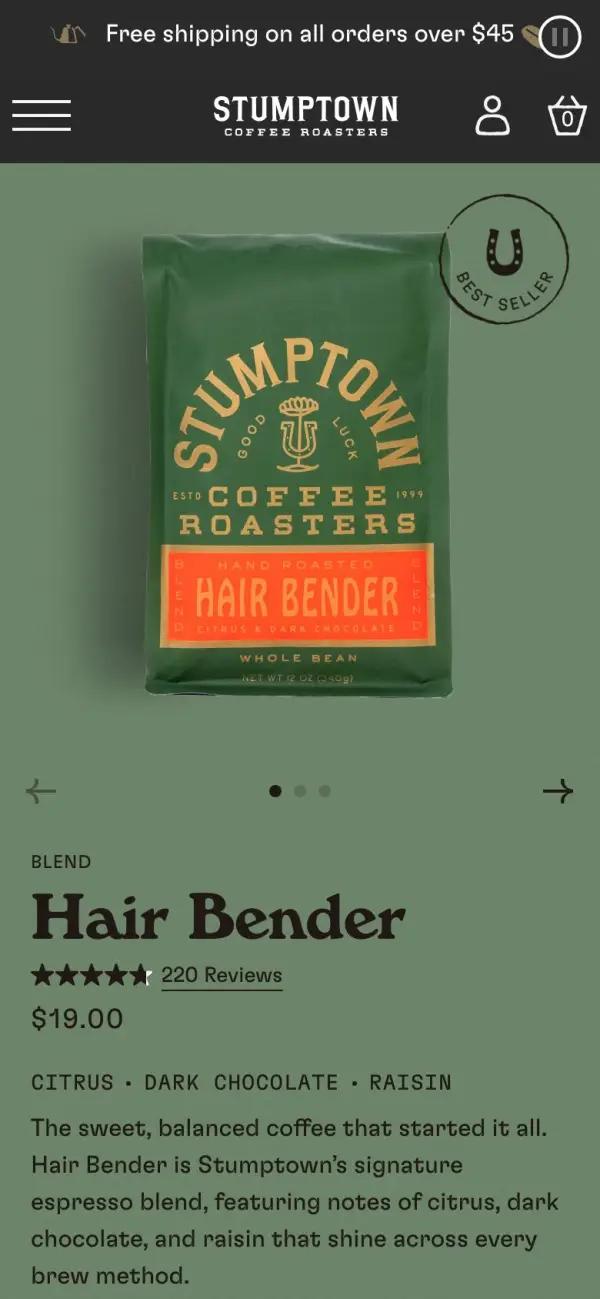
 Stumptown Coffee Roasters
Hair Bender coffee, 12 oz, $19
Stumptown's Hair Bender sells for $19.00. Its page shows the name, price, rating and stock, the same facts a search engine reads from the page's markup.
See the live pageSchema types a store uses, and where each goes
- Product
- name, image, description, brand, sku, gtin
- On every product page, one per product. The generator above writes it, for one product or a whole CSV.
- Offer
- price, priceCurrency, availability, url
- Inside Product, as offers. It carries the price and stock Google shows, so it has to match the page.
- AggregateRating and Review
- ratingValue, reviewCount; or a Review with author and reviewRating
- Inside Product, only for reviews shoppers can read on the page. Google ignores ratings it can't find there.
- BreadcrumbList
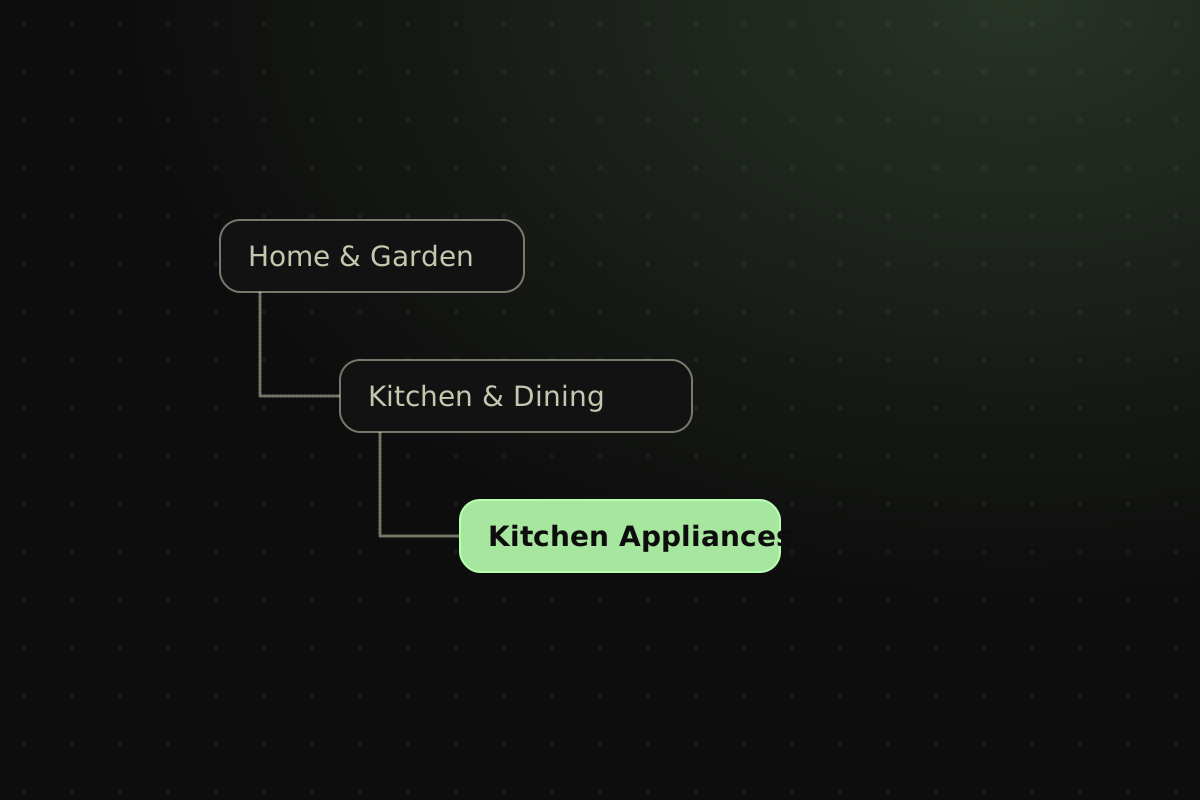
- itemListElement: Home › Category › Product, each with position, name and item
- On collection and product pages. Google shows the trail in desktop results.
- Organization
- name, url, logo, sameAs, hasMerchantReturnPolicy
- Once, on the home page. Google prefers one store-wide return policy here to one on every offer.
- FAQPage
- mainEntity: Question with acceptedAnswer
- Only where the page has a real FAQ. Google no longer shows FAQ rich results, so it earns no extra space.
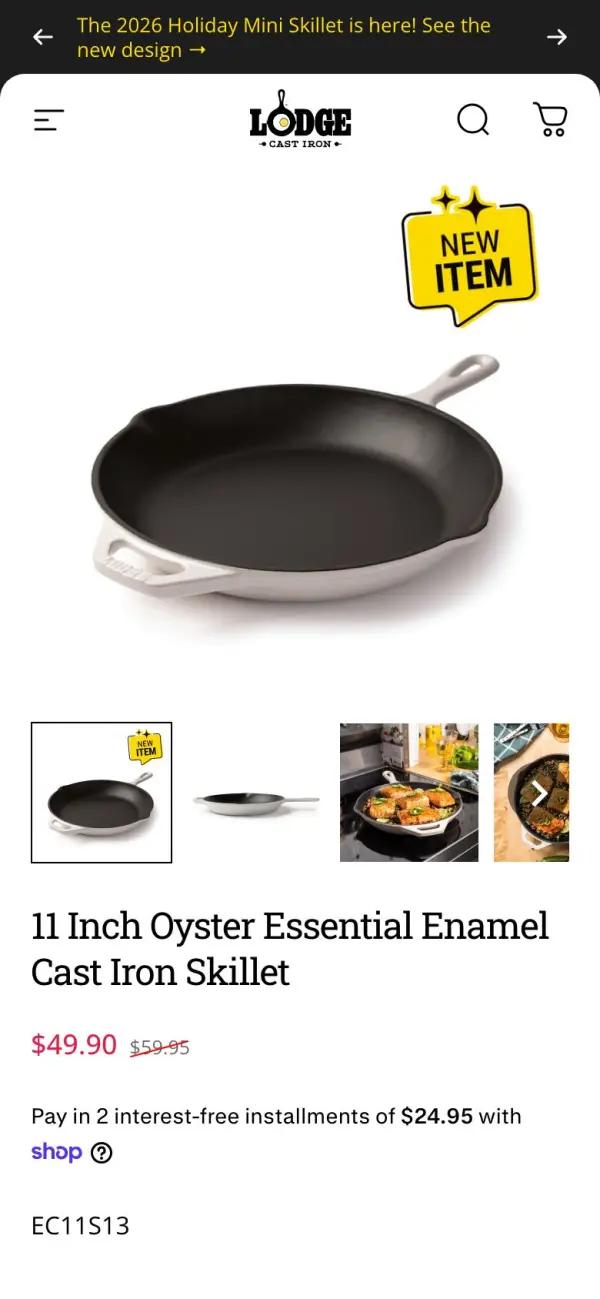
 Lodge Cast Iron
11 inch enamel cast iron skillet, $49.90
Lodge's enamel skillet sells for $49.90. Its page shows the name, price, rating and stock, the same facts a search engine reads from the page's markup.
See the live pageHow to add schema markup to a product page
- Check what's there. Open the product page, view its source and search for "@type". Many Shopify themes already print Product markup, and two copies with different prices confuse Google.
- Fill in the generator. Use the exact price, stock and rating the page shows. Leave a field empty rather than guess; the generator writes only the fields you fill.
- Paste the script tag into the page. Google reads JSON-LD in the head or the body. On a store, it goes in the product page template, so every product gets its own.
- Test the live page. Paste its address into Google's Rich Results Test. You want product snippets and merchant listings detected with no errors.
- Watch Search Console. Its Merchant listings and Product snippets reports list errors across every product page as Google recrawls them.
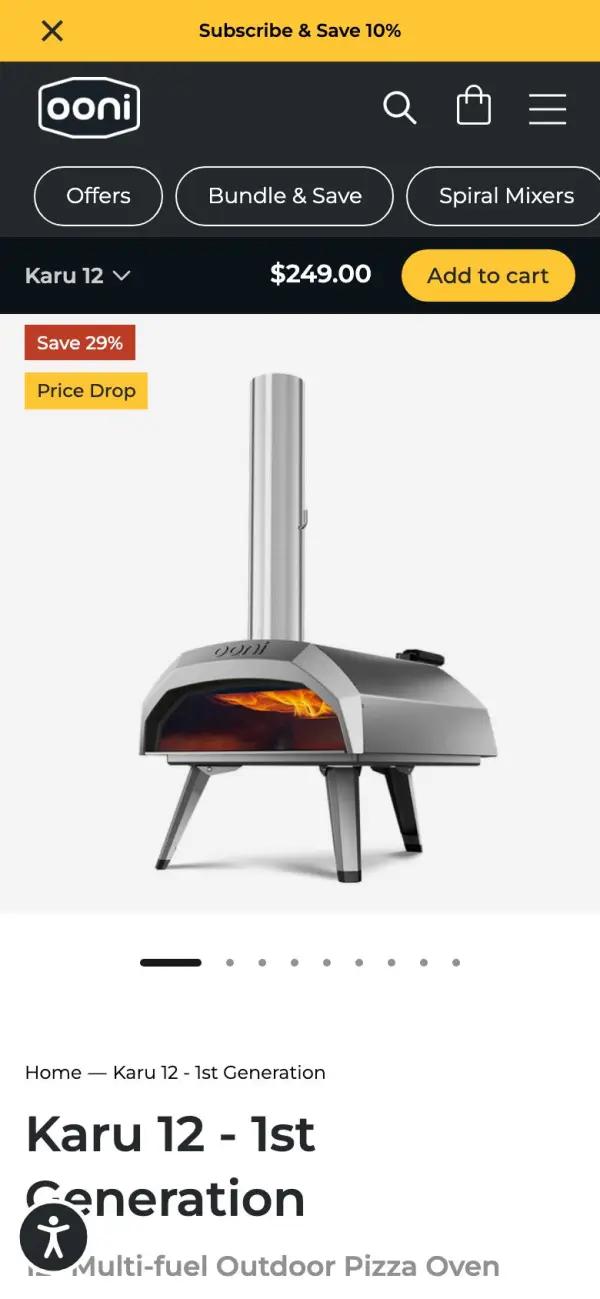
 Ooni
Karu 12 pizza oven, $249
Ooni's Karu 12 sells for $249.00. Its page shows the name, price, rating and stock, the same facts a search engine reads from the page's markup.
See the live pageSchema markup for a product page: a worked example
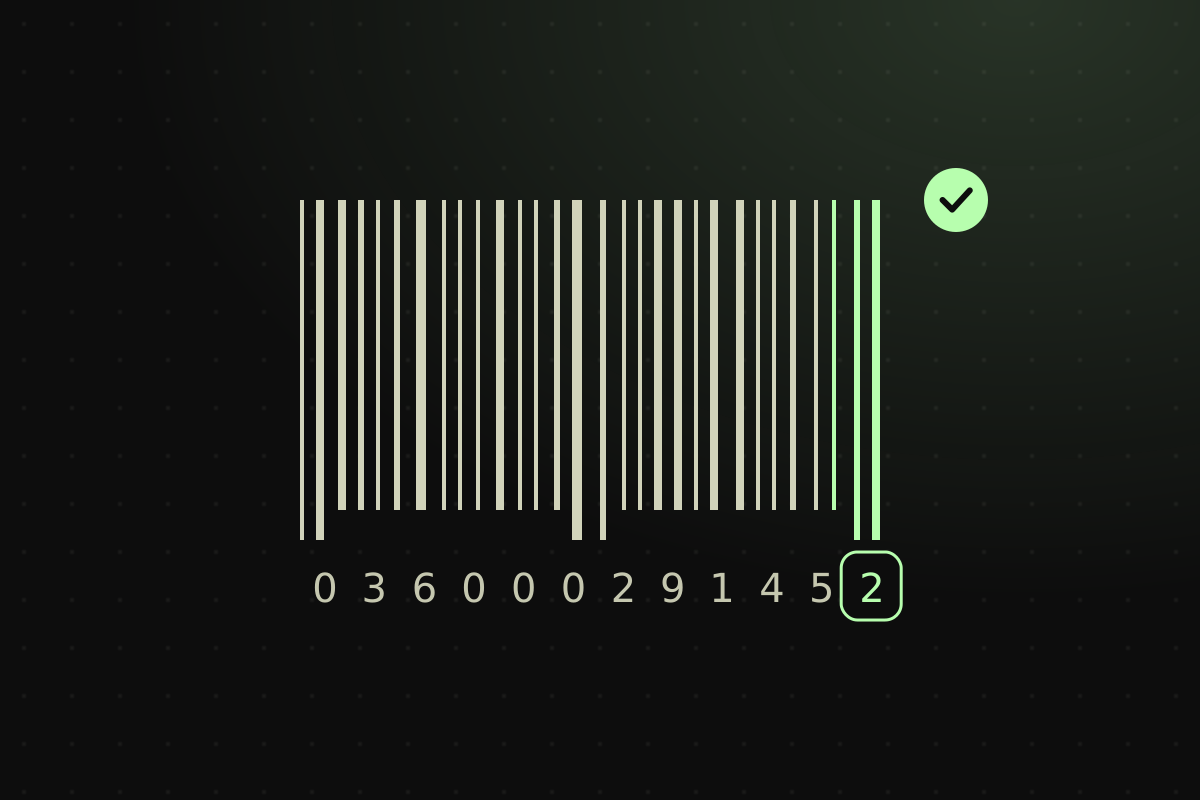
A skincare store sells a $38 moisturizer, SKU DM-50ML with barcode 012345678905, in stock, rated 4.8 stars from 214 reviews shown on the page. Click "Use recommended values" in the generator to load it.
- Fill in the name, brand, price 38.00, currency USD, SKU, barcode, product URL, image URL, rating 4.8 and 214 reviews, and leave it in stock
- The generator writes one Product with a Brand, a nested Offer for the price, currency, stock and URL, and an AggregateRating
- All three checks turn green: product snippet, merchant listing and review stars
- Copy the code, paste it into the product page, publish, and run the page's address through the Rich Results Test
The JSON-LD it writes
<script type="application/ld+json">
{
  "@context": "https://schema.org",
  "@type": "Product",
  "name": "Daily Moisturizer",
  "description": "A light daily moisturizer for every skin type.",
  "image": "https://yourstore.com/images/moisturizer.jpg",
  "brand": {
    "@type": "Brand",
    "name": "Your brand"
  },
  "sku": "DM-50ML",
  "gtin": "012345678905",
  "offers": {
    "@type": "Offer",
    "price": "38.00",
    "priceCurrency": "USD",
    "availability": "https://schema.org/InStock",
    "url": "https://yourstore.com/products/daily-moisturizer"
  },
  "aggregateRating": {
    "@type": "AggregateRating",
    "ratingValue": "4.8",
    "reviewCount": "214"
  }
}
</script>
The Rich Results Test should find a product snippet and a merchant listing. Warnings about shippingDetails or hasMerchantReturnPolicy are optional fields: add them to the Offer, or set shipping and returns in Google Merchant Center.
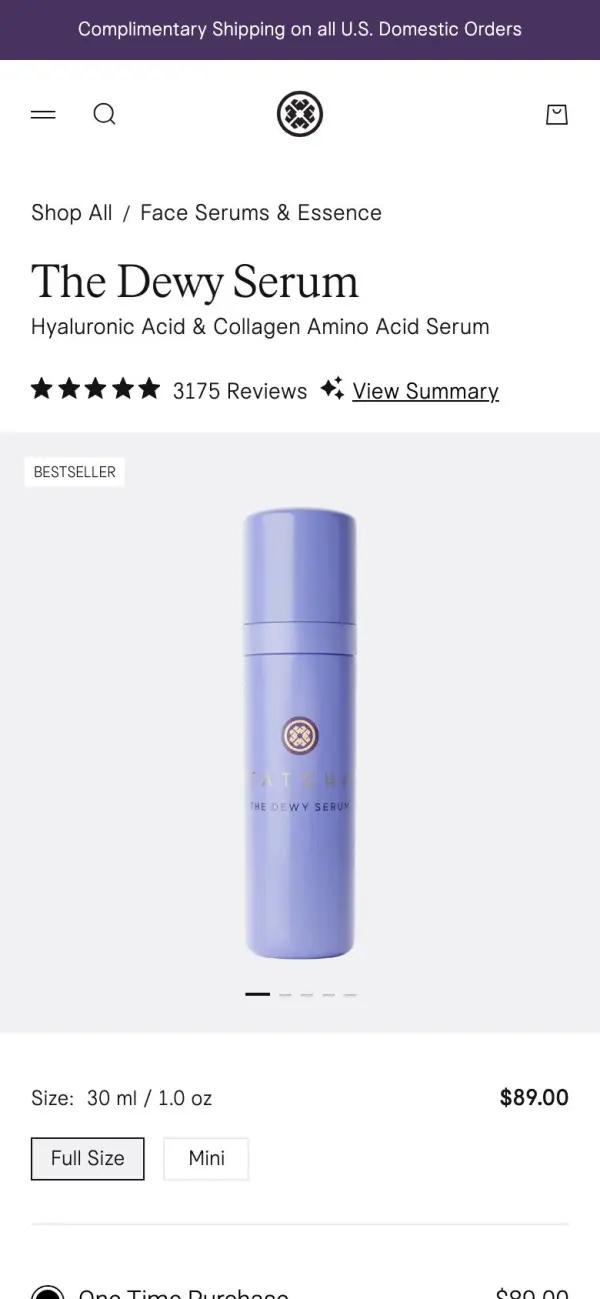
 Tatcha
The Dewy Serum, 30 ml, $89
Tatcha's Dewy Serum sells for $89.00. Its page shows the name, price, rating and stock, the same facts a search engine reads from the page's markup.
See the live pageWhat makes schema markup work?
It matches the page. Google compares the price, stock and rating in your JSON-LD with what a shopper sees. A $38 product marked up at $32, or stars with no reviews on the page, gets ignored, and misleading markup can earn a manual action that removes rich results.
It stays current. Markup pasted by hand goes stale the first time you run a sale. On a live store, write it from the same product data the page prints, and check the Merchant listings report in Search Console after price changes.
Rich results a store can get, and the markup each needs
| Rich result | What shoppers see | Markup it needs |
|---|---|---|
| Product snippet | Stars, review count, price and stock under your listing | Product with a name, plus offers, aggregateRating or review |
| Merchant listing | Your product in Google Images, popular products and the shopping knowledge panel | Product with a name, an image and an Offer with a price above zero and its currency |
| Shipping and returns | Delivery cost, delivery time and return window by the price | shippingDetails and hasMerchantReturnPolicy on the Offer, or a return policy on Organization |
| Breadcrumb | Home › Category › Product in place of the address, on desktop | BreadcrumbList with at least two items |
| FAQ | Nothing: Google stopped showing FAQ rich results in 2026 | FAQPage, still valid schema.org |
Do it with Replo
Build the product page around it
Describe the product. Replo builds its page on your brand, with the price, stock and reviews shoppers need, ready to sell.
Questions about schema markup
A tool that writes structured data for you. You fill in a form and get JSON-LD, the format Google recommends, ready to paste into a page. This one is built for product pages: Product, Offer, Brand and rating markup, for one product or a whole catalog.
Not as a ranking boost on its own. It helps Google understand the page and makes it eligible for rich results, such as price, stock and stars in your listing. Those extras can win more clicks at the same position, which is where stores see the gain.
Paste the page's address, or the code itself, into Google's Rich Results Test. It lists the rich results the page qualifies for, with errors to fix and warnings for optional fields. The Schema Markup Validator checks the schema.org syntax of any type.
Anywhere in the page's HTML: Google reads it in the head or the body. Most stores add it to the product page template, so every product gets its own. Check first that your theme doesn't already print Product markup, or you'll publish two.
Often, yes. Many Shopify themes print it through Liquid's structured_data filter, which turns a product into a Product, or a ProductGroup when it has variants. Search the page source for "@type" before adding more, and use the generator for fields the theme leaves out, such as GTIN.
Yes, if the reviews are on the page. Add an AggregateRating with the average and the review count shoppers can see. Google ignores ratings it can't find on the page, and misleading ones can cost the site its rich results.
None in practice. Structured data is any machine-readable description of a page; schema markup is structured data written with the schema.org vocabulary that Google, Bing and other search engines share. JSON-LD is the format most sites write it in.
No. Google stopped showing HowTo rich results in 2023 and FAQ rich results in 2026. The markup is still valid and does no harm on a page with a real FAQ, but a store gets more from Product, Offer and review markup.
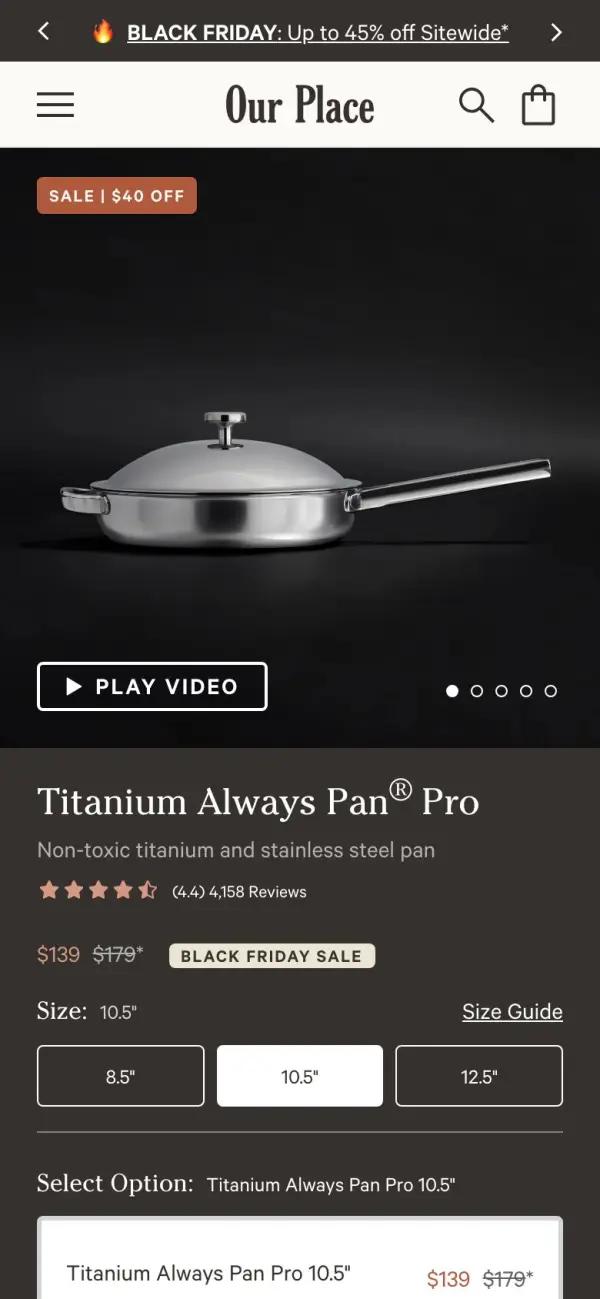
 Our Place
Titanium Always Pan Pro, 10.5 inch, $139
Our Place's Always Pan sells for $139.00. Its page shows the name, price, rating and stock, the same facts a search engine reads from the page's markup.
See the live pageSources
- Google Search Central: Introduction to structured data markup
- Google Search Central: Product snippet structured data
- Google Search Central: Merchant listing structured data
- Google Search Central: Breadcrumb structured data
- Google Search Central: FAQ structured data
- Shopify Liquid reference: structured_data filter