Parallel integration: cited research behind every plan
Back every plan with cited research on your market.
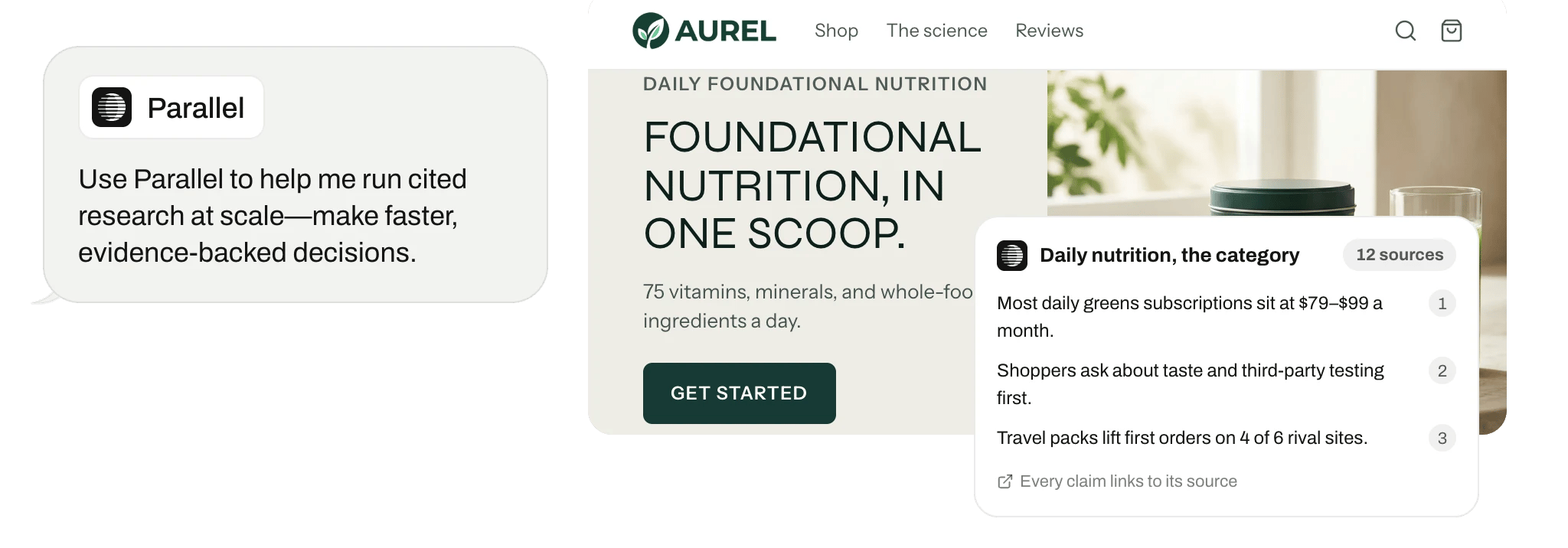
What Replo does with Parallel
Replo runs web searches and deep-research tasks through Parallel, with a citation for every finding.
Connect it
Open Integrations in your Replo workspace, choose Parallel, and sign in to authorize it. Then pick which store or account Replo should use.
Replo asks before it changes anything in Parallel. Set each action to always allow, ask each time, or never.
Get a daily report card
Replo has a daily report card of your business ready every morning, with what changed and why.

 Last week at Magic Spoon
Frequently asked questions
- Does Replo work with Parallel?
- Yes. Parallel is built into Replo, so there's nothing to connect. Replo runs web searches and deep-research tasks through Parallel, with a citation for every finding, and uses what it finds when it plans and builds your site.
- What does Replo read from Parallel?
- Replo reads the results of the web searches and research tasks it runs through Parallel, each with its citations. It runs them on its own Parallel access, so you don't need a Parallel account, and every finding comes with its source.
- Can Replo change anything in Parallel?
- No. Replo uses Parallel only to search the web and run research. There's no Parallel account of yours involved, so there's nothing in Parallel for Replo to change.