Profit margin calculator
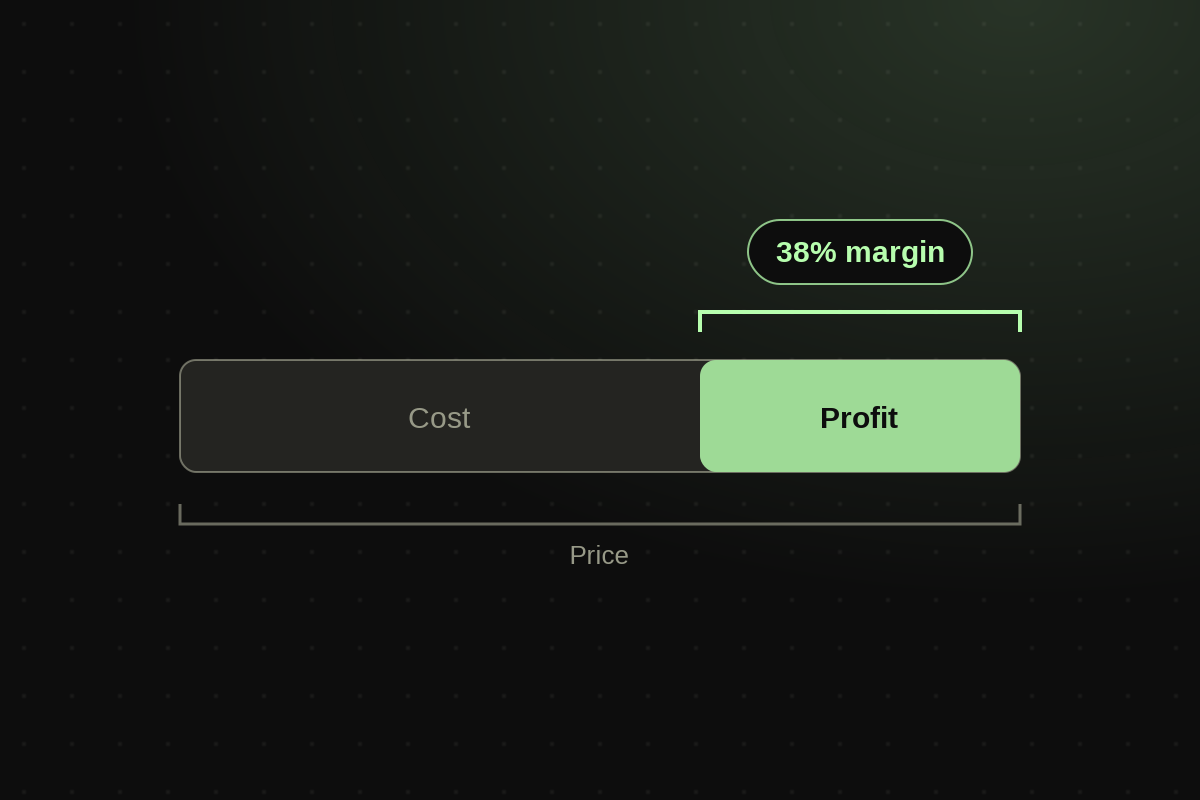
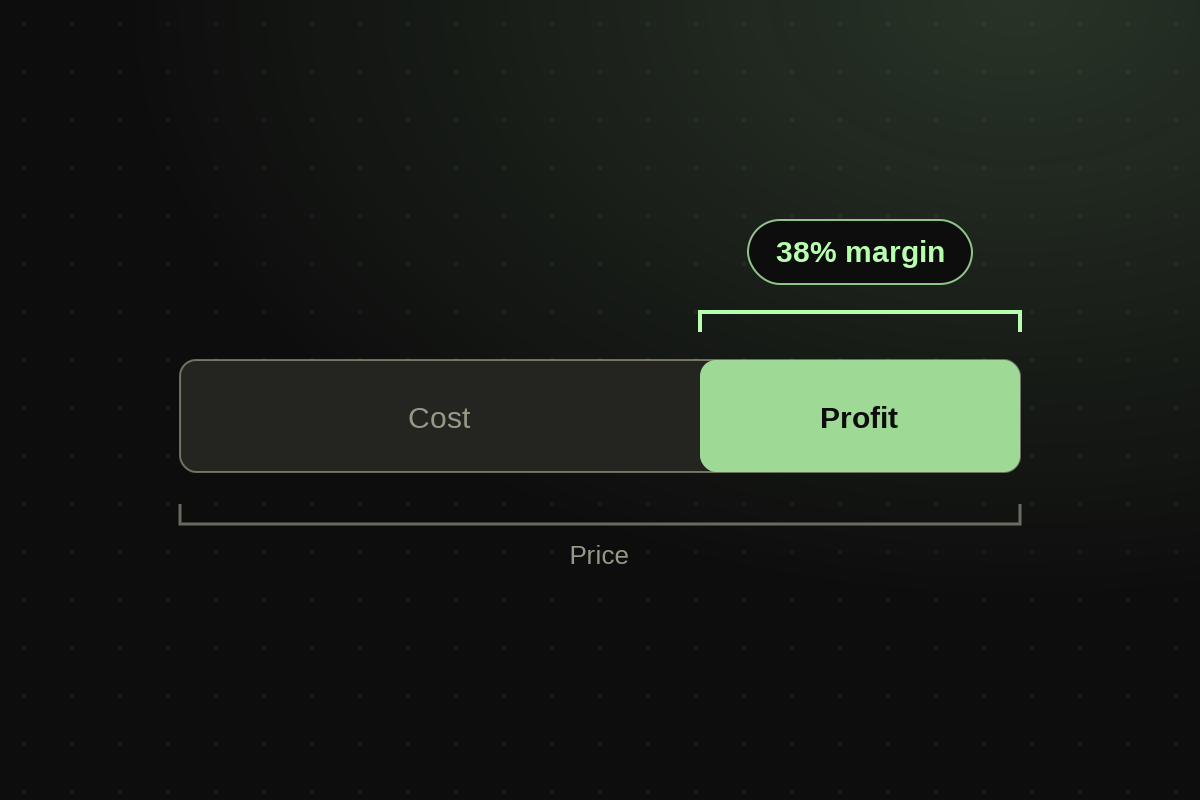
Profit margin is the share of each sale you keep as profit: a $40 product that costs $14 keeps 65% before other costs. Drag the price, product cost and other costs along one bar to see your gross and net margin move together.
Net margin
35.0%
Sell at $The price a customer pays, before tax and shipping., pay $What one unit costs you to make or buy, including inbound shipping. Often called COGS (cost of goods sold). for the product and $Everything else one sale costs: postage and packing, payment fees (about 3%) and ad spend per order. Set it to 0 to see gross margin only. for shipping, fees and ads. You keep 65.0% as gross profit and 35.0% ($14.00) once everything is paid.
Gross margin is what's left of the price after the product's cost. Net margin is what's left once shipping, fees and ads are paid too.
Price for a gross margin
- Gross profit
- $26.00
- Net profit
- $14.00
- Markup on cost
- 185.7%
- Price for a 30% net margin
- $37.14
Drag the price (green), the product cost or the other costs along the bar. Or type over any green number; set other costs to 0 for gross margin only.
Get a daily report card for free. Replo has a daily report card of your business ready every morning, with what changed and why.
Every morning
Get your profit margin in a daily report
Replo reads Shopify, Meta, Google Ads and Triple Whale and has your profit margin ready every morning, with what changed since yesterday and why.

 Last week at Magic Spoon




Formula
Profit margin is the share of the selling price you keep after costs.
Gross margin = (price − product cost) ÷ price × 100
Net margin subtracts every other cost too: net margin = (price − product cost − other costs) ÷ price × 100. Margin is always a share of the price, never of the cost.
Other ways to calculate profit margin
- Net margin
- Net margin = (price − product cost − other costs) ÷ price × 100
- When shipping, payment fees and ads should count, not just the product cost.
- Margin from markup
- Margin = markup ÷ (100 + markup) × 100
- When a supplier or spreadsheet gives you markup and you need margin.
- Price for a target margin
- Price = cost ÷ (1 − target margin)
- When you know the margin you need and want the price.
How to calculate profit margin: a worked example
A candle sells for $40 and costs $14 to make. Each order also carries $12 of shipping, payment fees and ad cost.
- Gross profit = $40 − $14 = $26
- Gross margin = $26 ÷ $40 = 65%
- Net profit = $26 − $12 = $14, a 35% net margin
The candle keeps 65 cents of each dollar before other costs and 35 cents after them.
What is a good profit margin?
Your gross margin has to cover everything an order costs beyond the product, then leave the profit you want. Gross margin needed = (shipping + fees + ad cost per order) ÷ price + target net margin.
For the candle, $12 of costs on a $40 sale is 30%. Add a 10% profit target and the floor is a 40% gross margin; at 65% there's room to spend more on ads.
Do it with Replo
See margin by product, not by guess
Replo reads your Shopify orders and costs and shows which products earn the most on each sale.
Prompt: “show gross margin by product from my Shopify orders”
Questions about profit margin
- How do you calculate profit margin?
- Subtract cost from price, then divide by price: margin = (price − cost) ÷ price × 100. A $40 product that costs $14 has a 65% gross margin. Subtract shipping, fees and ads too and you get net margin.
- What's the difference between margin and markup?
- Margin is profit as a share of the price; markup is profit as a share of the cost. A $15 item sold for $30 has a 50% margin and a 100% markup. Use the markup calculator to convert one to the other.
- Should ad spend count in gross margin?
- No. Gross margin covers only what the product costs. Ad spend, shipping and fees belong in contribution margin or net margin, which is why a store can have a healthy gross margin and still lose money on paid orders.
- How do I raise my margin without raising prices?
- Sell more per order with bundles and kits, which spread shipping and fees across more items. Renegotiate unit costs once volume grows, and steer traffic to the products with the highest margins.