16 real pages
App landing page examples
App landing page examples from 16 software companies, as a visitor sees them on desktop and phone.
The app download pages of 9 of the same 20 companies, plus seven widely used apps; every page captured by us. Ranked by checks passed, out of five, then by the shorter page on a phone.
The usual miss
Only 3 of 16 pages show ratings, awards or a user count on the first phone screen.
What the top pages share
Notion, HubSpot and Ramp put the badge, the app and a reason to install on one screen.
The five checks
Download up top
A store badge or download button shows on the first phone screen.
App shown
The first phone screen shows the app's own screens.
Every platform
The first phone screen names two or more platforms.
Says why
A line says what you can do with the app.
Proof up top
Ratings, awards or a user count show on the first phone screen.
#1 · Workspace
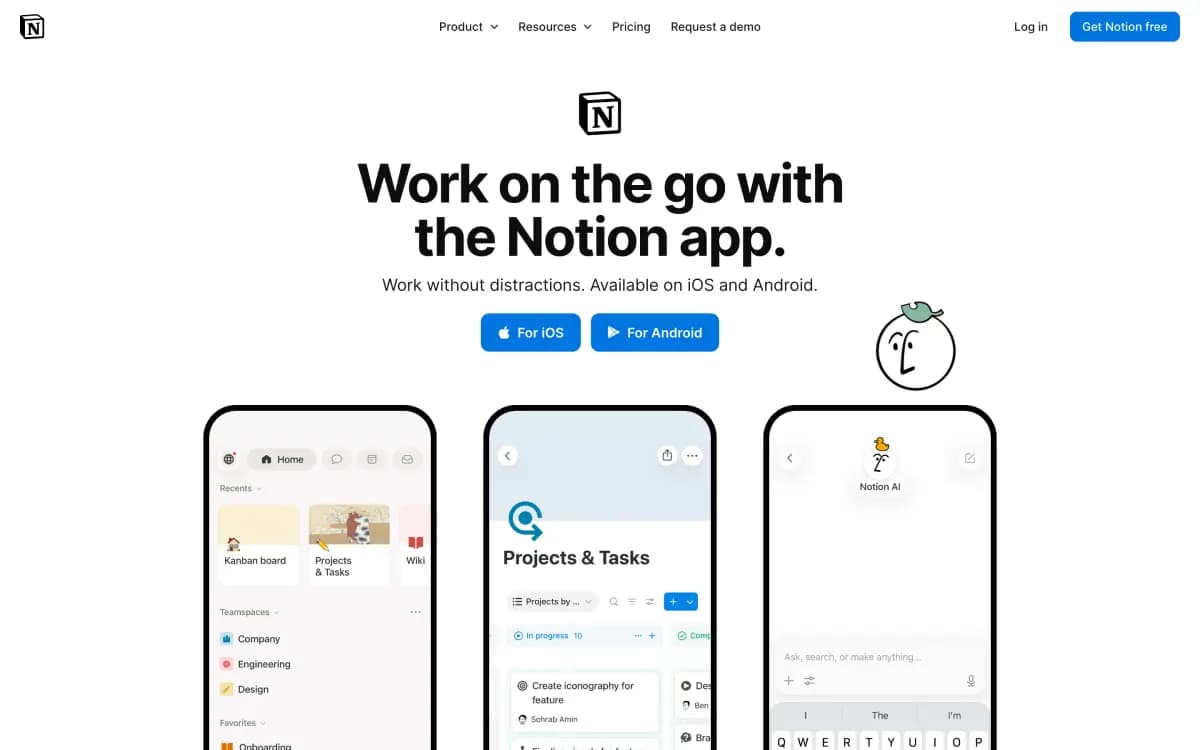
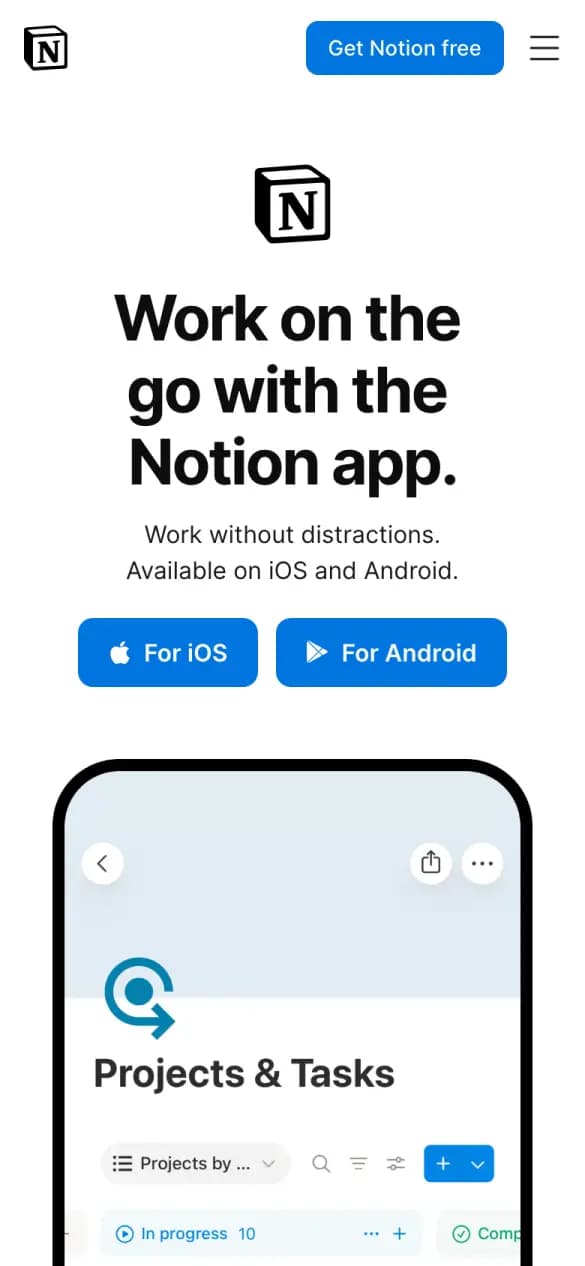
Notion
4 of 5 checks3 phone screens longWhat it does well
iOS and Android buttons sit under one line on working without distractions.
- Download up top
- App shown
- Every platform
- Says why
Misses: proof up top
#2 · CRM and marketing
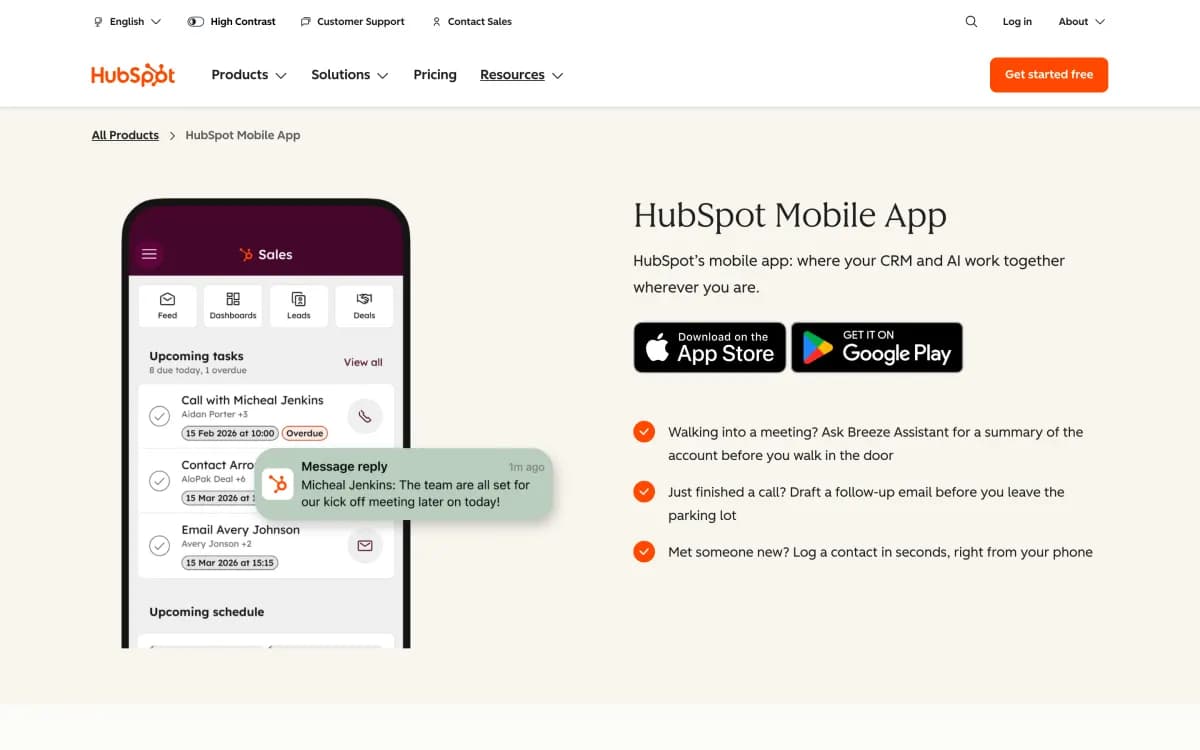
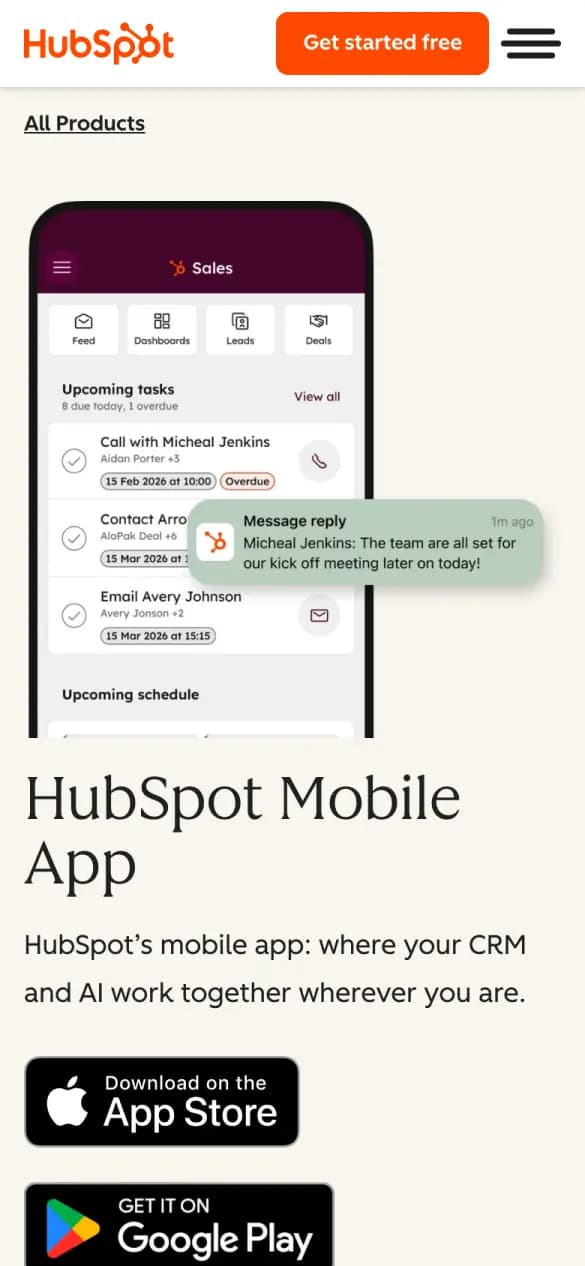
HubSpot
4 of 5 checks10 phone screens longWhat it does well
Both store badges sit under a phone showing real tasks and messages.
- Download up top
- App shown
- Every platform
- Says why
Misses: proof up top
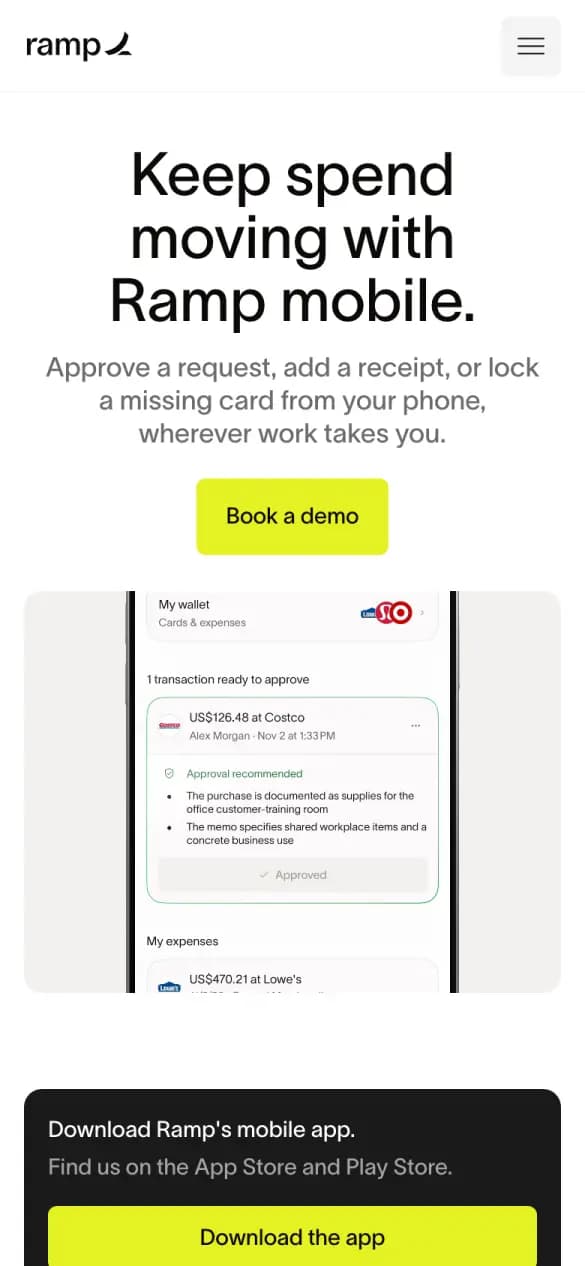
#3 · Spend management
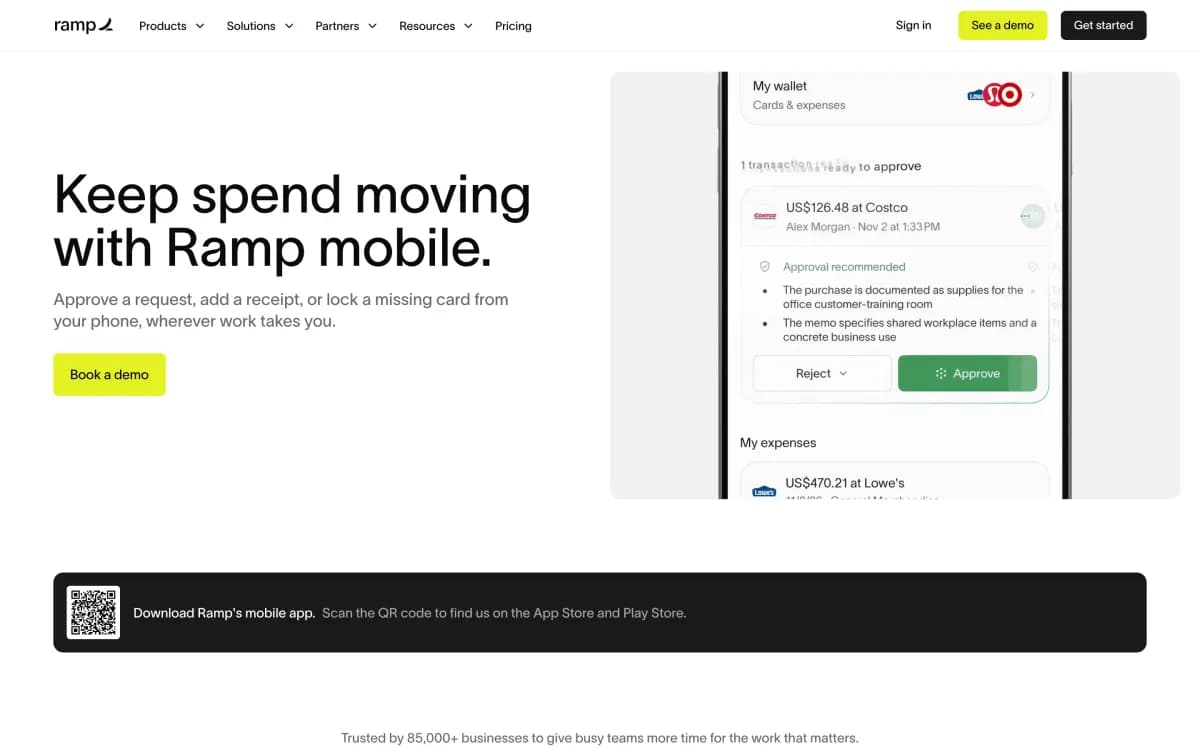
Ramp
4 of 5 checks11 phone screens longWhat it does well
Says what you can do on the go: approve requests, add receipts, lock cards.
- Download up top
- App shown
- Every platform
- Says why
Misses: proof up top
#4 · AI assistant
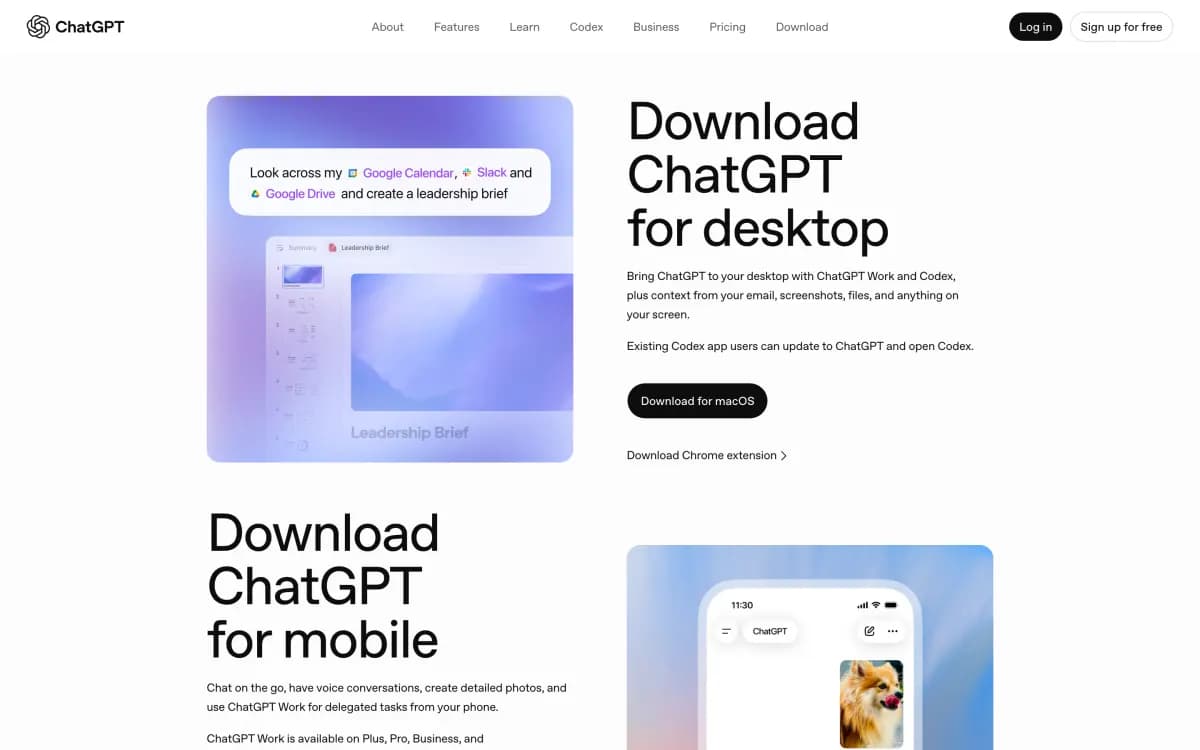
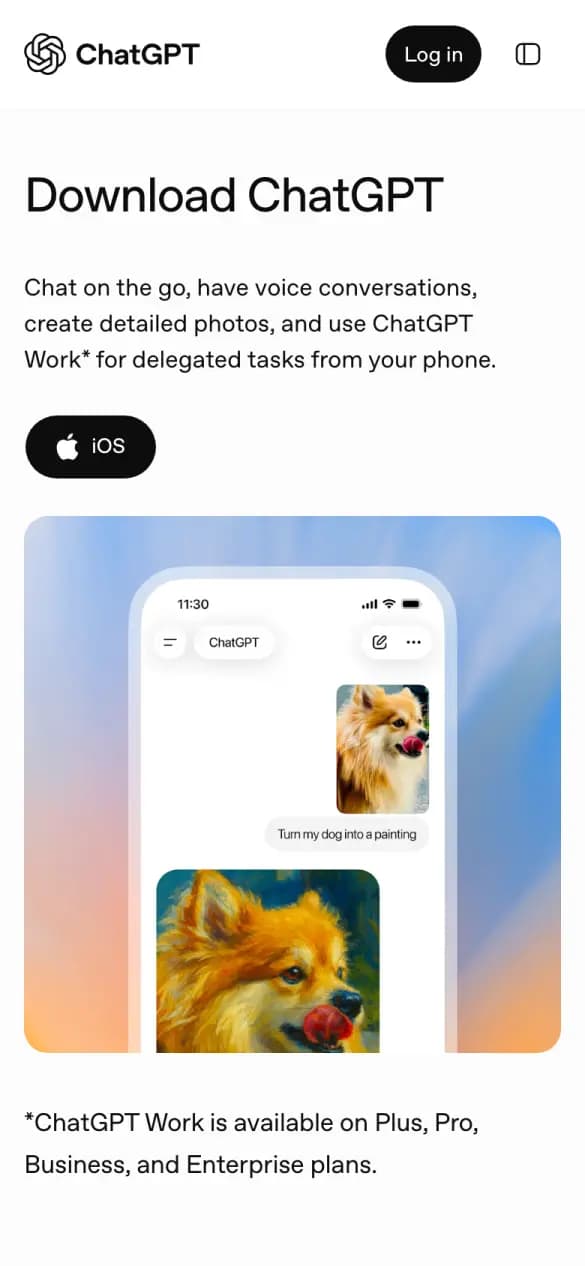
ChatGPT
3 of 5 checks2 phone screens longWhat it does well
A line on what you can do on your phone sits above the iOS button.
- Download up top
- App shown
- Says why
Misses: every platform, proof up top
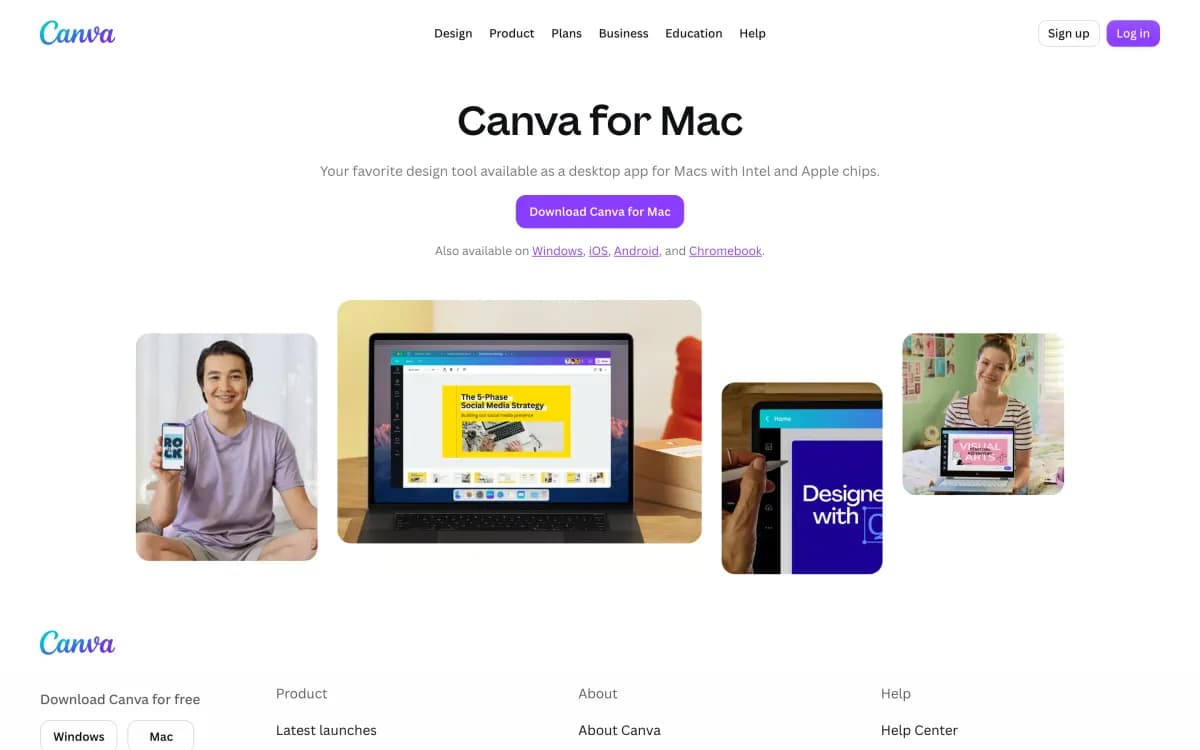
#5 · Design
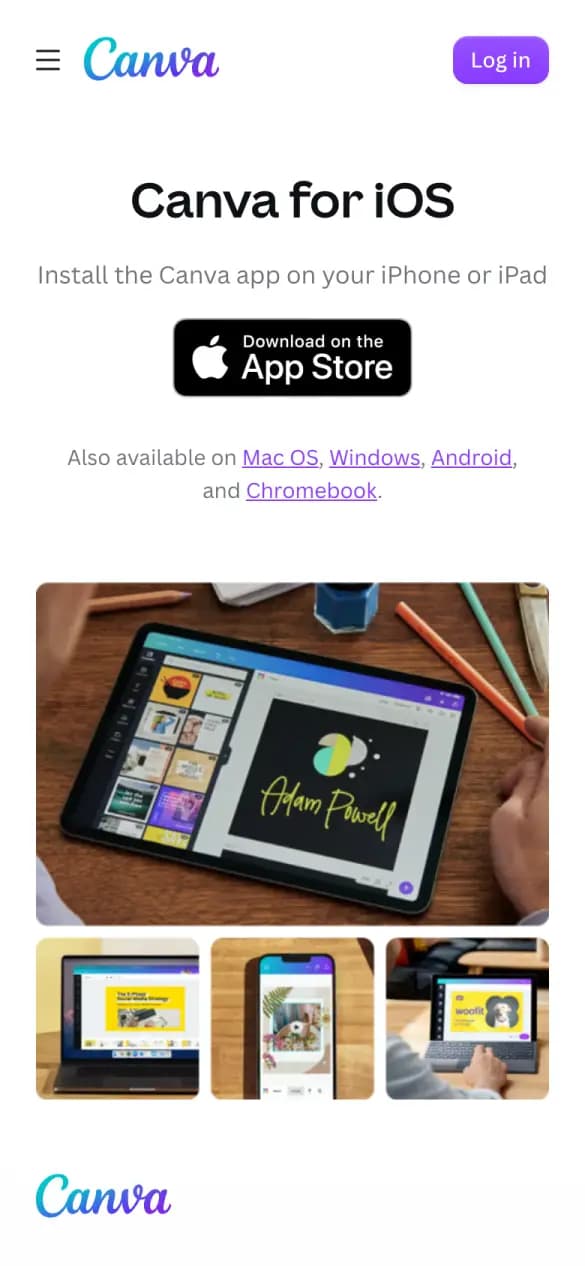
Canva
3 of 5 checks2 phone screens longWhat it does well
One App Store badge, with links for Mac, Windows, Android and Chromebook.
- Download up top
- App shown
- Every platform
Misses: says why, proof up top
#6 · Team chat
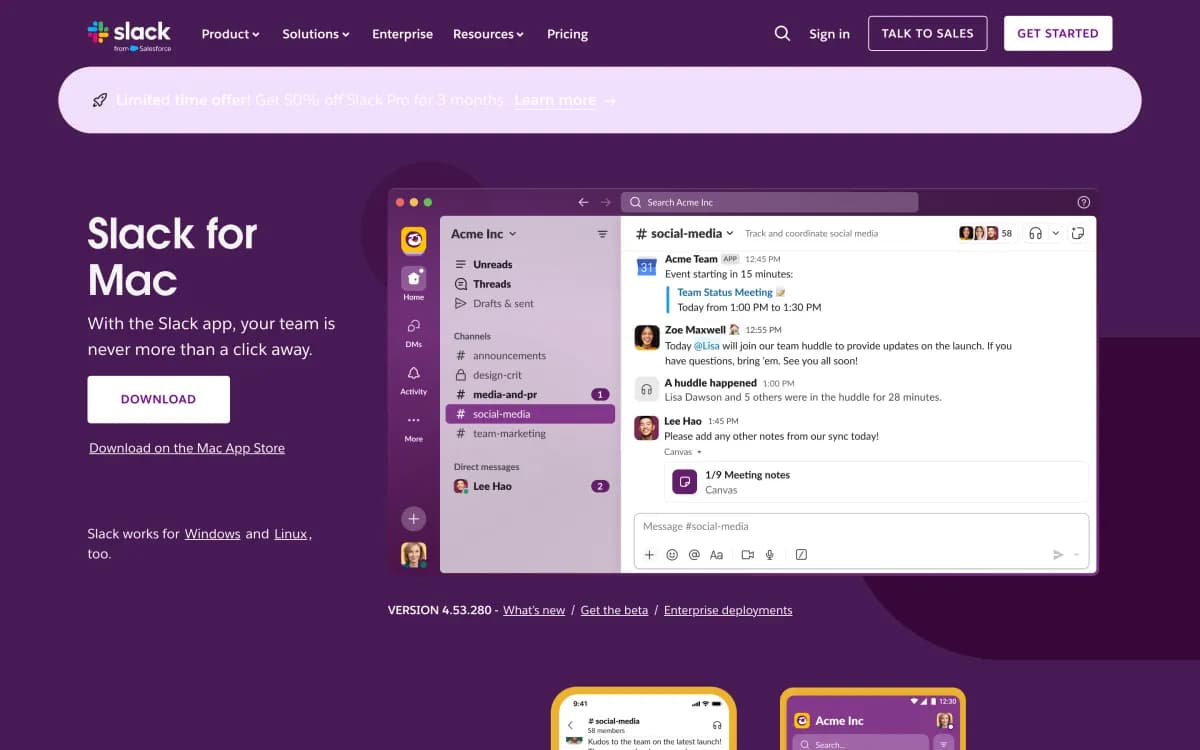
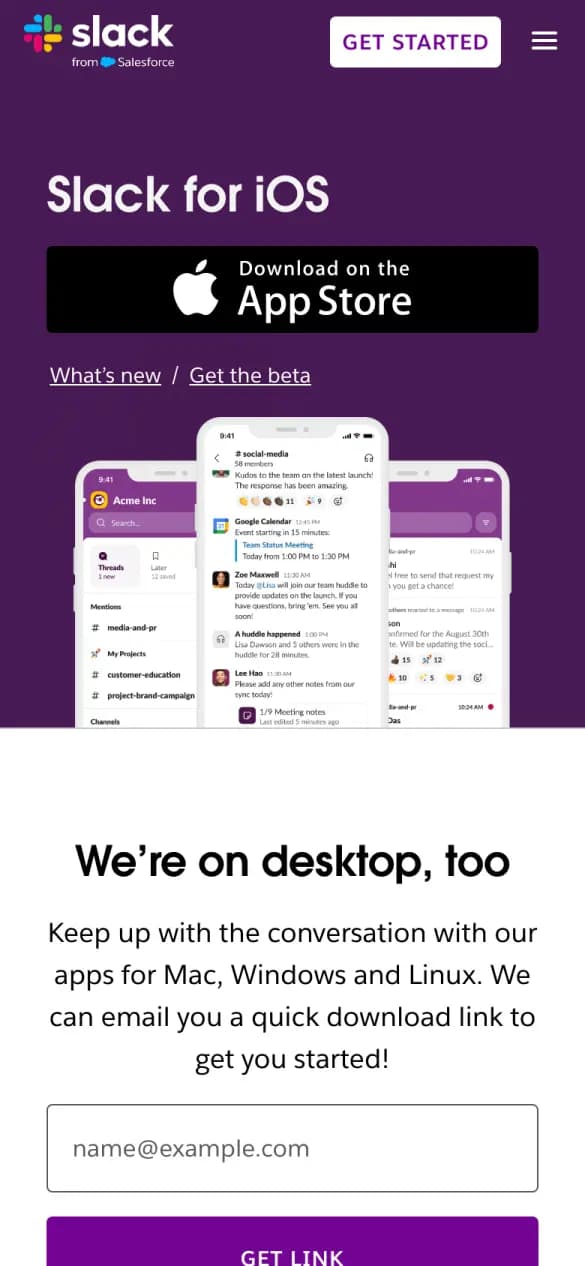
Slack
3 of 5 checks3 phone screens longWhat it does well
The App Store badge sits above three phones showing real channels.
- Download up top
- App shown
- Every platform
Misses: says why, proof up top
#7 · Task manager
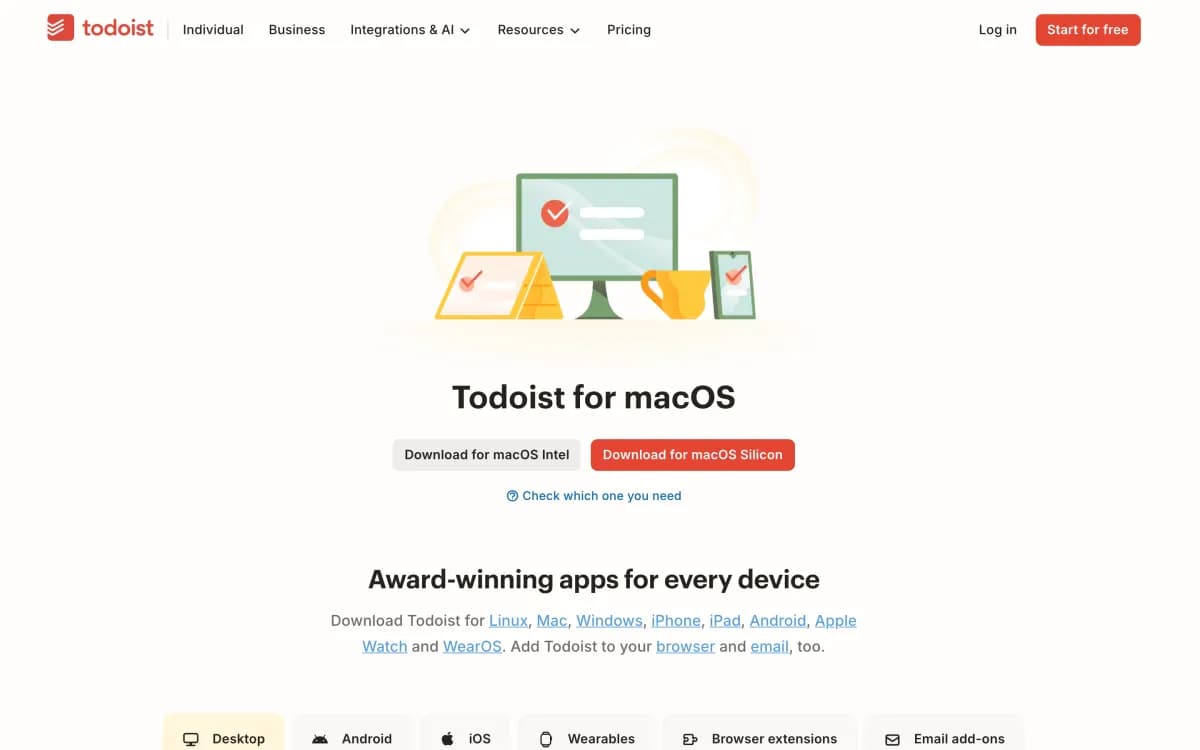
Todoist
3 of 5 checks4 phone screens longWhat it does well
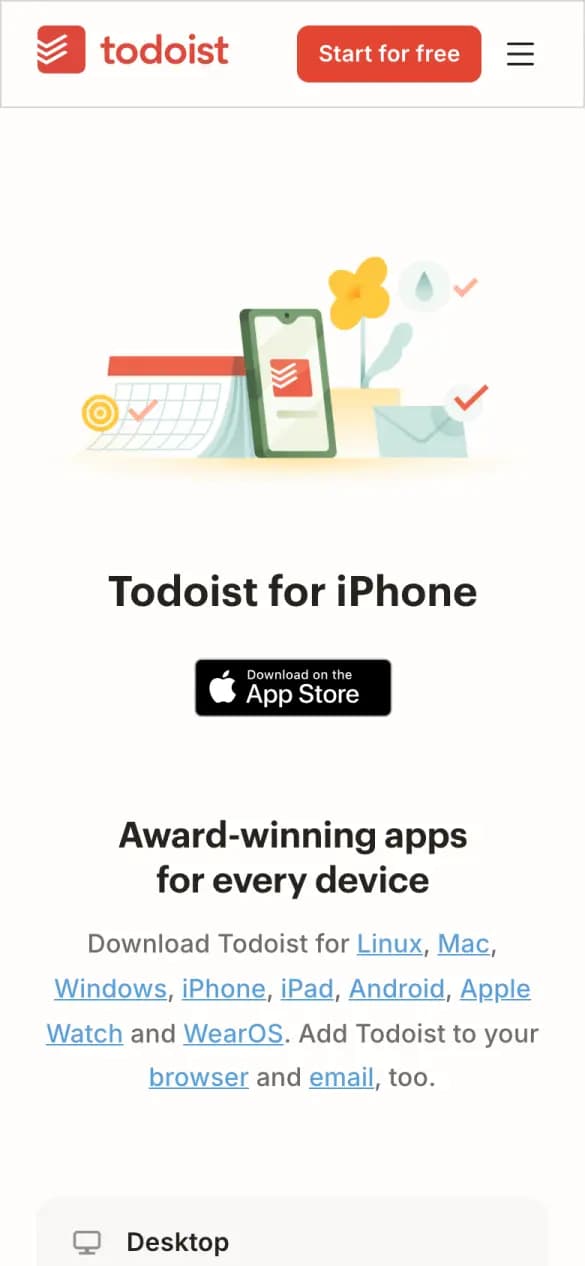
One App Store badge, then every platform from Linux to Apple Watch.
- Download up top
- Every platform
- Proof up top
Misses: app shown, says why
#8 · Notes
Evernote
3 of 5 checks5 phone screens longWhat it does well
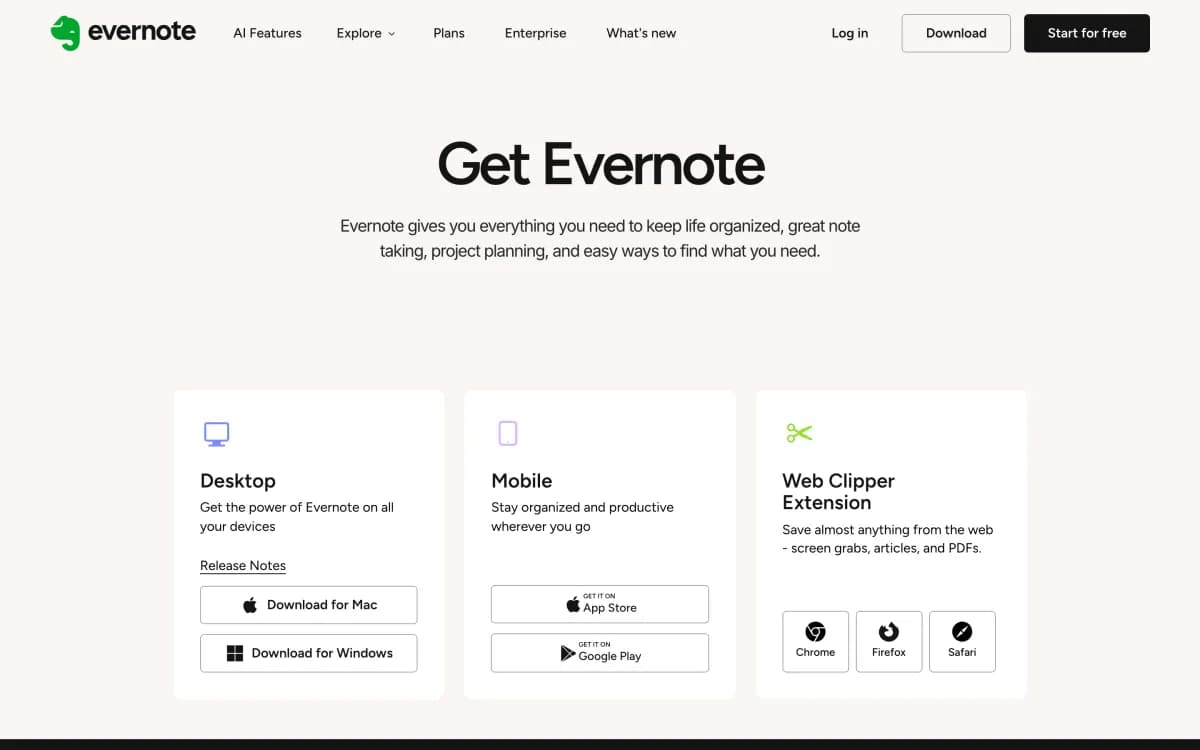
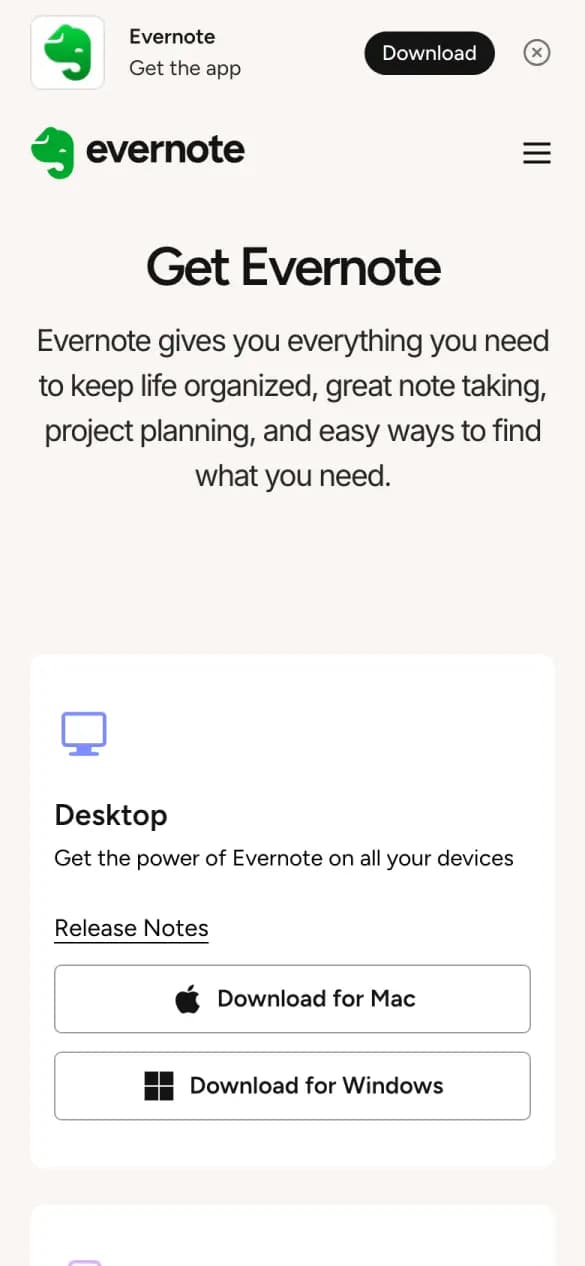
Desktop, mobile and web clipper each get their own card and button.
- Download up top
- Every platform
- Says why
Misses: app shown, proof up top
#9 · Work management
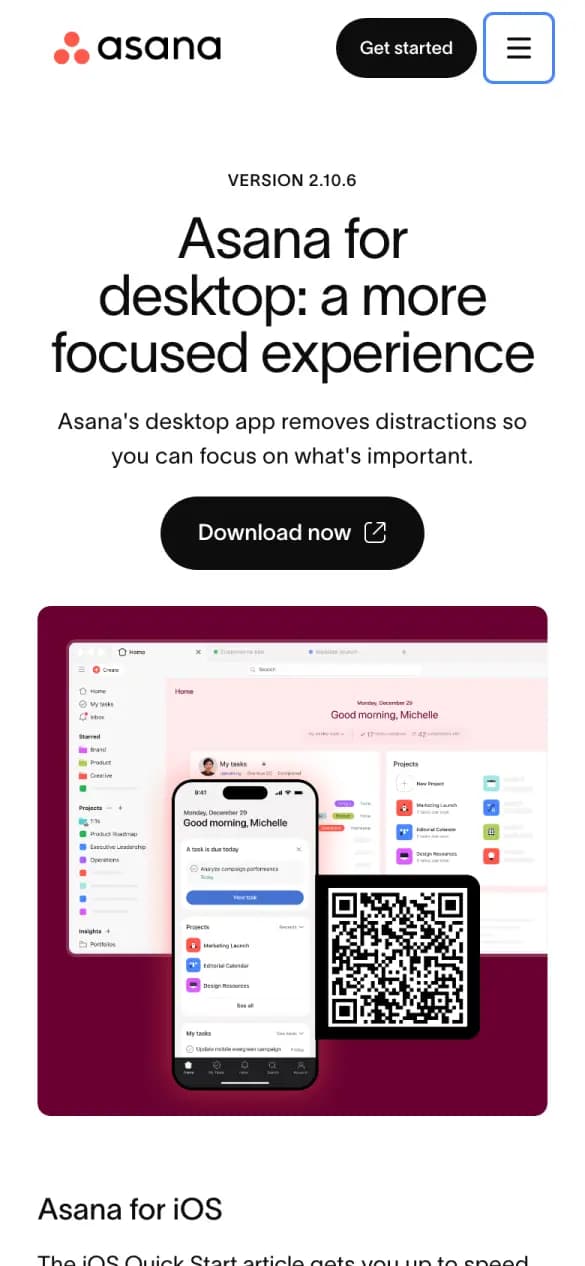
Asana
3 of 5 checks6 phone screens longWhat it does well
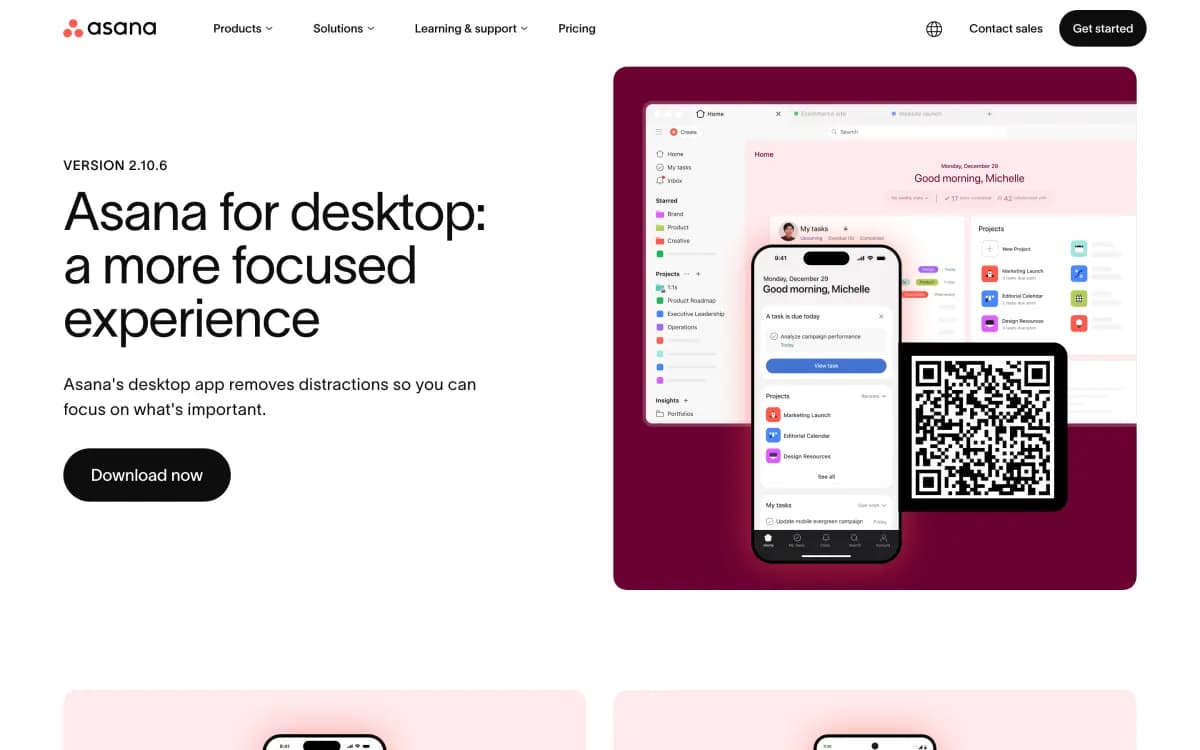
A QR code beside the app screens sends desktop visitors to their phone.
- Download up top
- App shown
- Says why
Misses: every platform, proof up top
#10 · Task manager
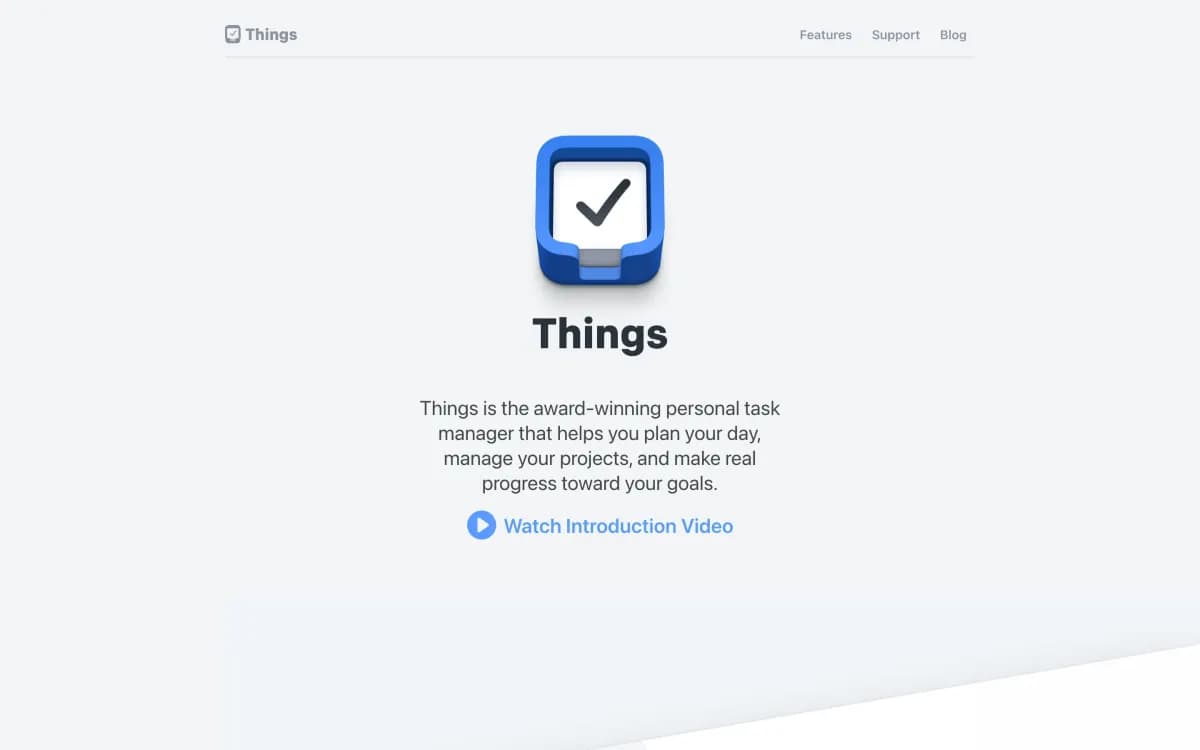
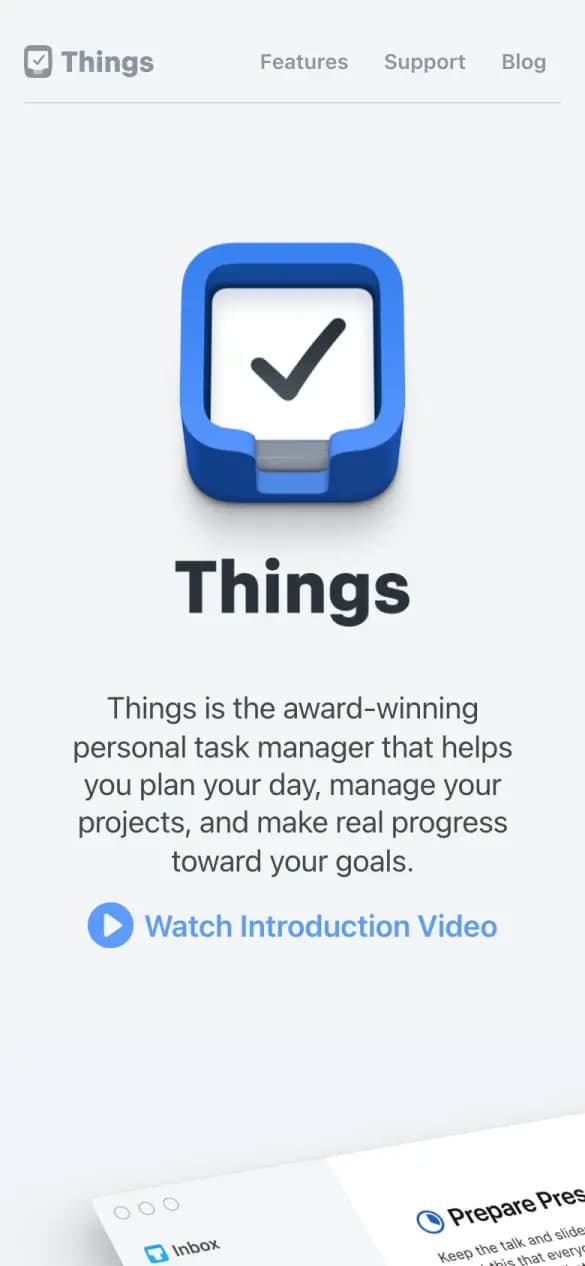
Things
3 of 5 checks13 phone screens longWhat it does well
The app icon and one line on what it helps you do, then the app itself.
- App shown
- Says why
- Proof up top
Misses: download up top, every platform
#11 · Project tracking
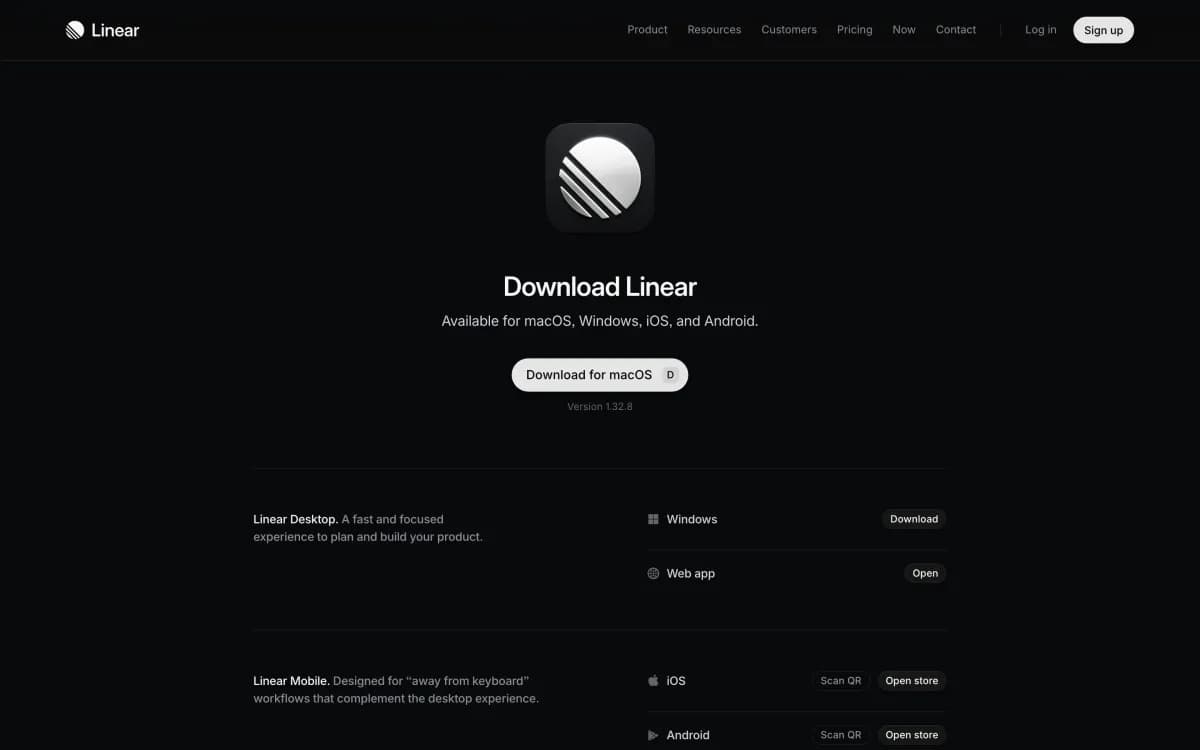
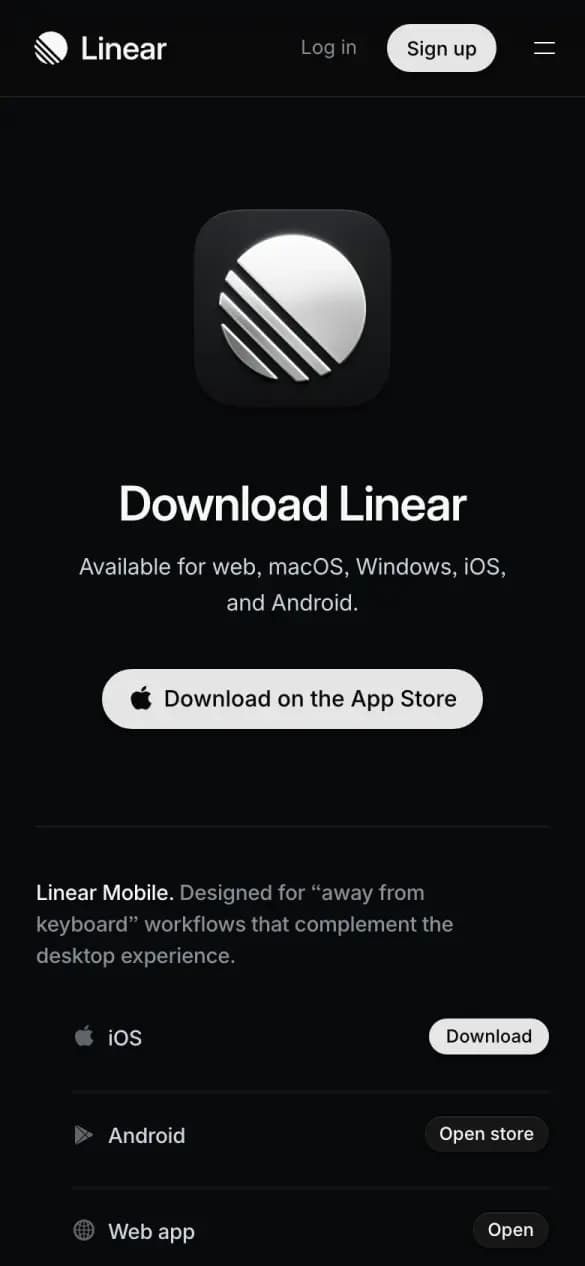
Linear
2 of 5 checks3 phone screens longWhat it does well
One page lists every platform, each with its own download or open button.
- Download up top
- Every platform
Misses: app shown, says why, proof up top
#12 · Music streaming
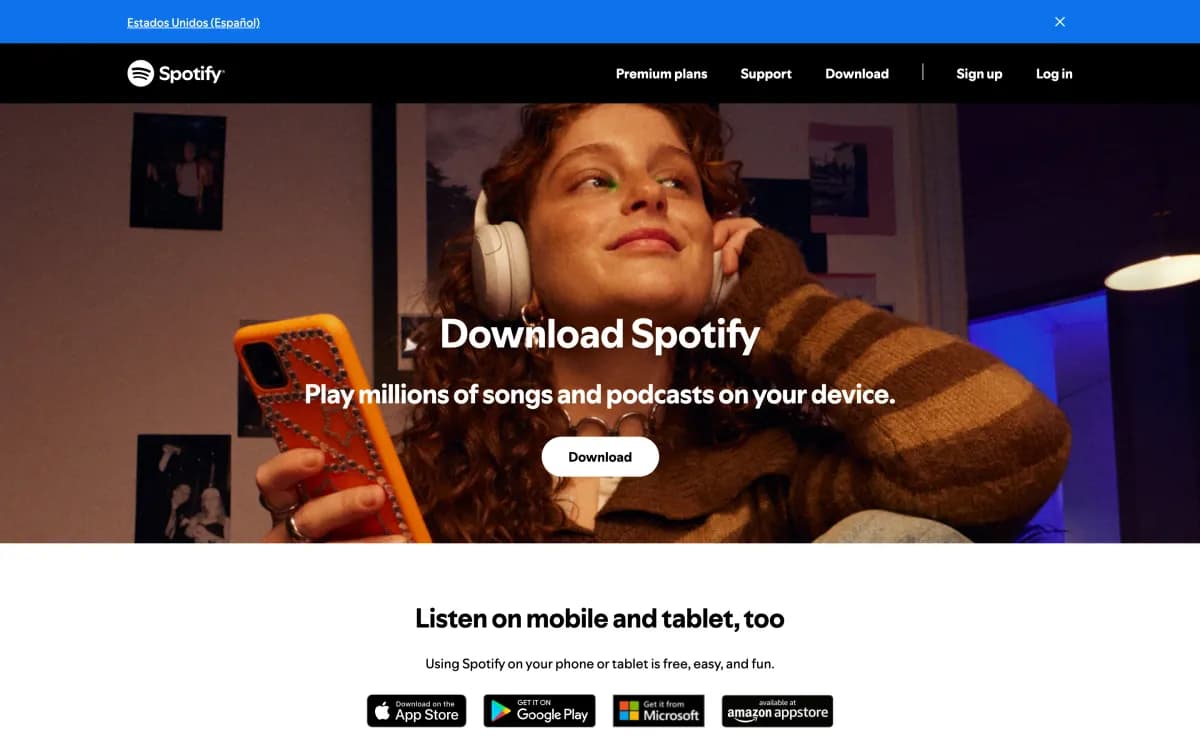
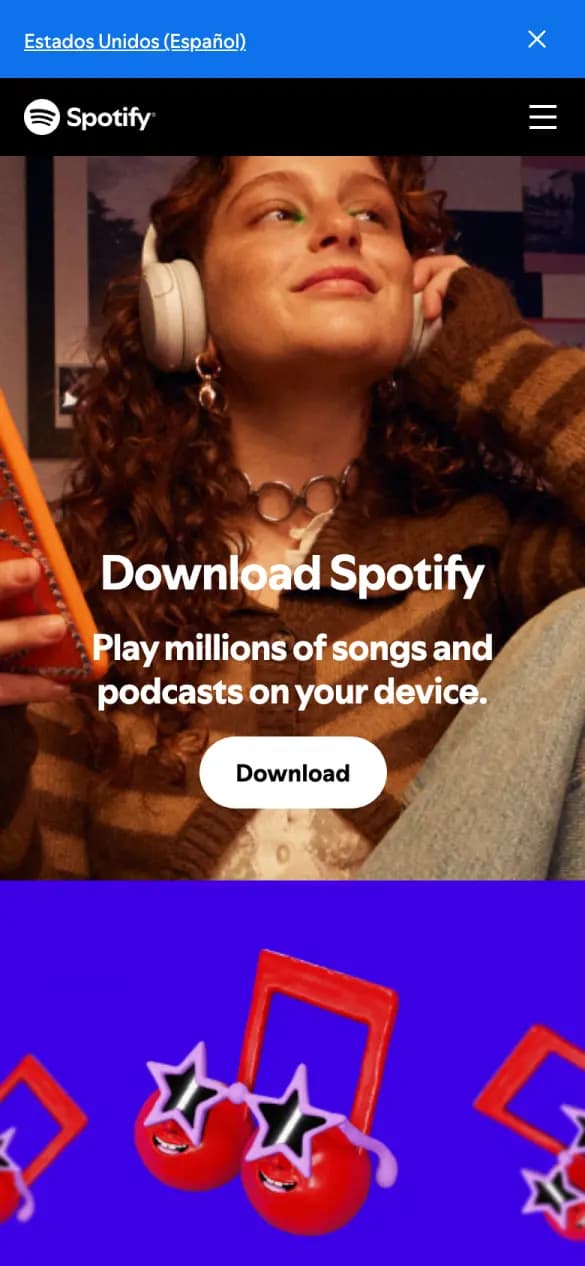
Spotify
2 of 5 checks3 phone screens longWhat it does well
A full-bleed photo and one download button, with nothing else to choose.
- Download up top
- Says why
Misses: app shown, every platform, proof up top
#13 · File storage
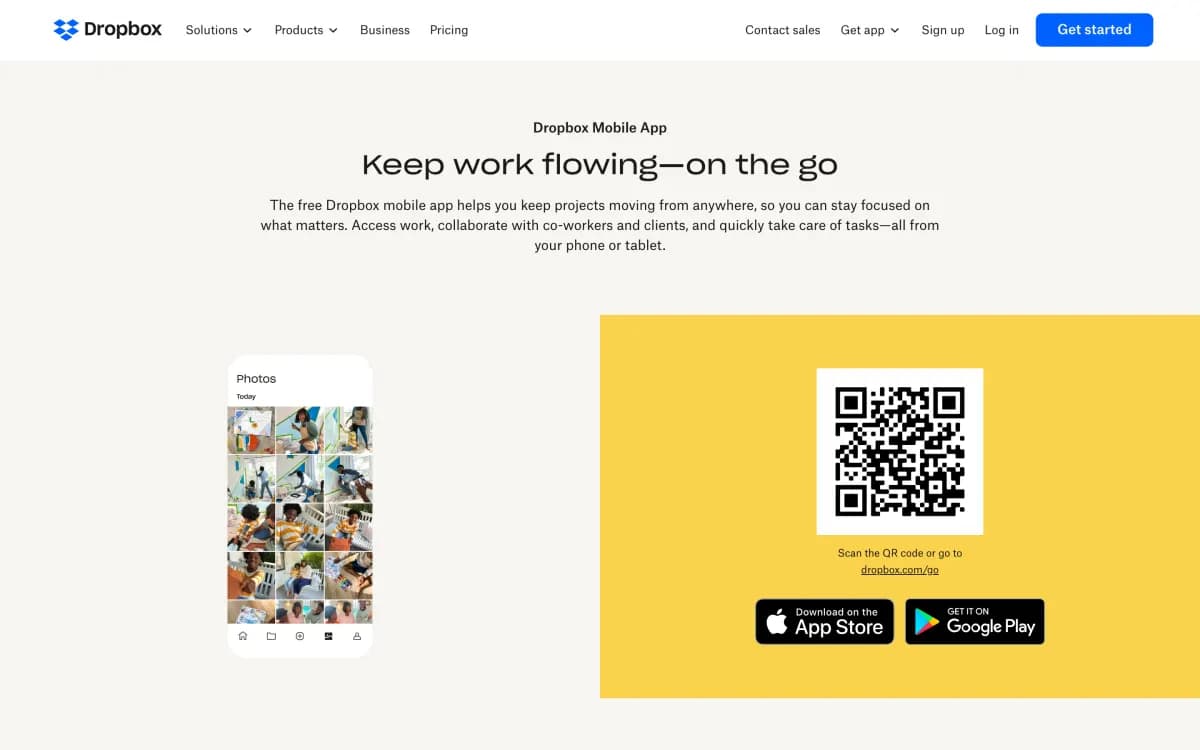
Dropbox
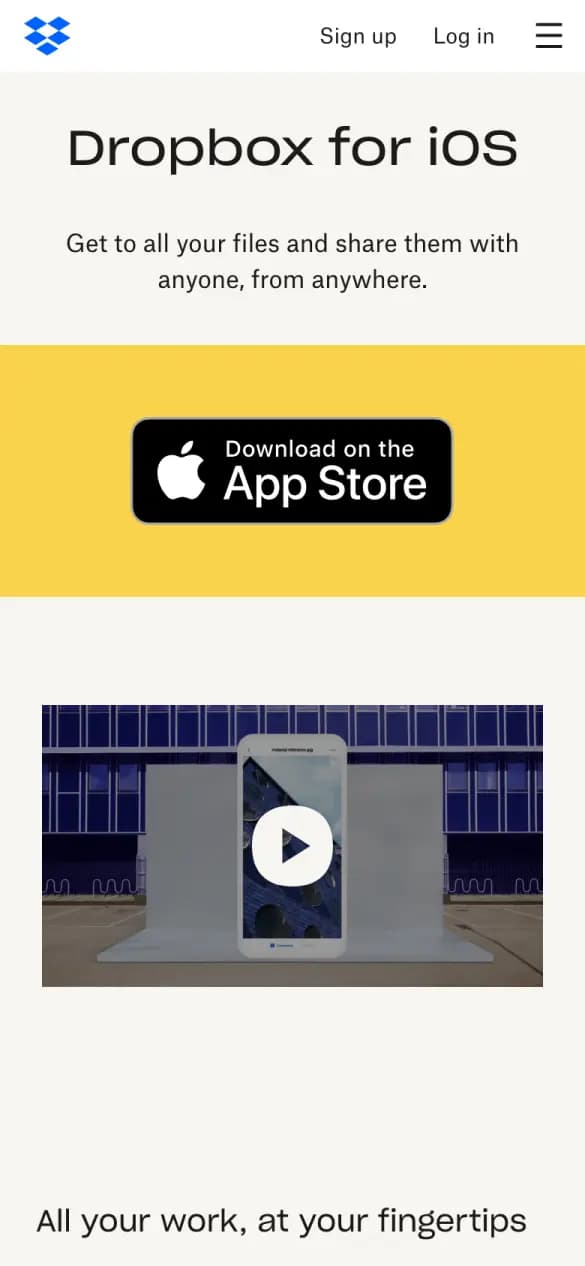
2 of 5 checks7 phone screens longWhat it does well
A big App Store badge on a bright band is the first thing you see.
- Download up top
- Says why
Misses: app shown, every platform, proof up top
#14 · Writing assistant
Grammarly
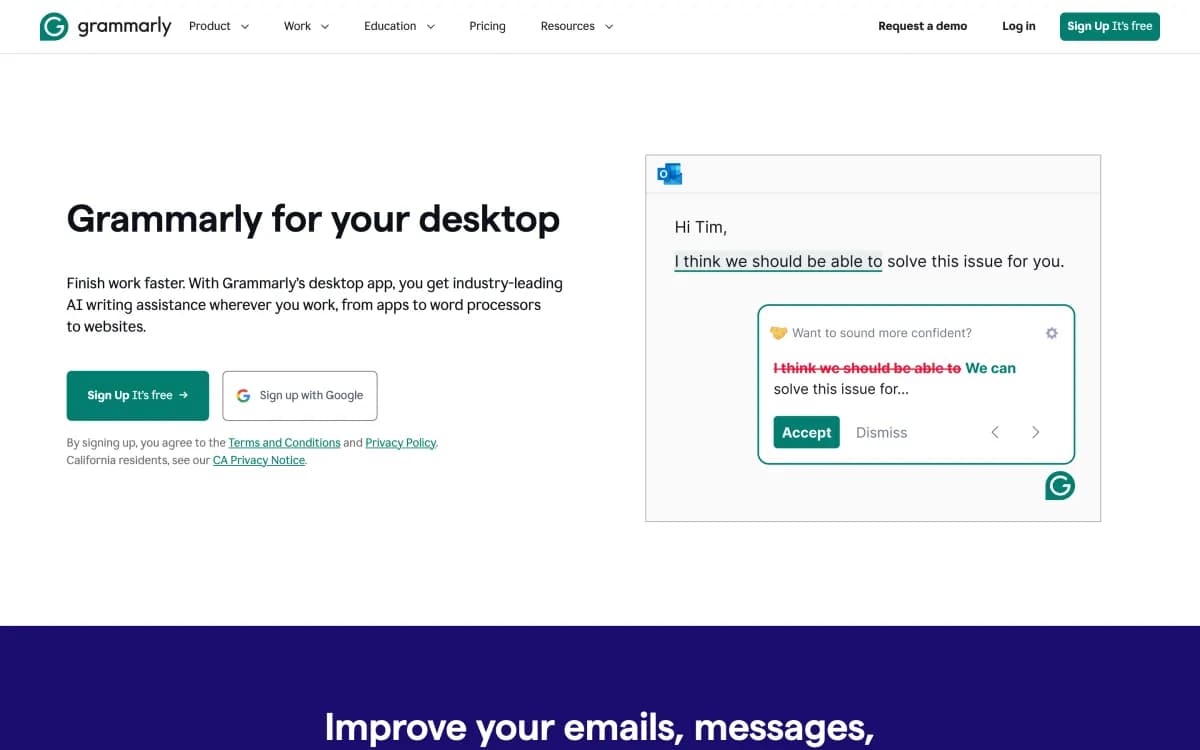
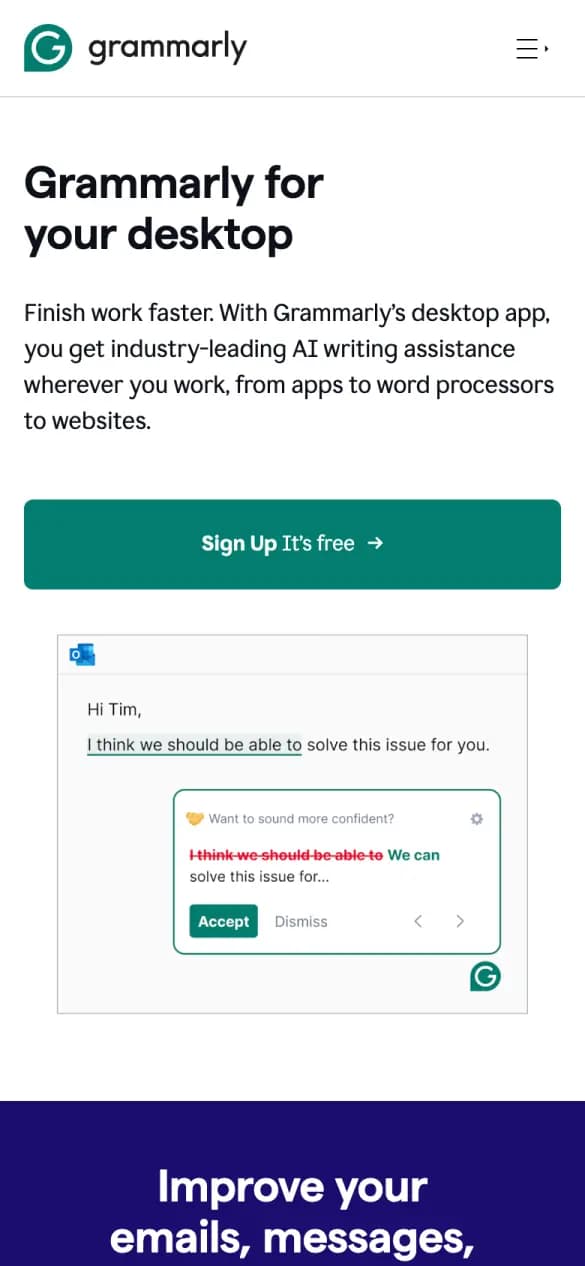
2 of 5 checks12 phone screens longWhat it does well
The product fixing a sentence in an email fills the first screen.
- App shown
- Says why
Misses: download up top, every platform, proof up top
#15 · Design
Figma
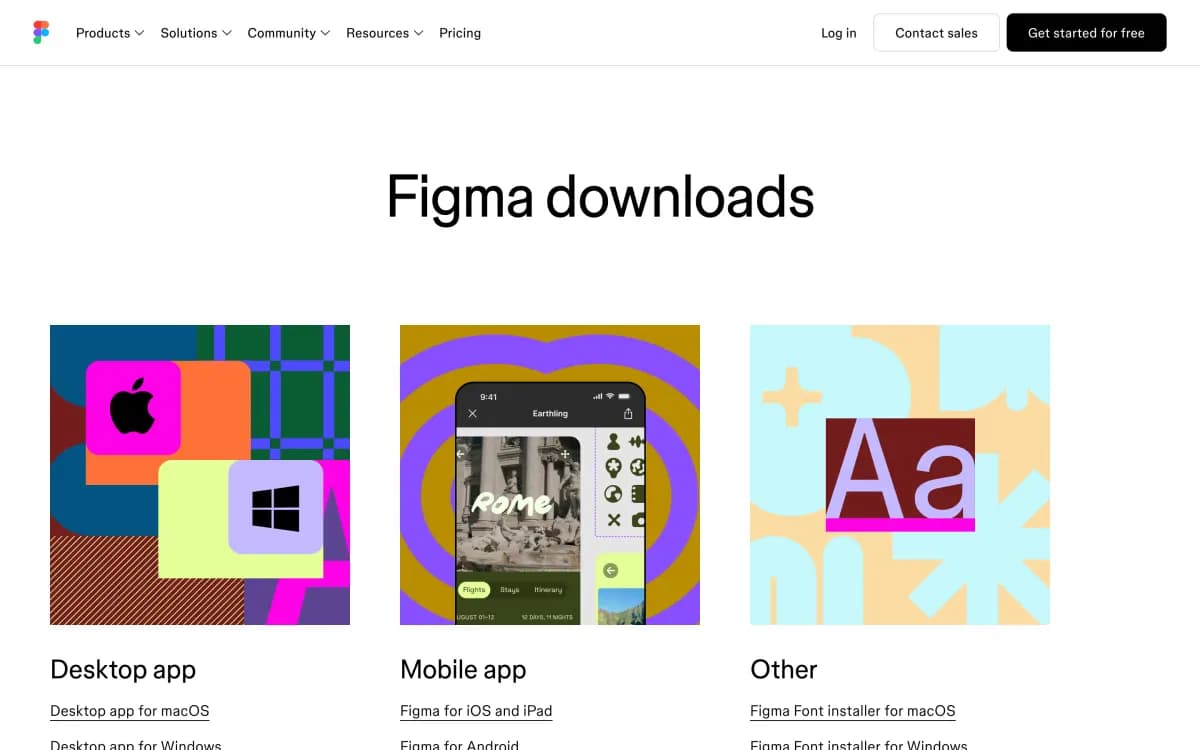
1 of 5 checks8 phone screens longWhat it does well
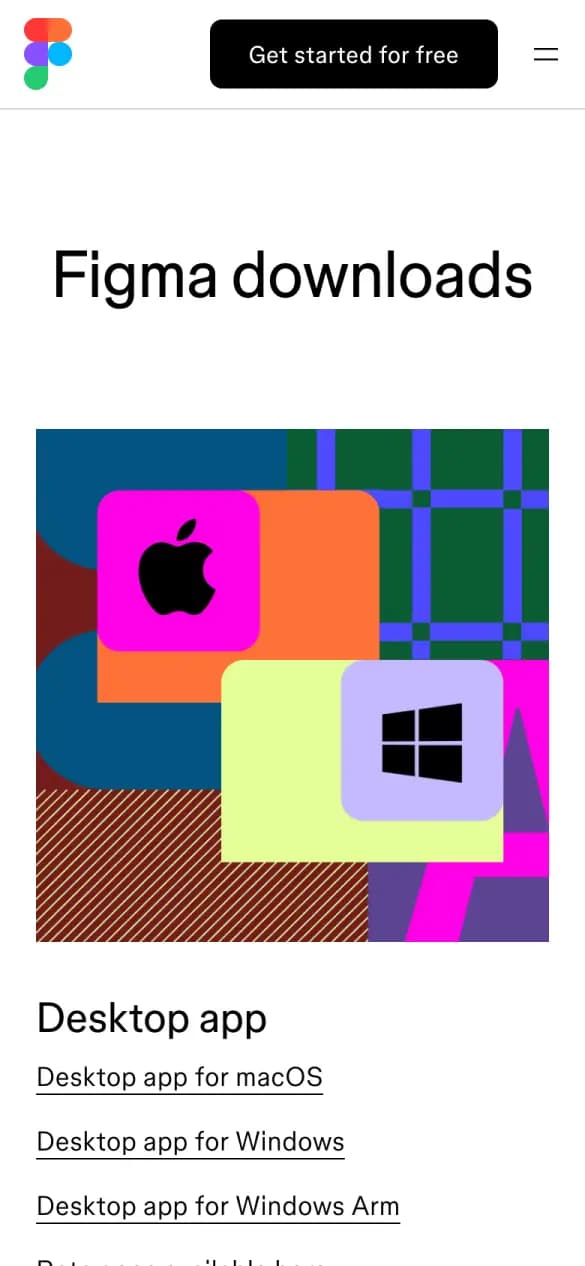
Desktop, mobile and font installer downloads are grouped with plain links.
- Every platform
Misses: download up top, app shown, says why, proof up top
#16 · Email
Superhuman
1 of 5 checks10 phone screens longWhat it does well
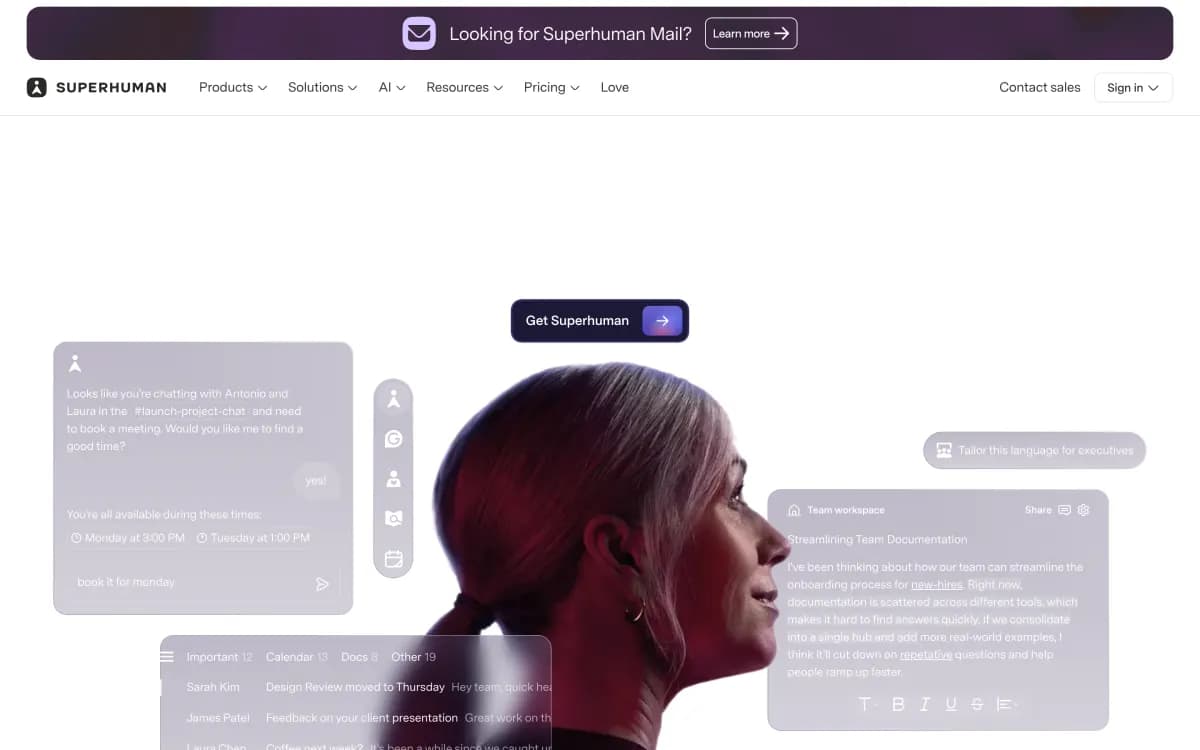
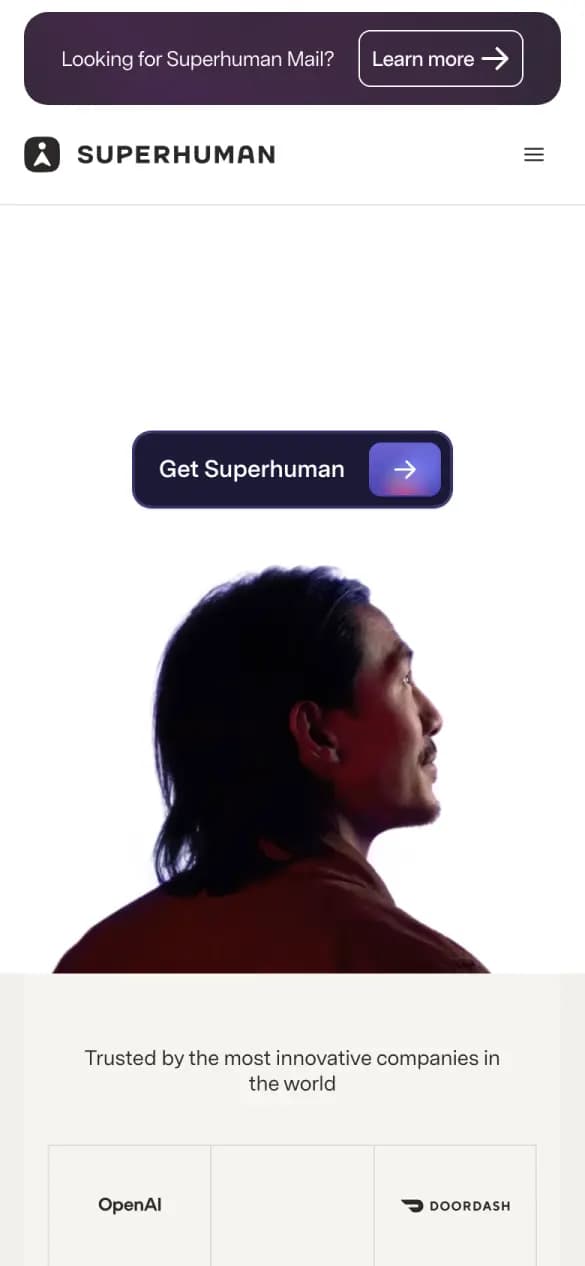
Customer logos sit right under a single start button.
- Proof up top
Misses: download up top, app shown, every platform, says why
Build it, then learn what converts

App landing page questions
- What should an app landing page show first?
- A download button for the visitor's device, the app's own screens and one line on what it lets you do. Notion, HubSpot and Ramp fit all three on the first phone screen.
- Should an app landing page list every platform?
- Yes, if the app runs on more than one. 9 of the 16 pages here name two or more platforms up top, so a visitor on a laptop still finds the phone app.
- How do I build an app landing page like these?
- Click Build a page like this on any example. Replo opens with a prompt for that layout, ready for your app, store links and brand, and publishes it on your own domain.