Email subject line generator
Pick the email you're sending, add your store, product and offer, and get up to eight subject lines, each modeled on one a real store sent and checked for length. Under it are 39 real subject lines from store emails, grouped by type, with what each one does.
2 subject lines for your welcome email
Our bestsellers, to start you off
The first line, as a subscriber sees it in their inbox.
Our bestsellers, to start you off
33 characters · 6 wordsFits Mailchimp’s adviceModeled on Jo Malone London: “Bestsellers you'll fall for – or already have.”
Allow us to introduce ourselves 👋
33 characters · 5 wordsFits Mailchimp’s adviceModeled on Gotham Greens: “Allow us to (Re)Introduce Ourselves 🌱”
Lines are filled from fixed patterns in your browser, not written by AI. Checked against Mailchimp’s advice: at most 9 words, 60 characters, 1 emoji and 3 punctuation marks.
Swipe file
Real subject lines from store emails
Every line below is the subject a store sent, word for word, linked to the email itself on Really Good Emails, a public archive of marketing emails. Each row gives the brand, its subject line and why it works.
Welcome email subject lines
Sends: right after someone joins your list.
- HighKeyWelcome to HighKey!The brand name, in the words the reader expects right after signing up, so it looks like the email they asked for.
- Unique SnacksWelcome! Here's your discount code!Says the code is inside. The reader opens to get what the signup form promised.
- CETTEYour 10% off coupon is here!Leads with the number, the same offer the signup form promised.
Abandoned cart email subject lines
Sends: a few hours after a shopper leaves a full cart.
- Brew Tea CoYour tea is right where you left it.Names the product and says nothing is lost. No discount, no pressure.
- Milk BarAhem, forget something?!The classic cart question, with one word of voice that sounds like the brand.
- ColdfreakYou were this close to ice cream with macros.Restates what the product is, so the shopper remembers why they wanted it.
Product launch email subject lines
Sends: the day a new product goes on sale.
- MomentIntroducing: MagForce II Mounts"Introducing" plus the product's name. Fans of the product line know exactly what's inside.
- LogitechThe MX Master 4 Developer Edition is here"Is here" tells the reader it's on sale now, not a teaser.
- CastleryLook what just moved inHides the product to earn the open, with a phrase that fits a furniture brand.
Sale email subject lines
Sends: when a discount or seasonal offer starts.
- GIRReminder: it's 25% off all Black toolsThe offer, what it covers and that it's a follow-up, in eight words.
- FealsSleep Gummies are now BOGO 50%Product first, then the deal. Readers who want that product see it at once.
- Little BeastFlash Sale: 20% Off the NBA Collection until Midnight!Every part of a sale in one line: the kind of sale, the offer, what's on sale and when it ends.
Black Friday and Cyber Monday email subject lines
Sends: the week of Black Friday through Cyber Monday.
- GozneyBlack Friday is almost here...A teaser a few days out, so subscribers watch for the sale email.
- Shift RoboticsMike, Black Friday starts early for youThe first name and early access make a sale everyone gets feel like it's for one person.
- Ooni Pizza OvensBlack Friday is Here – Save 20% on Almost Everything!The day, the discount and how much is included. Nothing to decode in a crowded inbox.
What is an email subject line?
An email subject line is the one line of text a subscriber sees in their inbox before they open your email, next to your sender name and the preview text. For a welcome email from Larkhill with 20% off, "Welcome! Here's your 20% off code" tells the reader what's inside in 6 words and 33 characters.
Why it matters
The subject line is most of what decides whether the email gets opened, and only an opened email can earn a click or an order. A line that names what the reader gets, such as the code, the product left in the cart or the sale, gives them a reason to open now instead of later.
Email drafts
Get the whole email written for your store
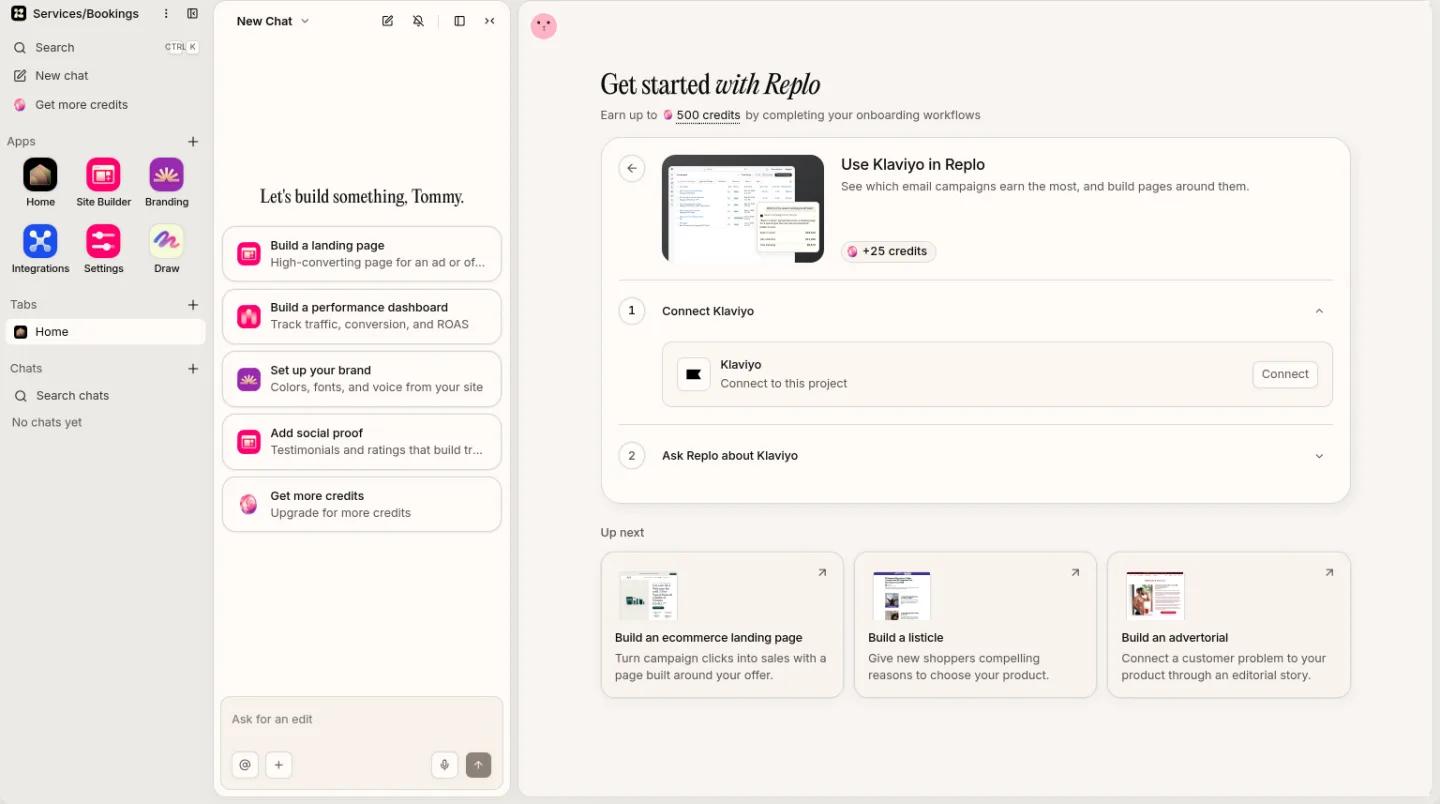
Replo reads your products and brand, writes the email and saves it as a draft in Klaviyo for you to send.

Formula
Subject line = what the reader gets + why now, in 9 words and 60 characters or fewer
"What they get" is the offer, the product or the news. "Why now" is a real deadline, a new arrival or the item still in their cart. Mailchimp's guidance is no more than 9 words, 60 characters, 1 emoji and 3 punctuation marks.
Four subject line patterns that work
- Name the offer
- Offer + what it covers
- Sales and welcome emails, when the discount is the reason people signed up: "Your 10% off coupon is here!" (CETTE).
- Name the product
- Product + what's happening to it
- Abandoned cart and launch emails, where the reader already knows the product: "Your tea is right where you left it." (Brew Tea Co).
- Ask a question
- A question the email answers
- When the reader's own doubt is the hook: "Ahem, forget something?!" (Milk Bar).
- Add a deadline
- Offer + when it ends
- The last email of a sale, and only with a deadline that's true: "Flash Sale: 20% Off the NBA Collection until Midnight!" (Little Beast).
How to write an email subject line
- Say what's inside. The code, the product, the sale. A reader skimming 50 subject lines decides in a glance.
- Put the important words first. Lead with the offer or the product, so it shows even where the line gets cut.
- Keep it short. Mailchimp recommends no more than 9 words and 60 characters, and says shorter is often better on phones.
- Use one emoji at most, and never in place of a word. Mailchimp's research says no more than 1 at a time.
- Keep punctuation to 3 marks or fewer. "Don't miss out!!!" spends all three on nothing.
- Write the preview text too. It's the line after the subject in most inboxes. Use it to add what the subject left out, such as the deadline or the code.
- Match the email and the page. If the subject says 20% off, the email and the page its button opens should say 20% off before anyone scrolls.
A worked example: a Black Friday email
Larkhill, a coffee store, runs 20% off The Daily Blend from Black Friday to Sunday and needs subject lines for three sends. In the generator: Black Friday, store Larkhill, product The Daily Blend, offer 20% off, ends Sunday.
- Before the sale, tease it: Black Friday is almost here... (5 words, 30 characters)
- On the day, say the whole offer: Black Friday is here: 20% off The Daily Blend (9 words, 45 characters)
- On the last day, add the deadline: Black Friday ends Sunday: 20% off (6 words, 33 characters)
Three emails, three jobs: one gets subscribers watching, one sells, one closes. Each names the offer or the date, and each fits Mailchimp's 9-word, 60-character advice.
What makes a good email subject line?
A good subject line tells the reader what they get and gives them a reason to open now, in a few words. Of the 39 store subject lines above, 38 fit Mailchimp's advice, and only 1 of the 8 abandoned cart lines leads with a discount: the rest name the product or simply ask the shopper back.
Test it rather than guess. Most email tools, Klaviyo and Mailchimp included, can send two subject lines to a slice of your list and the winner to the rest. Judge the winner by clicks or orders, not opens: Apple Mail Privacy Protection can count an open that nobody made.
| Email type | When it sends | What the subject should say | Real example |
|---|---|---|---|
| Welcome | Right after someone joins your list | Your name, or the code they signed up for | Welcome! Here's your discount code! (Unique Snacks) |
| Abandoned cart | A few hours after a shopper leaves a full cart | The product, and that it's still there | Your tea is right where you left it. (Brew Tea Co) |
| Product launch | The day a new product goes on sale | The product's name, or who it's for | Introducing: MagForce II Mounts (Moment) |
| Sale | When a discount or seasonal offer starts | The offer and what it covers | Reminder: it's 25% off all Black tools (GIR) |
| Black Friday and Cyber Monday | Black Friday through Cyber Monday | The day, the offer and, at the end, the deadline | Black Friday is Here – Save 20% on Almost Everything! (Ooni) |
Black Friday and Cyber Monday subject lines
Black Friday is the day after US Thanksgiving, and Cyber Monday the Monday after. Stores tend to send three kinds of email that week: a teaser before the sale ("Black Friday is almost here...", Gozney), the offer on the day ("Black Friday is Here – Save 20% on Almost Everything!", Ooni Pizza Ovens) and a last call ("LAST CALL for Cyber Monday deals", Kizik). All nine are in the swipe file above.
Every store is in the inbox that week, so be specific. Name what's on sale ("Ride Further: 25% Off Bibs & Tights", Rapha) or borrow someone else's praise ("Wired's favorite office chair is up to 20% off", Branch) instead of "Our biggest sale ever".
Questions about email subject lines
- What is a good subject line for an email?
- One that says what the reader gets and why to open now, in 9 words and 60 characters or fewer. "Your 10% off coupon is here!" (CETTE) and "Your tea is right where you left it." (Brew Tea Co) both do it in under 40 characters.
- How long should an email subject line be?
- Mailchimp recommends no more than 9 words and 60 characters, and says shorter is often better for people reading on a phone. Put the offer or product first.
- Should I use emoji in subject lines?
- One at most, and as an extra, not in place of a word. Mailchimp's research says to use no more than 1 emoji at a time. Of the 39 store subject lines above, 10 use an emoji.
- What are good Black Friday email subject lines?
- Ones that name the day and the offer: "Black Friday is Here – Save 20% on Almost Everything!" (Ooni Pizza Ovens) or "Cyber Monday sale: 25% off almost everything." (Brondell). Send a teaser before the sale and a last call at the end, as Gozney and Kizik do.
- Is this subject line generator AI?
- No. It fills fixed patterns, each modeled on a real store's subject line, with your store, product and offer, and it runs in your browser. Nothing you type is sent anywhere. For an email written from your own products and brand, use Replo with Klaviyo.
- Can Replo write and send my emails?
- Replo writes them, and you send them. Connect Klaviyo and Replo writes the email from your products and brand, then saves it in Klaviyo as a template, draft campaign or draft flow. Nothing is sent or scheduled until you send it in Klaviyo.
Sources
Do it with Replo
Get the whole email drafted in Klaviyo
Connect Klaviyo and tell Replo what you're sending. Replo writes the email from your products and brand and saves it as a draft for you to review and send.
Prompt: “write a black friday email and save it as a klaviyo draft”