Landing pages for ChatGPT ads that pass review and sell
A ChatGPT ad landing page has two readers. OpenAI's crawler, OAI-AdsBot, has to reach it to approve the ad and judge when it fits, and the person has to find the answer to what they just asked. Link each ad group to a product, collection or content page that matches its chat, not your homepage.
- Crawler to allow
- OAI-AdsBot
- Link to
- Product or collection page
- Keep in the link
- The oppref click id
Why OpenAI's crawler rejects a page
OpenAI reviews the page your ad opens. These responses get an ad held back until you fix them.
| What the crawler gets | What to check |
|---|---|
| 403, access denied | Security rules on the host that refused it, including a redirected subdomain |
| 404, page not found | The page or redirect target, for each device and location |
| 429, too many requests | Rate limits and bot protection; upload large batches of ads in smaller groups |
| Blank, login or challenge page | That the page and its images load without a sign-in or CAPTCHA |
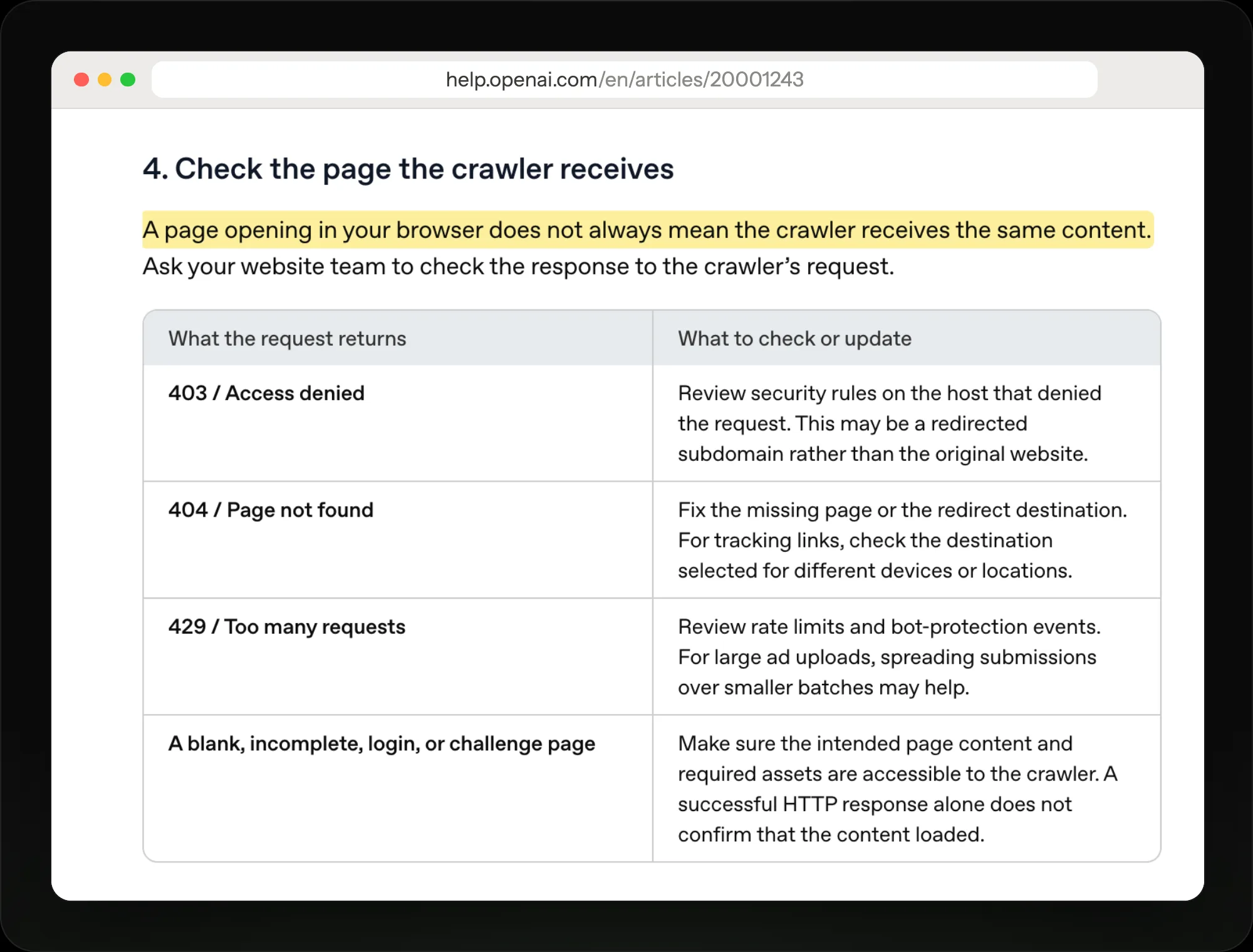
A page that opens for you can still fail OpenAI's crawler; each response code points to a different fix.
Build a page that passes review and sells
Let OpenAI's crawler in
OpenAI's crawler visits every landing page to check it against ad policies and to learn when the ad fits. You must allow OAI-AdsBot, and OpenAI recommends allowing OAI-SearchBot too. Check robots.txt on every host the link passes through.
robots.txt isn't always enough: a firewall, CDN or bot protection can still block it. Cloudflare verifies and allows OAI-AdsBot. If your security team needs IP ranges, OpenAI publishes them at openai.com/adsbot.json.
- OAI-AdsBot allowed
- No CAPTCHA or login wall
- Every redirect host checked
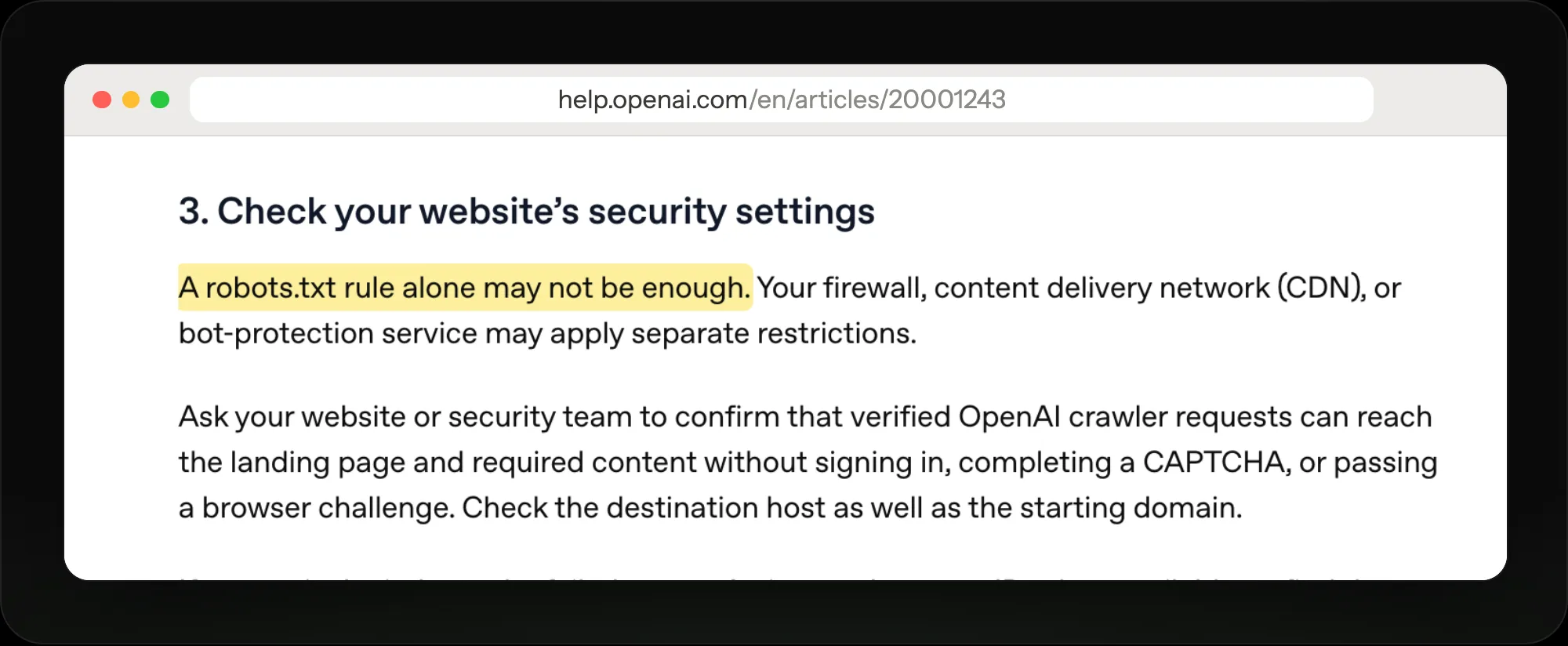
Allowing the crawler in robots.txt isn't enough if a firewall or bot check still blocks it.
Test the exact link in the ad
Open the full ad URL, tracking tags included, follow every redirect and confirm the final page shows the product you're advertising. A working homepage proves nothing about the ad link. If a tracking link sends people to different pages by device or country, test each one.
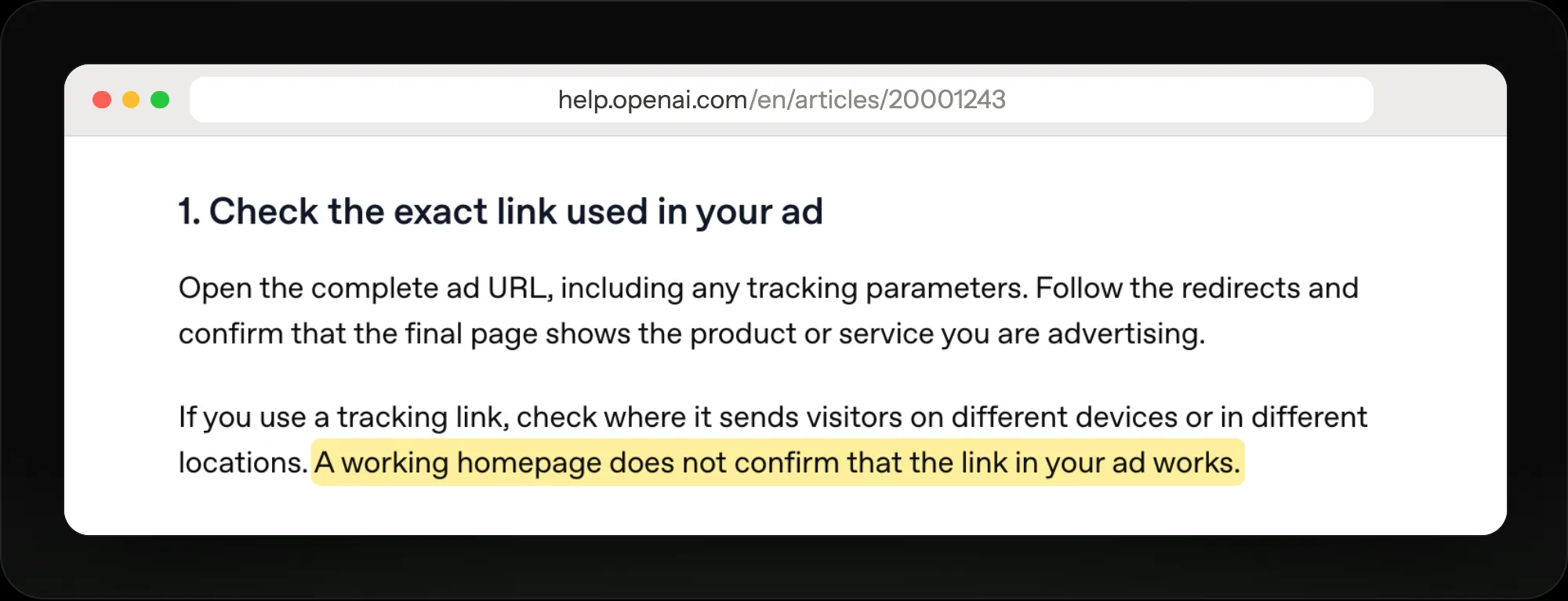
Test the full ad URL with its tracking tags; a working homepage proves nothing.
Give each ad group its own page
An ad group is one kind of conversation, so its page should answer that conversation. OpenAI suggests a new ad group whenever a use case needs different messaging or a different landing page. Someone asking about a first marathon and someone asking about trail shoes should land on different pages.
Answer the question first
The person clicked from an answer, so the page should pick up where it left off: say what the product does and who it's for, then show the price, reviews and how to buy. OpenAI says a clear connection between ad and page helps people move from interest to action.
Multi-image ads send every image to the same link, and their only button is Learn more, so that one page has to cover all of the products shown.
- Headline answers the chat
- Price and reviews up top
- One clear buy button
Keep tracking intact
OpenAI adds a click id, oppref, to the end of every ad link. Keep it through redirects and page changes, install the OpenAI Pixel across your pages, and add UTM tags to each ad's link. Review crawler visits can look like paid traffic in your analytics, but they aren't billed.
Recheck after every site change
Repeat the crawler checks whenever you change the page, a redirect, hosting or security settings. Once access is fixed, resubmit the affected ads if their status doesn't update; a reachable page still has to pass review. Then test page versions against each other to see which turns more ad clicks into sales.
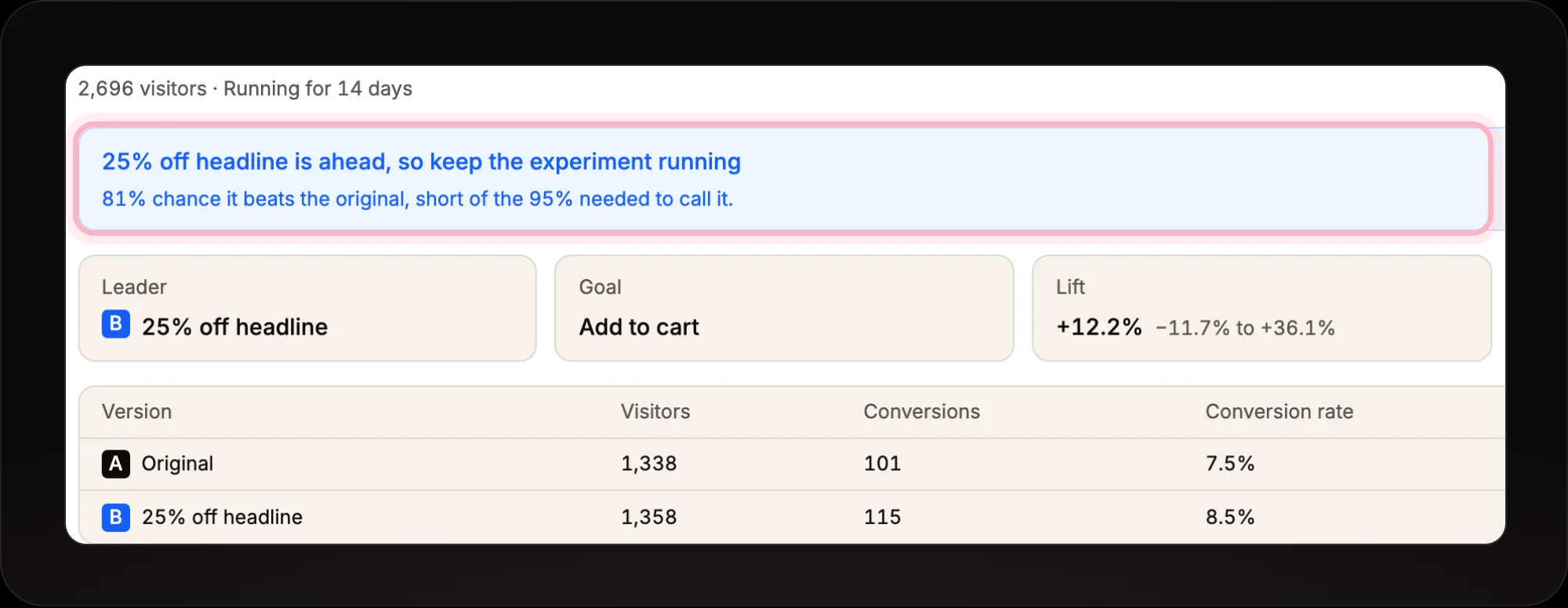
Replo keeps a test running until one page is clearly ahead, then keeps the winner.
Build the page your ad group needs
Replo builds a landing page on your brand for each ad group, publishes it on your domain and A/B tests it.
The prompt Replo starts from
Build a landing page for my ChatGPT ad group about [product]. It's for people asking ChatGPT [the question]. Start with a one-line answer to that question, then the product, price, reviews and shipping, with one buy button above the fold.
Edit the words in brackets once Replo opens.
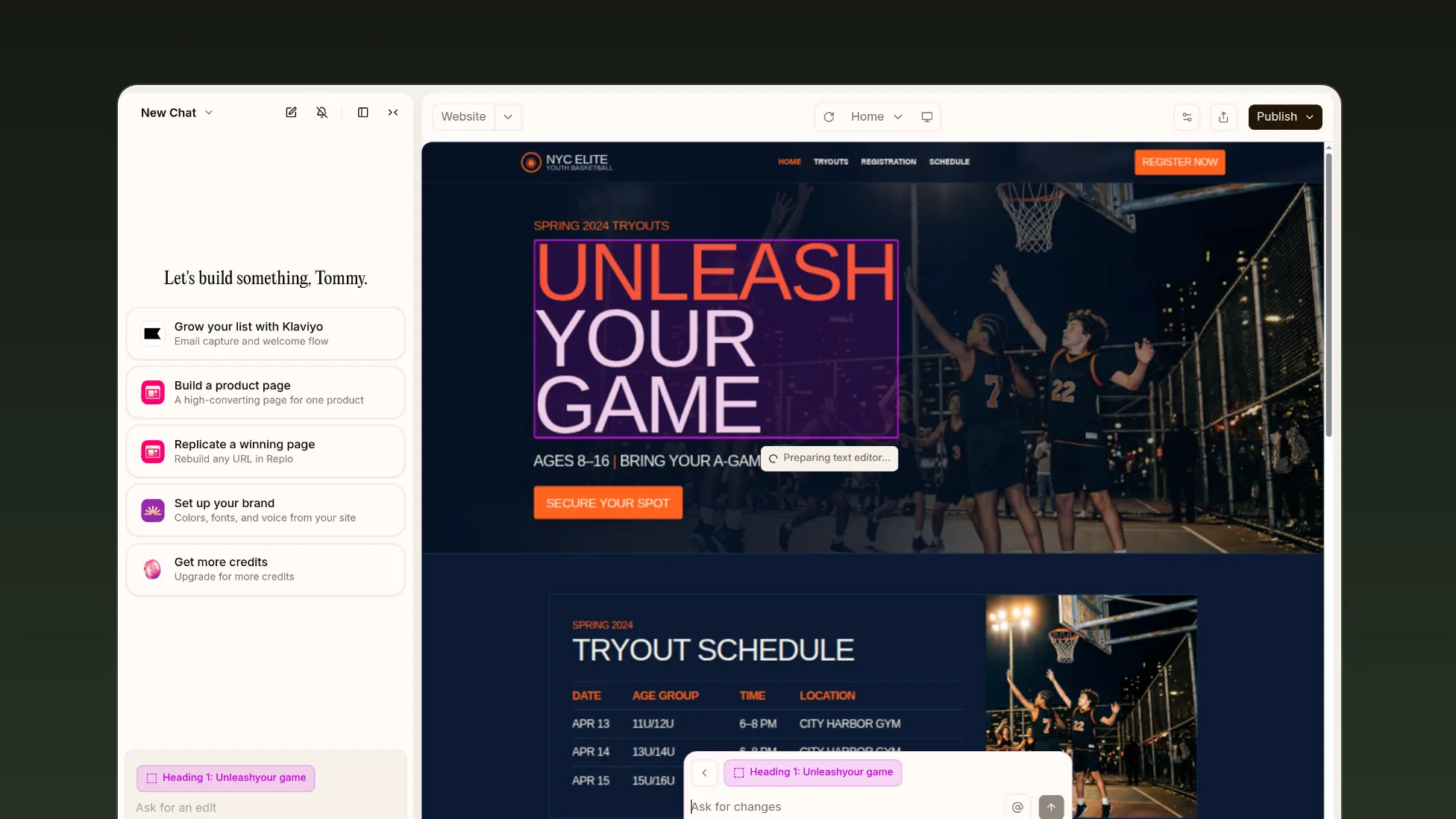
Describe the ad group's chats in Replo, then click any part of the page to change it.
Frequently asked questions
- What landing page should a ChatGPT ad link to?
- The page most relevant to the chat: a product page, collection page or content page, not a generic homepage. OpenAI reads that page to judge when your ad fits, so a page that answers the ad group's question helps twice.
- Why was my ChatGPT ad rejected for its landing page?
- Often because OpenAI's crawler couldn't load it. A 403, 404 or 429 response, a login wall, a CAPTCHA or a blank page fails the check. Allow OAI-AdsBot in robots.txt and in your firewall or CDN, then resubmit the ad.
- Can a ChatGPT ad link to an app store or a deep link?
- OpenAI advises against it. App store links, deep links, documents and pages behind a login or a region check may not give its crawler enough to review. Use a web page the crawler can reach directly.
- Does OpenAI charge for its crawler's visits?
- No. The review crawler may open your landing page with its tracking tags, and analytics tools can count that as paid traffic, but OpenAI says crawler visits aren't billable clicks.