How to see average order value in Shopify
Short answer
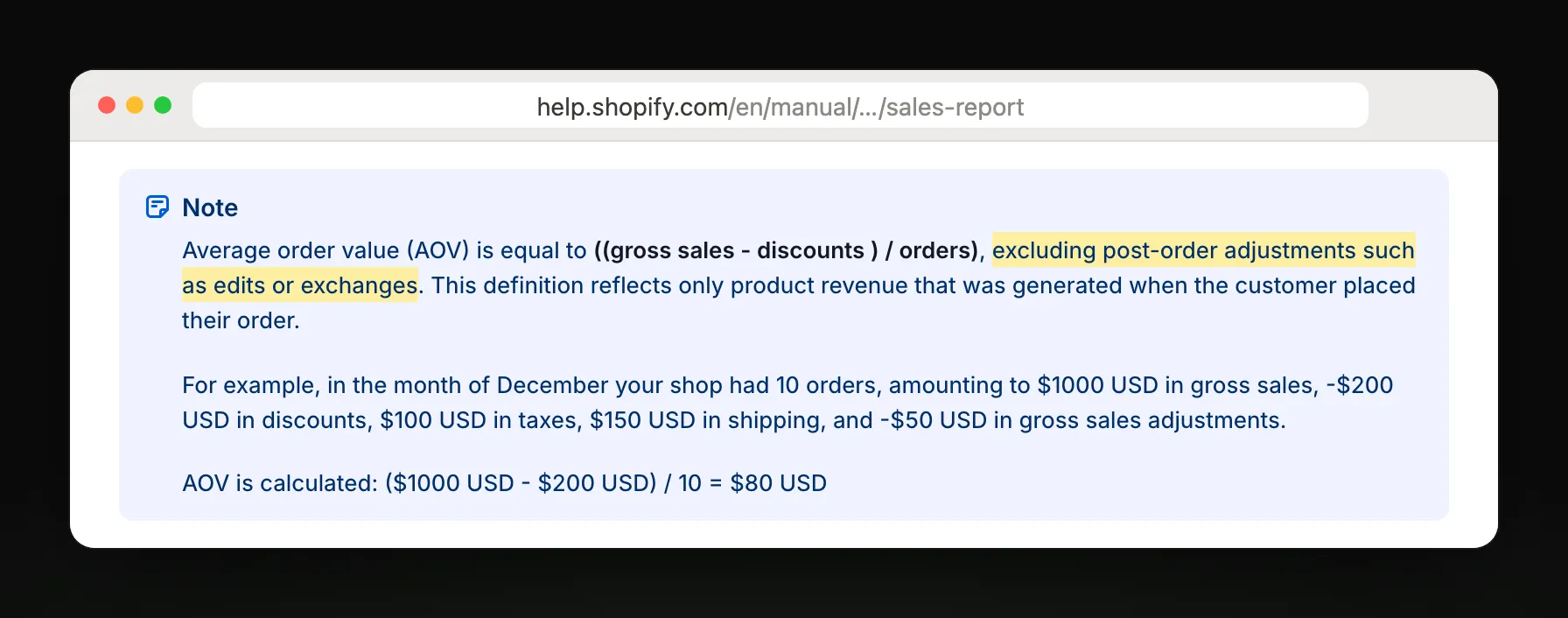
In your Shopify admin, go to Analytics, then Reports, filter Category to Sales, and open Average order value over time. Shopify calculates it as gross sales minus discounts, divided by orders, without taxes or shipping. Group it by week or month to see the trend. Replo emails total sales, not average order value yet.
Open the report in your Shopify admin
Open Analytics, then Reports
From your Shopify admin's left menu. In the Shopify app, tap the menu icon first.
Filter Category to Sales
Click the Category filter and pick Sales, so only sales reports are listed.
Open Average order value over time
Gross sales minus discounts, divided by orders; taxes and shipping aren't included.
Group it by week or month
Pick the dates and the grouping to see whether order size is growing.
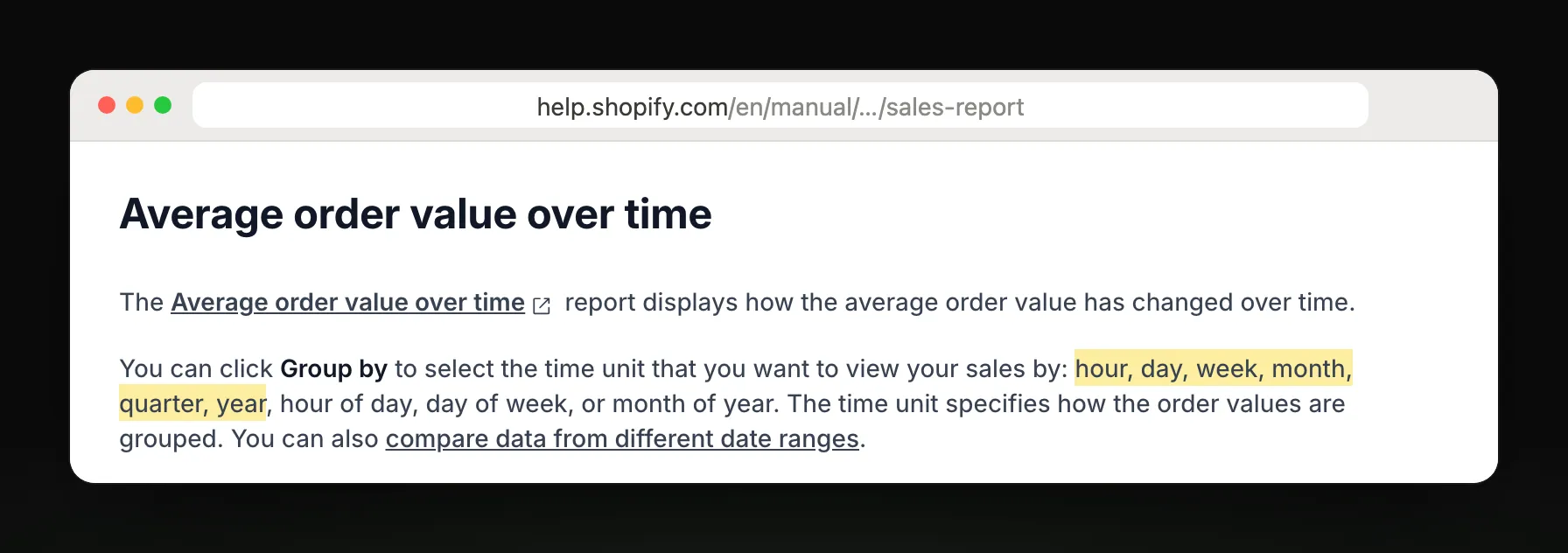
Steps and report names from Shopify Help Center: Sales reports.
Which report answers your question
| You want to know | Report |
|---|---|
| Is my order size growing? | Average order value over time |
| What did discounts cost me? | Sales by discount codes |
| Which products sell most? | Total sales by product |
| Which channel sold it? | Total sales by sales channel |
| Do repeat buyers spend more? | Returning customers, average spend per order |
| What did each order add up to? | Total sales by order |
What Shopify's report leaves out
It isn't sent to you. You open the admin each time, or export a CSV.
Taxes and shipping are left out, so it reads lower than what customers paid at checkout.
Edits and exchanges after the order aren't part of the average.
Pending, unpaid and canceled orders are included in sales reports, which can pull the average around.
Get last week's sales in your inbox every Monday
Weekly sales summary, by email
Replo reads Shopify sales totals, so it can't send your average order value yet. It can email last week's total sales against the week before every Monday, with ad spend and ROAS by ad beside it.
Replo sends today
- Total sales against last week
- Monthly totals against last year
- Ad spend and ROAS by ad
- Emailed to up to 10 teammates
Still in Shopify
Average order value over time
Order- and customer-level detail
Delivery to Slack or Google Sheets
Frequently asked questions
- Where is average order value in Shopify?
- In your Shopify admin, go to Analytics, then Reports, filter Category to Sales, and open Average order value over time. The Analytics dashboard shows it too; the report lets you change the dates, group by period and export.
- How does Shopify calculate average order value?
- Gross sales minus discounts, divided by the number of orders. Taxes, shipping and edits after the order aren't included. For example, $1,000 in gross sales with $200 in discounts across 10 orders gives an average of $80.
- Why is my Shopify average order value lower than my checkout totals?
- Because it leaves out taxes and shipping, and subtracts discounts. A customer who paid $60 at checkout, including $8 shipping and $4 tax, adds $48 to the average. Compare it with Total sales by order for the full amounts.
- Can Shopify email me my average order value?
- Not as a scheduled report: you open it in the admin. Shopify Flow can send a scheduled email you build yourself. Replo emails your total sales against last week every Monday; average order value stays in Shopify for now.