How to see profit in Shopify
Short answer
In your Shopify admin, go to Analytics, then Reports, filter Category to Profit margin, and open Gross profit by product. It only counts items that had a cost per item when they sold, so add costs to your products first. Replo doesn't read costs or profit yet; it can email sales and ad spend side by side.
Open the report in your Shopify admin
Add a cost per item
On each product or variant, enter its cost per item; sales made before a cost is set aren't counted.
Open Analytics, then Reports
From your Shopify admin's left menu. In the Shopify app, tap the menu icon first.
Filter Category to Profit margin
Click the Category filter and pick Profit margin, so only profit reports are listed.
Open Gross profit by product
Net quantity, net sales, cost, gross margin and gross profit for each product.
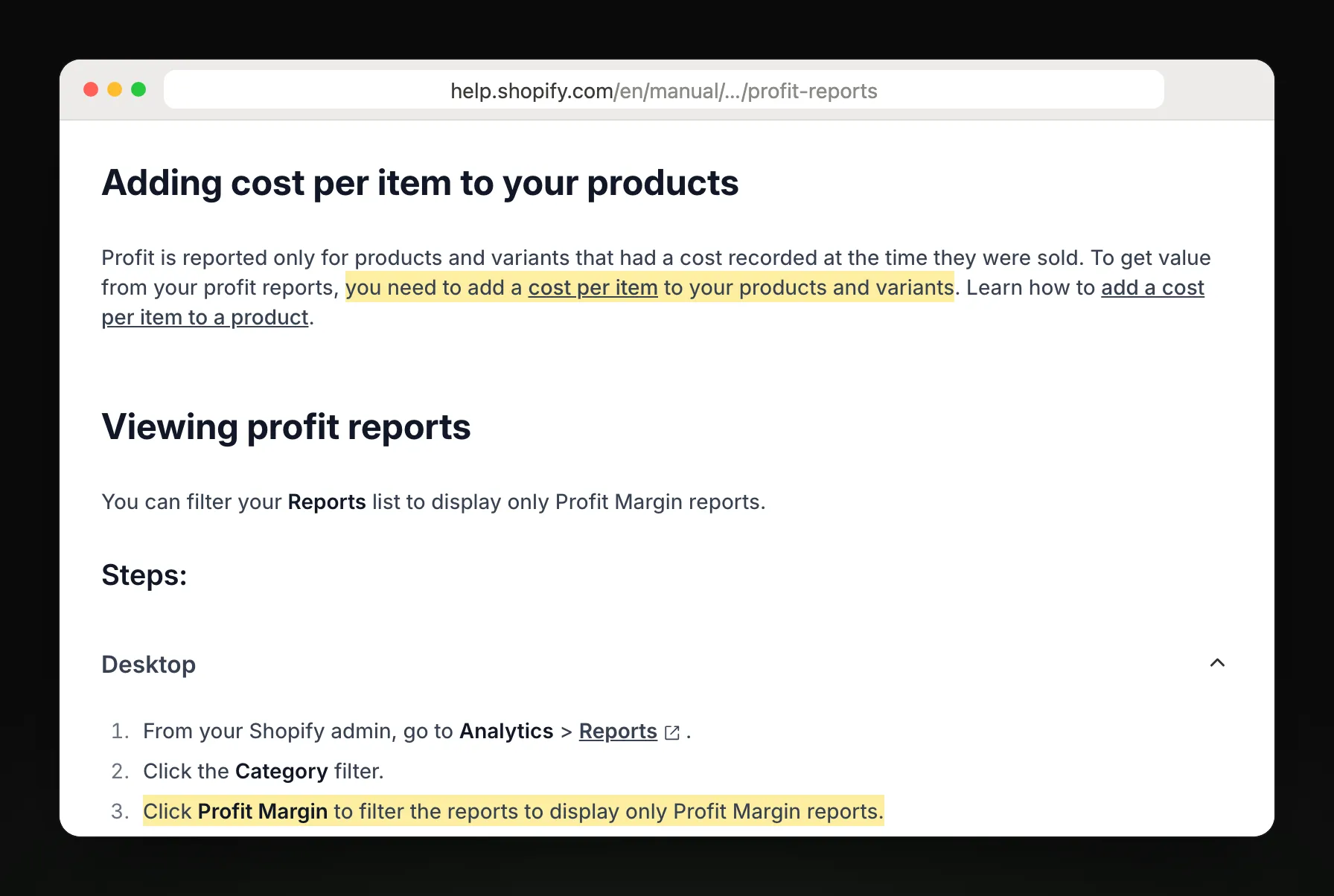
Steps and report names from Shopify Help Center: Profit reports.
Which profit report answers your question
| You want to know | Report |
|---|---|
| What do I make on each product? | Gross profit by product |
| Which size or color earns more? | Gross profit by product variant |
| Which store location earns more? | Gross profit by POS location |
| What's my margin on each order? | Profit margin by order |
| Which market has better margins? | Average profit margin by market |
What Shopify's report leaves out
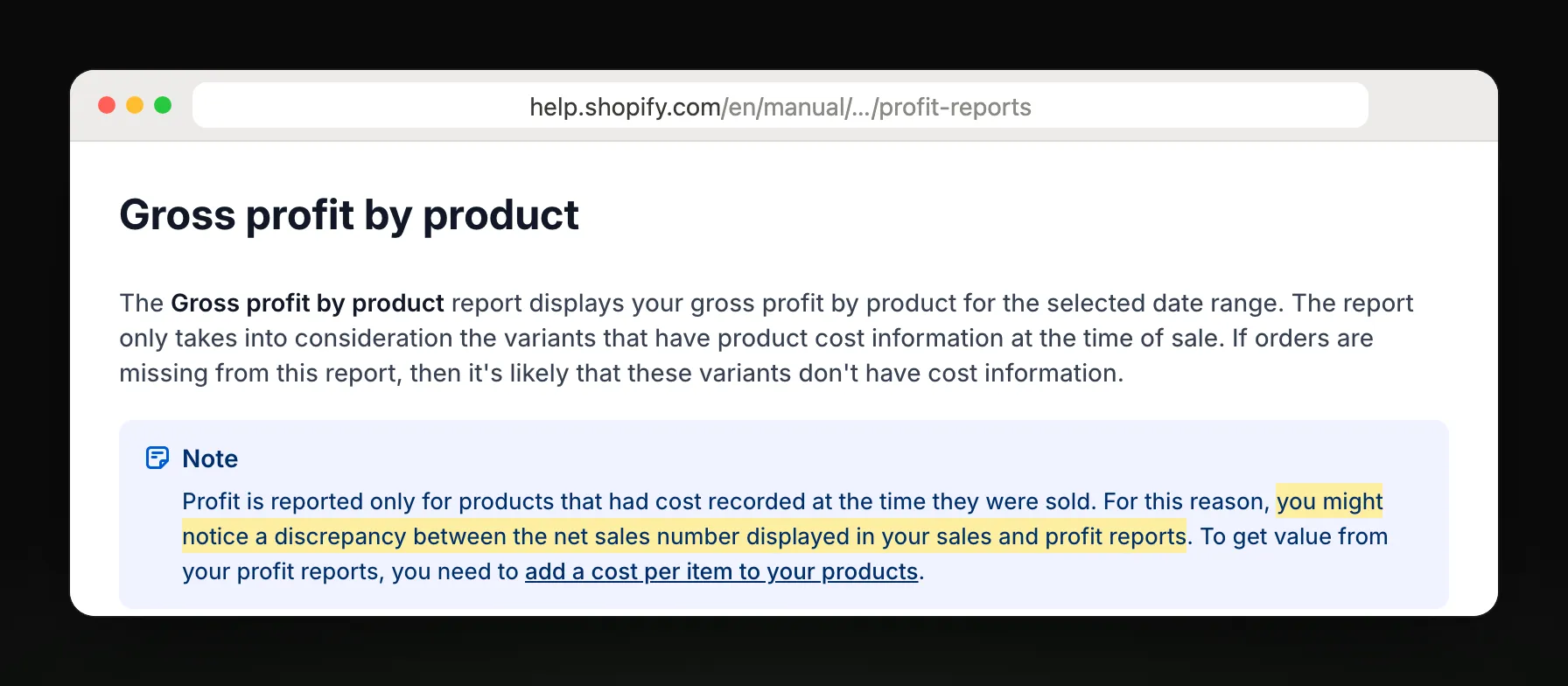
Sales made before you entered a cost are left out, so net sales here can be lower than in your sales reports.
Cost per item is one fixed number, so a supplier price change needs a manual update.
Gross profit is net sales minus the cost you entered; ad spend isn't part of it, so a product can look profitable while its ads lose money.
Discounts and refunds lower net sales, so the margin can sit below what the product page shows.
Get sales and ad spend in one email
Sales and ad spend, side by side
Replo doesn't read your costs yet, so it can't send profit. It can email your total sales and your ad spend and ROAS by ad, with ads that spent and sold nothing flagged.
Replo sends today
- Total sales against last week
- Ad spend and ROAS by ad
- Ads that spent and sold nothing
- Emailed to up to 10 teammates
Still in Shopify
Profit reports with your cost of goods
Gross profit by product
Margin by order or market
Frequently asked questions
- Does Shopify have a profit report?
- Yes. In your Shopify admin, go to Analytics, then Reports, and filter Category to Profit margin. Gross profit by product, by variant, by POS location and by order are there, once your products have a cost per item.
- Why is my Shopify profit report empty or low?
- Usually because products had no cost per item when they sold. Shopify only counts sales with a recorded cost, so older orders are missing. Add costs to your products and variants, and new sales will show profit from then on.
- How does Shopify calculate gross profit?
- Gross profit is net sales minus cost, and gross margin is that profit divided by net sales. Discounts and refunds lower net sales, so a $20 item that costs $10 but sells for $15 shows about a 33% margin.
- Can Shopify email me a profit report?
- Not as a scheduled report: you open it in the admin. Shopify Flow can send a scheduled email you build yourself. Replo doesn't read costs yet; it can email your sales and ad spend by ad, so you see which ads paid off.