How to run an inventory report in Shopify
Short answer
In your Shopify admin, go to Analytics, then Reports, filter Category to Inventory, and open the report for your question: Month-end inventory snapshot for stock on hand, Products by sell-through rate for what's selling, or Inventory remaining per product for days of stock left. Replo doesn't read inventory yet, so Shopify stays the place to check it.
Open the report in your Shopify admin
Open Analytics, then Reports
From your Shopify admin's left menu. In the Shopify app, tap the menu icon first.
Filter Category to Inventory
Click the Category filter and pick Inventory, so only stock reports are listed.
Open the report for your question
Stock on hand, sell-through or days left; the table below matches each to a question.
Set the period and export
Pick the dates, then export a CSV from the report if you need the rows for a reorder sheet.
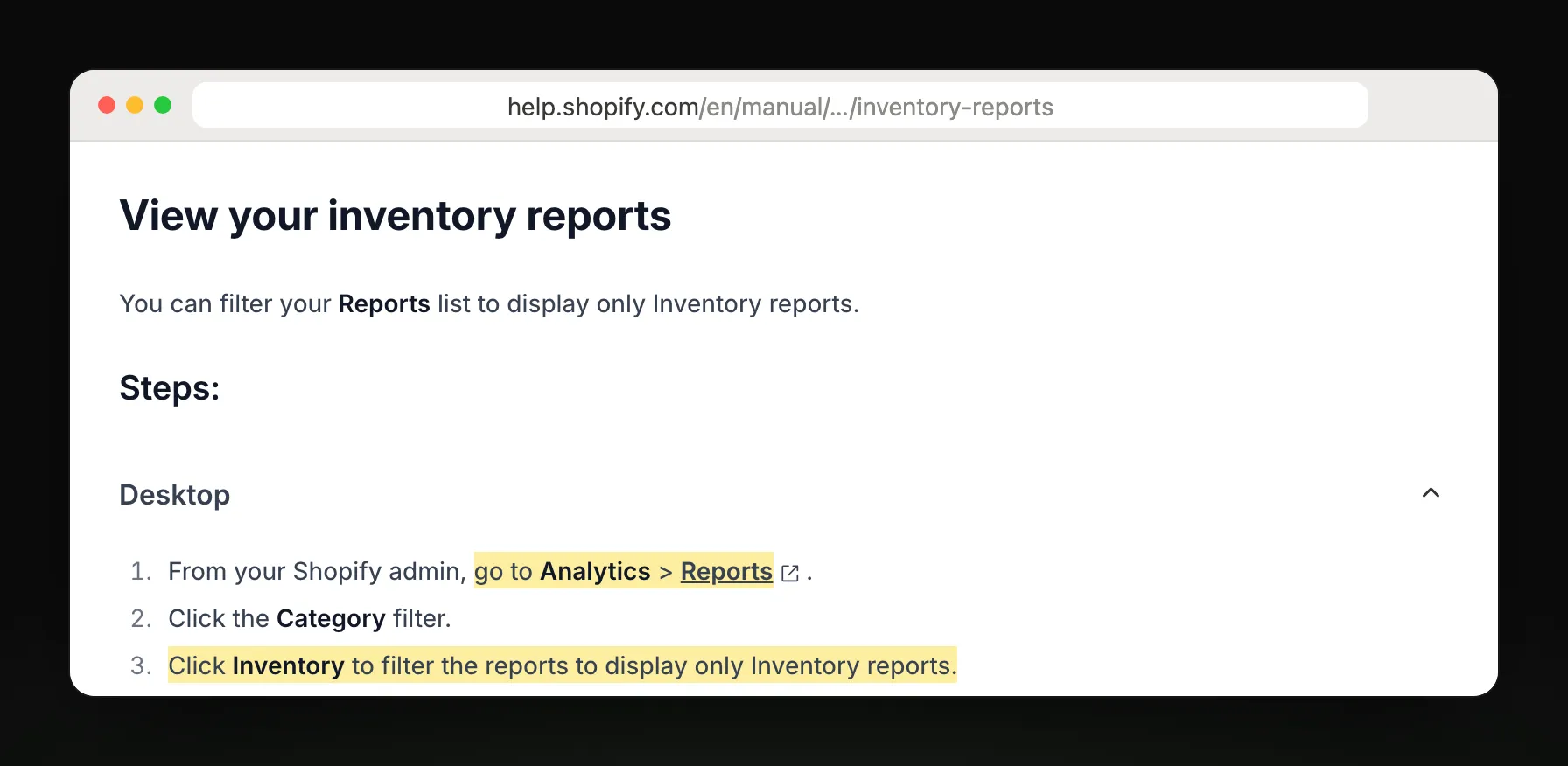
Steps and report names from Shopify Help Center: Inventory reports.
Which inventory report answers your question
| You want to know | Report |
|---|---|
| How much stock do I have? | Month-end inventory snapshot |
| What's my stock worth? | Month-end inventory value |
| How many sell each day? | Inventory sold daily by product |
| What share of stock sold? | Products by percentage sold |
| What sells through fastest? | Products by sell-through rate |
| When will I run out? | Inventory remaining per product |
| Which products earn the most? | ABC product analysis |
| Who changed a stock count? | Inventory adjustment changes |
What Shopify's report leaves out
It doesn't warn you. You open it to see what's running low, or export a CSV.
Stock is counted as On hand, which includes committed and unavailable units, so it can read higher than what you can sell.
Sell-through covers the last 30 days with about a two-day delay, and ABC grades are fixed to the last 28 days.
Inventory history starts in October 2023, and stock at deleted locations drops out of past reports.
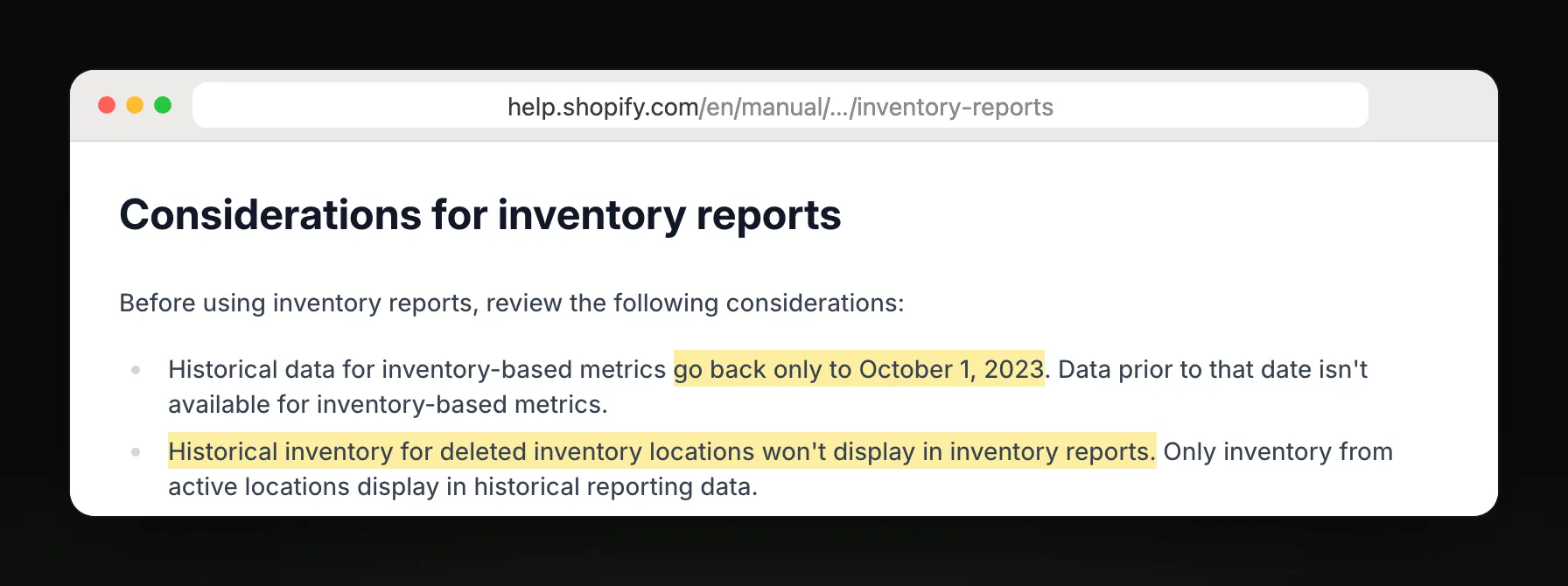
Get weekly sales beside your stock check
What Replo can send beside it
Replo doesn't read Shopify inventory yet. It can email last week's sales against the week before, so you spot a slowdown or a spike early, with ad spend and ROAS by ad beside it.
Replo sends today
- Total sales against last week
- Monthly totals against last year
- Ad spend and ROAS by ad
- Emailed to up to 10 teammates
Still in Shopify
Stock on hand and days left
Sell-through and reorder alerts
Delivery to Slack or Google Sheets
Frequently asked questions
- Where are inventory reports in Shopify?
- In your Shopify admin, go to Analytics, then Reports, and filter Category to Inventory. You'll see stock snapshots, sell-through, days of stock left, ABC grades and a log of every stock adjustment, each with its own date range.
- How do I see days of stock left in Shopify?
- Open Inventory remaining per product. Shopify estimates days left from each variant's ending quantity and its average daily sales over the last 28 days. A variant with no sales shows N/A, and one with negative stock shows 0.
- Why are my inventory report numbers higher than available stock?
- Because inventory reports count On hand stock, which includes units committed to open orders and units marked unavailable. Available is lower. Reports switched to On hand, so older periods still show Available.
- Can Shopify email me an inventory report?
- Not as a scheduled report: you open it in the admin or export a CSV. Shopify Flow can send a scheduled email you build yourself. Replo doesn't read inventory yet; it can email your weekly sales and ad results.