How to see your conversion rate in Shopify
Short answer
In your Shopify admin, go to Analytics, then Reports, filter Category to Behavior, and open Conversion rate over time: the share of online store sessions that ended in a purchase. Conversion rate breakdown shows where shoppers drop off before checkout. Replo emails how each of your Replo pages converts every Monday.
Open the report in your Shopify admin
Open Analytics, then Reports
From your Shopify admin's left menu. In the Shopify app, tap the menu icon first.
Filter Category to Behavior
Click the Category filter and pick Behavior, so only session reports are listed.
Open Conversion rate over time
The share of sessions with a purchase, with cart and checkout counts beside it.
Open Conversion rate breakdown
A funnel from all sessions to cart, checkout and completed checkout, to see where shoppers leave.
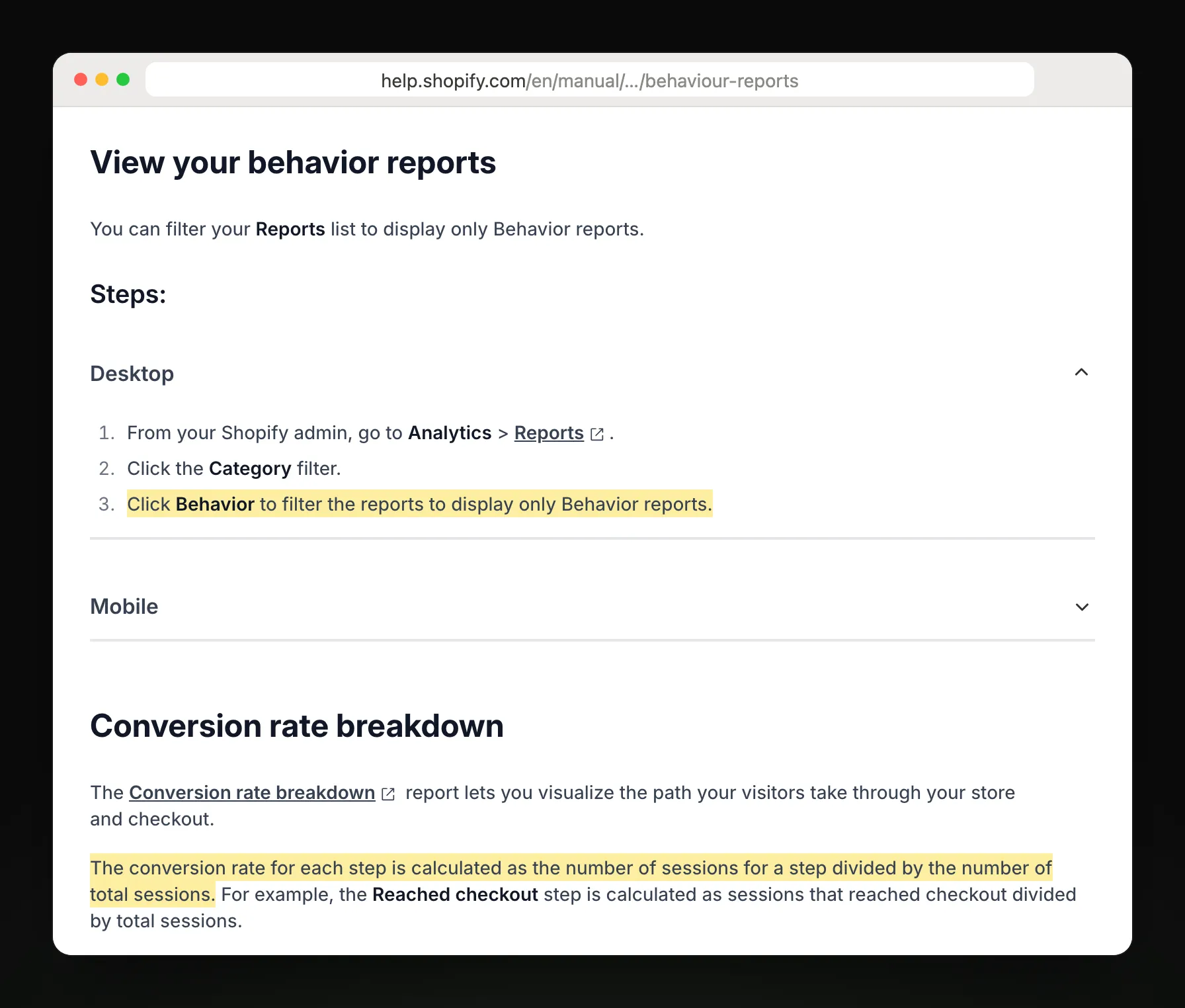
Steps and report names from Shopify Help Center: Behavior reports.
Which behavior report answers your question
| You want to know | Report |
|---|---|
| How many visitors bought? | Conversion rate over time |
| Where do shoppers drop off? | Conversion rate breakdown |
| Which page do visits start on? | Sessions by landing page |
| Phone or desktop? | Sessions by device |
| Is my store fast enough? | Web performance reports |
| What do shoppers search for? | Searches by search query |
| Which searches find nothing? | Searches with no results |
What Shopify's report leaves out
It isn't sent to you. You open the admin each time, or export a CSV.
It counts only pages Shopify hosts, so landing pages built elsewhere aren't in the rate.
One session can hold more than one purchase, so completed checkouts and orders can differ.
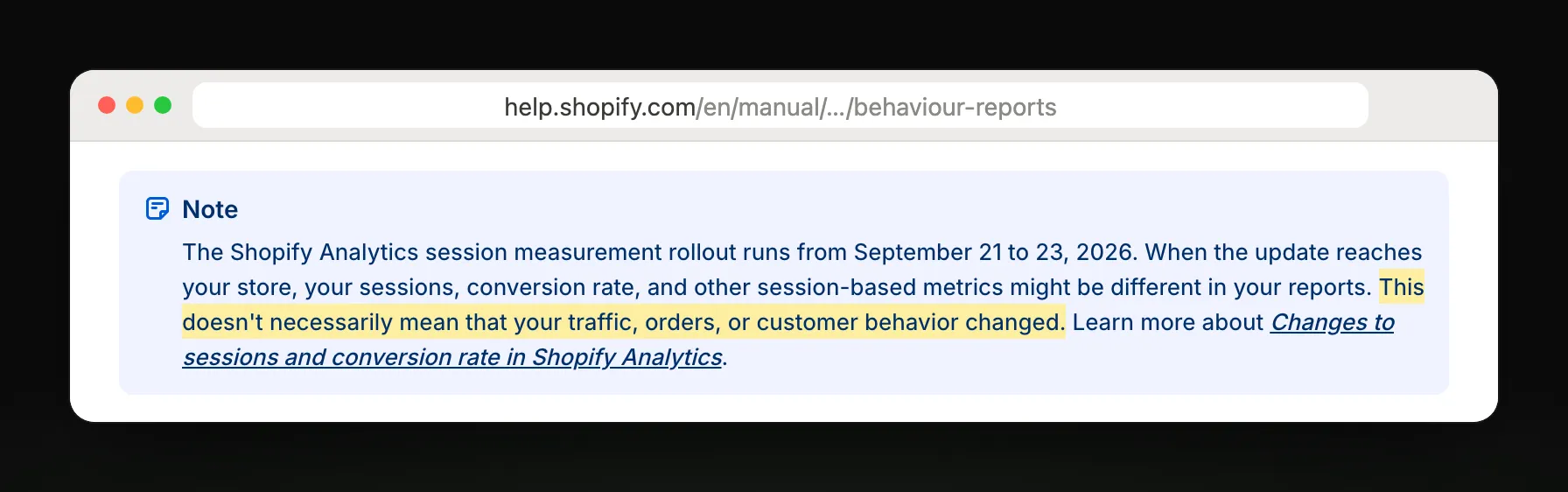
It shows where shoppers leave, not why; Shopify has also changed how it counts sessions, so a jump isn't always a change in shoppers.
Get your pages' conversion emailed every Monday
Page visitor insights, by email
Replo tracks visits, add-to-carts and sales on every Replo page, and every Monday emails which pages turned visits into sales and where their visitors came from, to up to 10 people in your workspace.
Replo sends today
- Visits and sales on every Replo page
- Where each page's visitors came from
- A conversion grade every Monday
- Ad spend and ROAS by ad
- Emailed to up to 10 teammates
Still in Shopify
Conversion rate for pages Shopify hosts
Shopify's checkout funnel
Delivery to Slack or Google Sheets
Frequently asked questions
- Where is conversion rate in Shopify?
- In your Shopify admin, go to Analytics, then Reports, filter Category to Behavior, and open Conversion rate over time. It shows the share of online store sessions that ended in a purchase, grouped by day, week or month.
- How does Shopify calculate conversion rate?
- It divides sessions that completed checkout by all online store sessions in the period. The report shows the steps between too: sessions with a cart addition and sessions that reached checkout, so you can see which step loses the most shoppers.
- Why don't my orders match completed checkouts?
- Because one session can include more than one purchase. Shopify counts the session once as converted, while each purchase is its own order, so the order count can be higher than sessions that completed checkout.
- Can Shopify email me my conversion rate?
- Not as a scheduled report: you open it in the admin. Shopify Flow can send a scheduled email you build yourself. Replo emails visits, add-to-carts and sales for every Replo page each Monday, with a grade for conversion.